Last updated October 21, 2026
Emailgistics vs Hiver
The Outlook-native shared inbox, with no separate app to learn.
Get a Demo
Trusted by global teams across banking, healthcare, logistics, and beyond

















Built for Outlook vs. built for Gmail
Hiver began as a shared inbox for Gmail and now connects Microsoft 365 shared mailboxes through Hiver Omni, its own app. Emailgistics was built for Microsoft 365 from the start. It works inside Outlook as an add-in, on the shared mailboxes you already have, so your team never leaves Outlook and message bodies stay in Exchange Online.
Emailgistics vs Hiver for Microsoft 365 teams
Works inside Outlook vs. a separate app for Outlook mailboxes
| Feature |  | Hiver |
|---|---|---|
| Built for | Microsoft 365 and Outlook | Gmail first; Outlook via Hiver Omni |
| Where your team works | Inside Outlook, as an add-in | In Hiver’s own interface |
| How the mailbox connects | App registration your organization controls | One team member’s Microsoft account |
| If the connecting person leaves | Nothing changes | Sync and sending stop until someone reconnects |
| Where email lives | Message bodies stay in Exchange Online | Imports and syncs mail into Hiver |
| Duplicate-reply prevention | Single ownership: one owner per email | Collision alerts when two people open an email |
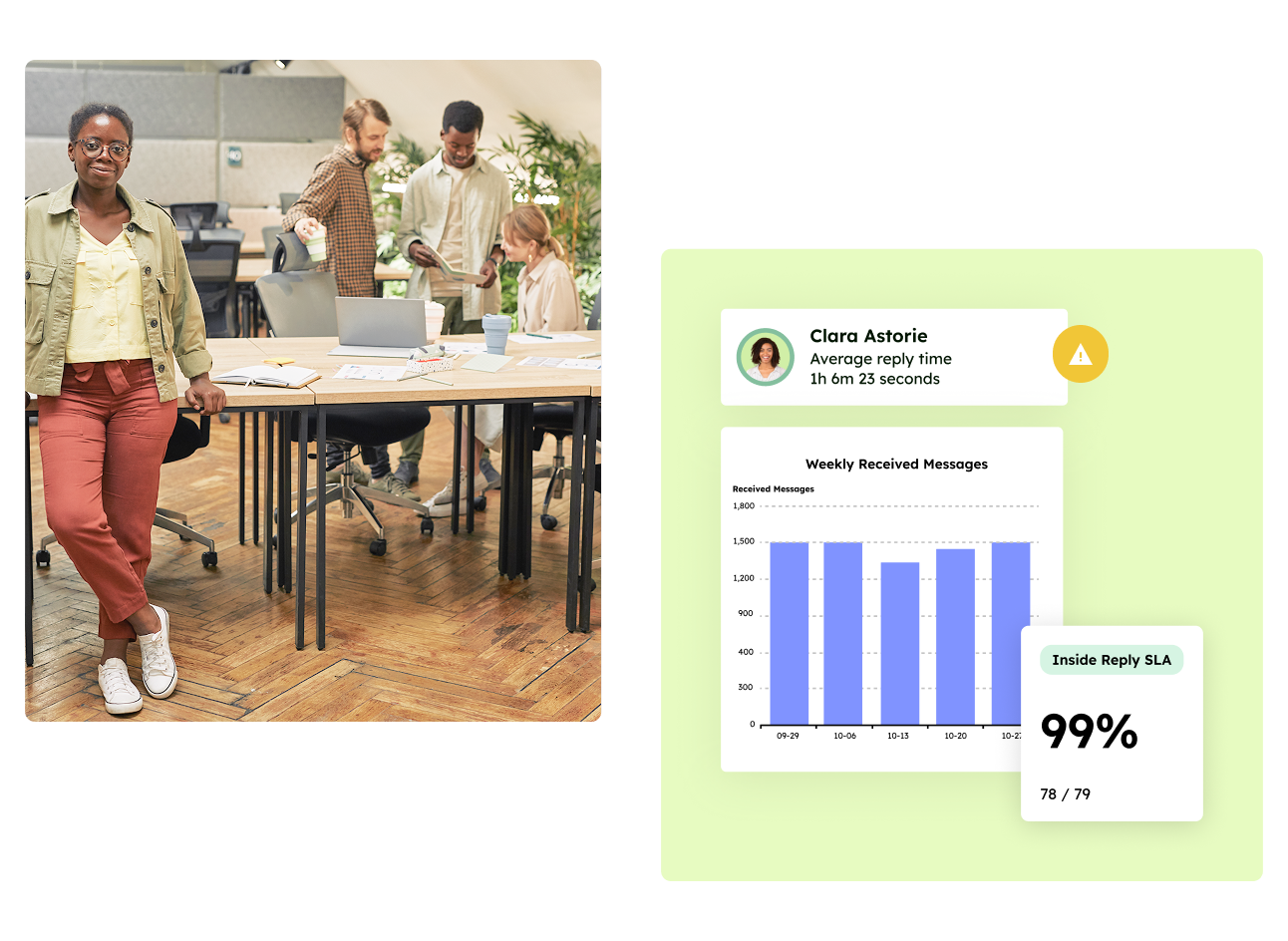
| SLA tracking and alerts | SLA targets with at-risk and breach alerts | SLA tracking |
| Starting price (billed annually) | $11 per user per month | $25 per user per month |
Where your team works: Hiver Omni vs. Outlook
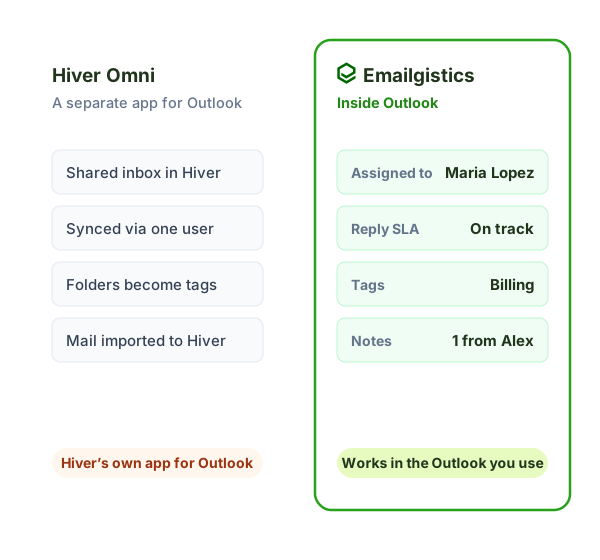
For Microsoft 365, Hiver connects shared mailboxes to Hiver Omni, a separate app, and syncs them through one team member’s Microsoft account. Emailgistics works inside Outlook, on the shared mailboxes you already have.
- Day to day: agents switch to Hiver’s interface vs. stay in Outlook.
- Connection: one person’s account vs. an app registration your organization controls.
- Your mail: imported and synced into Hiver vs. message bodies staying in Exchange Online.
Emailgistics starts at $11 per user per month. See Emailgistics pricing.
Why Outlook teams choose Emailgistics over Hiver
- Built for Microsoft 365 from the start, not added later
- Your team works inside Outlook, with no separate app or new interface
- Collision-free by design: every email has exactly one owner
- Connected through an app registration your organization controls
- Message bodies and attachments stay in Exchange Online
- Plans start at $11 per user per month, billed annually
Yes, through Hiver Omni. Hiver began as a Gmail product. For Microsoft 365, it connects your shared mailbox to Hiver Omni, where the shared inbox appears in Hiver’s own interface, and syncs mail using one team member’s Microsoft account (per Hiver’s help center). Emailgistics works inside Outlook itself, on the shared mailboxes you already have.
Yes. Emailgistics gives Microsoft 365 teams shared inbox features like assignment, SLA alerts, internal notes and reporting, inside Outlook rather than in a separate app. Your team keeps working in the inbox they already use, and message bodies stay in Exchange Online.
Hiver uses collision detection to warn agents when two people open the same email. Emailgistics doesn’t need it: every email is routed to exactly one owner, so duplicate replies can’t happen. Reassign anytime, and ownership moves with it.
Emailgistics starts at $11 per user per month billed annually ($13 billed monthly). Hiver starts at $25 per user per month billed annually ($35 billed monthly), per Hiver’s pricing page as of October 2026. Both are priced per user.
With Hiver, a shared mailbox syncs through the Microsoft account of the person who connected it, so if they leave, syncing and sending stop until someone else reconnects. Emailgistics connects through an app registration your organization holds, so staff changes don’t interrupt the mailbox.
No. Emailgistics works on top of your existing Microsoft 365 shared mailboxes, so there is nothing to move. Email stays in Exchange Online, your team keeps working in Outlook, and setup is a short checklist and one guided onboarding session with your Microsoft 365 admin.
Compare Emailgistics vs
Keep your team and your data in Outlook
The shared inbox built for Microsoft 365, working inside the Outlook your team already uses.