


Emailgistics for Logistics & Transportation
Drive email communication forward
Emailgistics streamlines email for transportation and logistics teams, improving communication flow and timely deliveries inside Microsoft 365.
Get a Demo
Streamline communication to meet delivery timelines with ease
Emailgistics helps transportation and logistics teams manage shared mailbox email with automatic assignment, SLA tracking, and real-time performance visibility inside Microsoft 365. Teams handle urgent inquiries faster, reduce internal communication chaos, and maintain service-level accountability.

Reduce resolution time

Streamline team collaboration

Make data-driven decisions
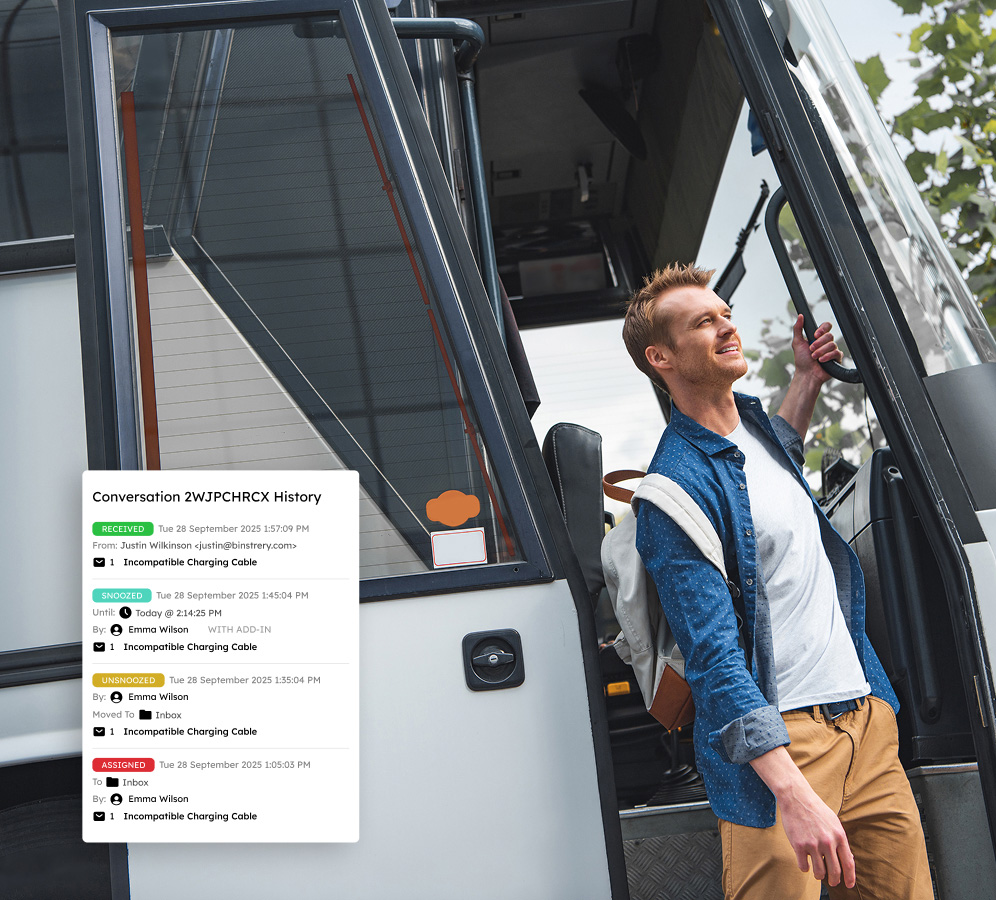
Centralize conversations and improve team collaboration
Assigning messages to a single user eliminates conflicting responses and ensures accountability. Conversation history and internal notes provide relevant information without the clutter of traditional email chains, enhancing collaboration among dispatchers, warehouse staff, and customer service representatives.
Keep shipments on track with automated workflows
Customizable priority assignment rules automatically route urgent messages to the correct agent, while team-wide templates enable fast, consistent responses to shipment, delivery, and tracking inquiries, keeping your supply chain running smoothly.
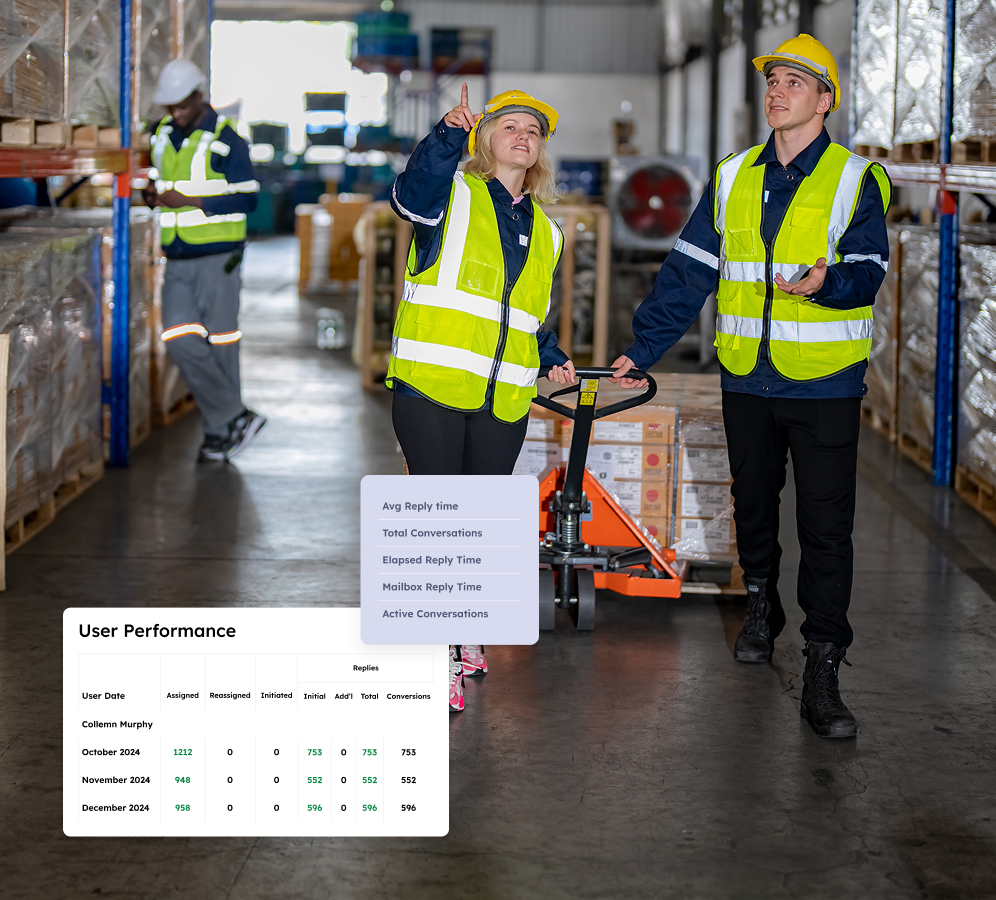
Leverage performance data to drive business
Customizable dashboards deliver real-time insights into response times, team workload, and email traffic trends. Detailed reports help companies optimize supply chain operations, reduce delays, and enhance customer service.
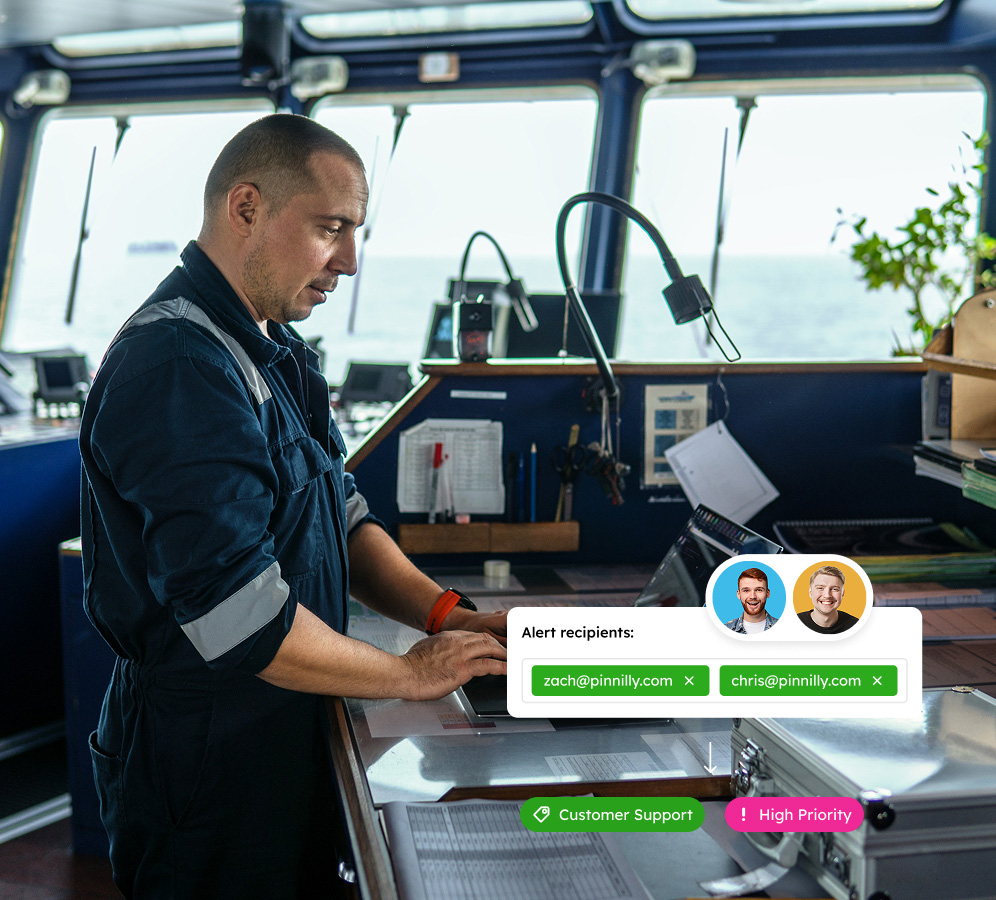
Enhance customer service with SLA monitoring
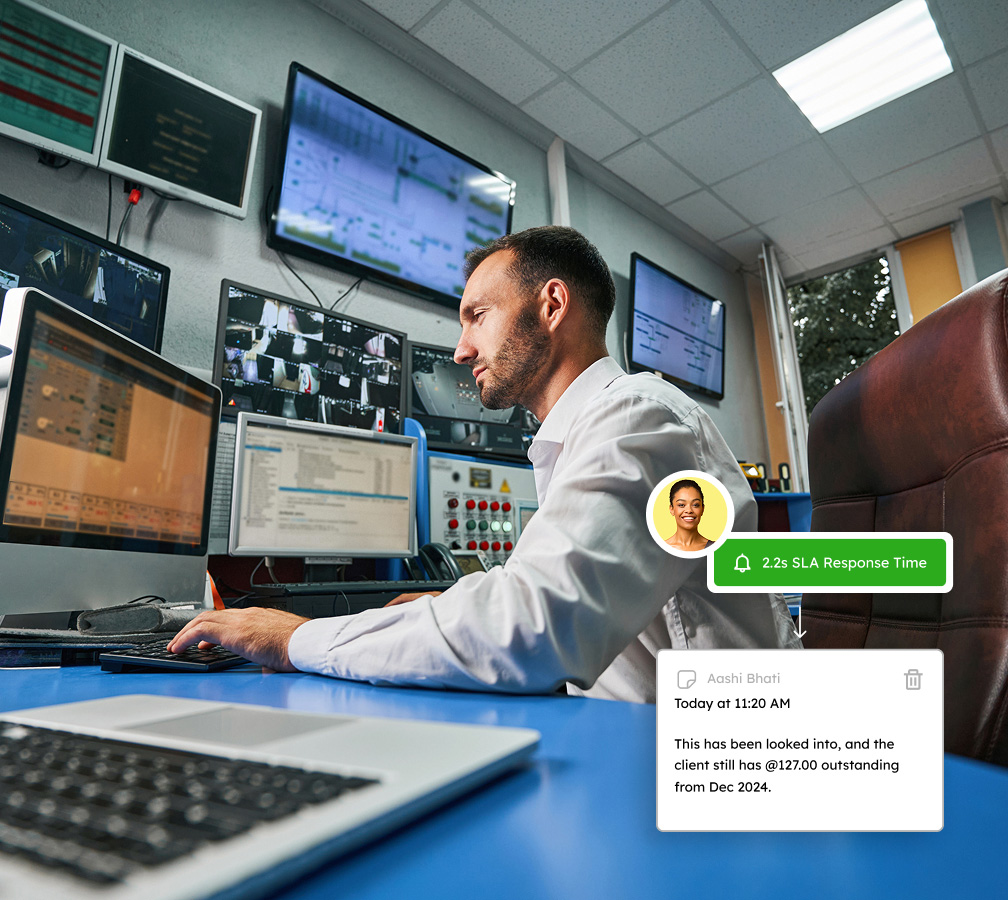
Emailgistics SLA monitoring tools deliver real-time updates on response and resolution times, sending instant alerts before deadlines approach so teams can proactively resolve issues and avert shipment delays.
Gain control of your shared inbox to keep orders and shipments moving
Book a demo tailored to your industry needs and try Emailgistics free for 14 days.
Get a Demo
Every feature your expanding team needs for streamlined success
Emailgistics upgrades shared inboxes with automated email management, enhanced collaboration, and insightful reporting that supports SLA compliance.

Auto-Assignment
Distribute emails automatically using round-robin or load balancing. Load balancing accounts for each team member’s availability and message cap, so no dispatcher or rep gets buried while others have capacity.

Max Messages
Set a cap on open emails each team member can hold at once. When a rep hits their limit, new assignments skip them until their queue clears, preventing burnout during peak periods while keeping throughput high.

Backup Assignees
Designate backup assignees for every team member so urgent shipment inquiries never sit unattended. When a user is unavailable, emails route to their backup, maintaining coverage without manual intervention.

Conversation History
Every assignment, reply, tag, and status change is logged in a chronological thread. Team members can see what happened before they joined, eliminating repeated questions and improving handoffs.

Notes
Add internal notes to any email thread, visible only to your team and never sent to the customer. Log carrier details, flag tasks, or brief a colleague before reassigning, keeping everyone aligned.

Rules
Create rules that trigger on sender, subject, or keywords to automatically assign, tag, prioritize, or reply. Route shipment requests to operations, flag exceptions as urgent, and acknowledge carrier emails.

Templates
Build a library of pre-written responses for delivery ETAs, status updates, and rate confirmations. Every rep pulls from the same approved language, keeping tone and accuracy consistent across touchpoints.

Analytics
Monitor live dashboards showing response times, open email counts, and workload distribution. Spot backlogs early, rebalance assignments in real time, and use KPI trends to inform staffing decisions.

Reports
Schedule or export reports on email volume, User Closed Counts, Initial Reply Counts, and SLA compliance. Benchmark performance, identify agents needing support, and demonstrate service adherence.

AI-assisted email handling
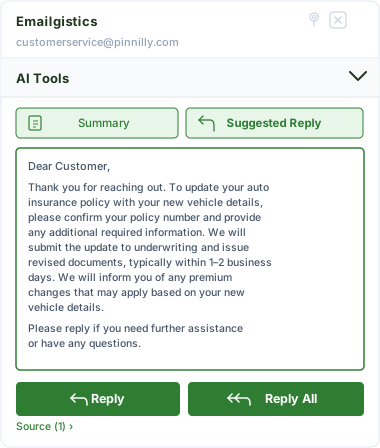
Emailgistics AI helps teams respond faster and more consistently by suggesting replies based on approved knowledge sources and summarizing conversation threads. This reduces response time, improves accuracy, and supports smoother handoffs between team members.
Empowering your team for customer success
Transform your business with Emailgistics—quick replies, organized workflows, and standout service.

"Our vendor communications are now much clearer and more organized. Emailgistics has greatly improved our partnership relationships."
Check out our 5-star reviews on G2
Emailgistics automatically assigns incoming emails to team members, routes messages by rule, and tracks all shared mailbox conversations inside Outlook, ensuring shipment inquiries, carrier communications, and customer requests are handled on time.
Yes. Automatic assignment ensures every email has a clear owner on arrival. Priority rules can surface time-sensitive shipment or delivery inquiries first, reducing response delays and improving coordination.
Each shared mailbox can have its own assignment rules, visibility settings, and SLA targets in Emailgistics. Teams across functions can manage their inboxes independently within the same Microsoft 365 environment.
Yes. Workload-balancing assignment distributes emails based on team member availability and message limits, preventing bottlenecks during peak seasons without manual management.
Reporting dashboards in Emailgistics provide visibility into response times, email volume, and team workload, helping operations managers identify backlogs and make targeted process improvements.
Yes. Emailgistics is built for Microsoft 365 and operates directly inside Outlook, requiring no additional tools or workflow changes.

Maximize email efficiency, strengthen team output, and increase customer satisfaction
Book your personalized demo, then try Emailgistics free for 14 days–no credit card required.