


Workflow Automation for Outlook
Automate shared mailbox workflows with precision
Emailgistics brings consistency to shared mailbox operations by applying configurable rules to every message, routing, assigning, and prioritizing automatically inside Outlook.
Get a Demo
Manual email triage doesn't scale as shared mailbox volume grows
Emailgistics automates routing, assignment, and prioritization across Outlook shared mailboxes using configurable rules. Emails are assigned to the right team member on arrival, reducing manual triage so teams can handle more volume with less effort.
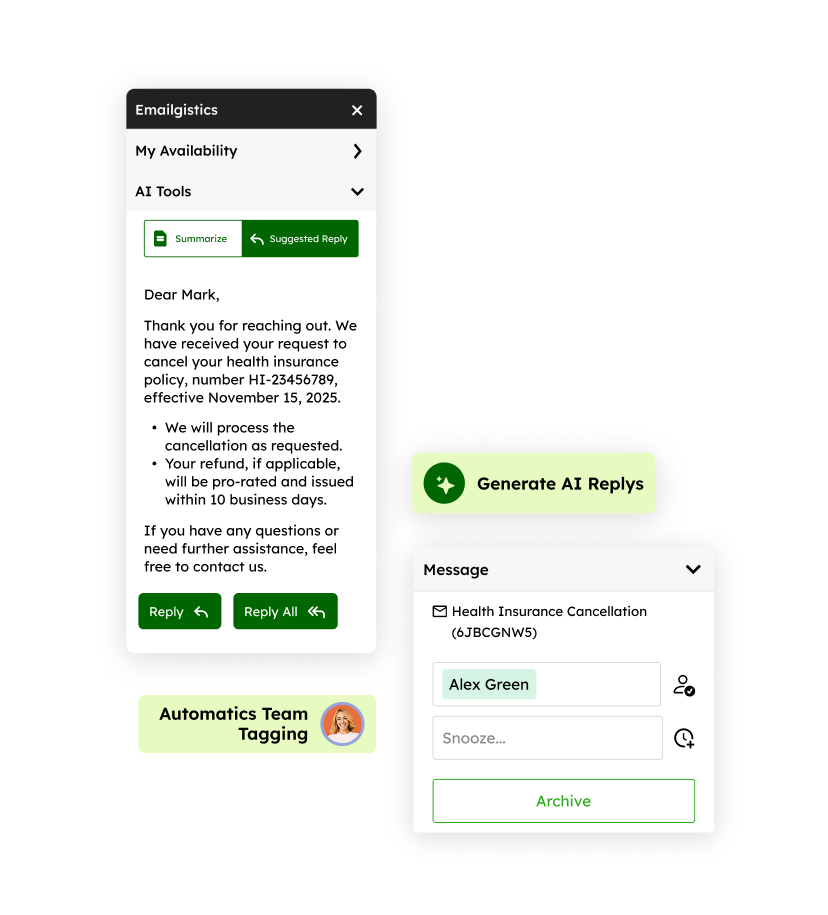
Assign every email to the right team member on arrival
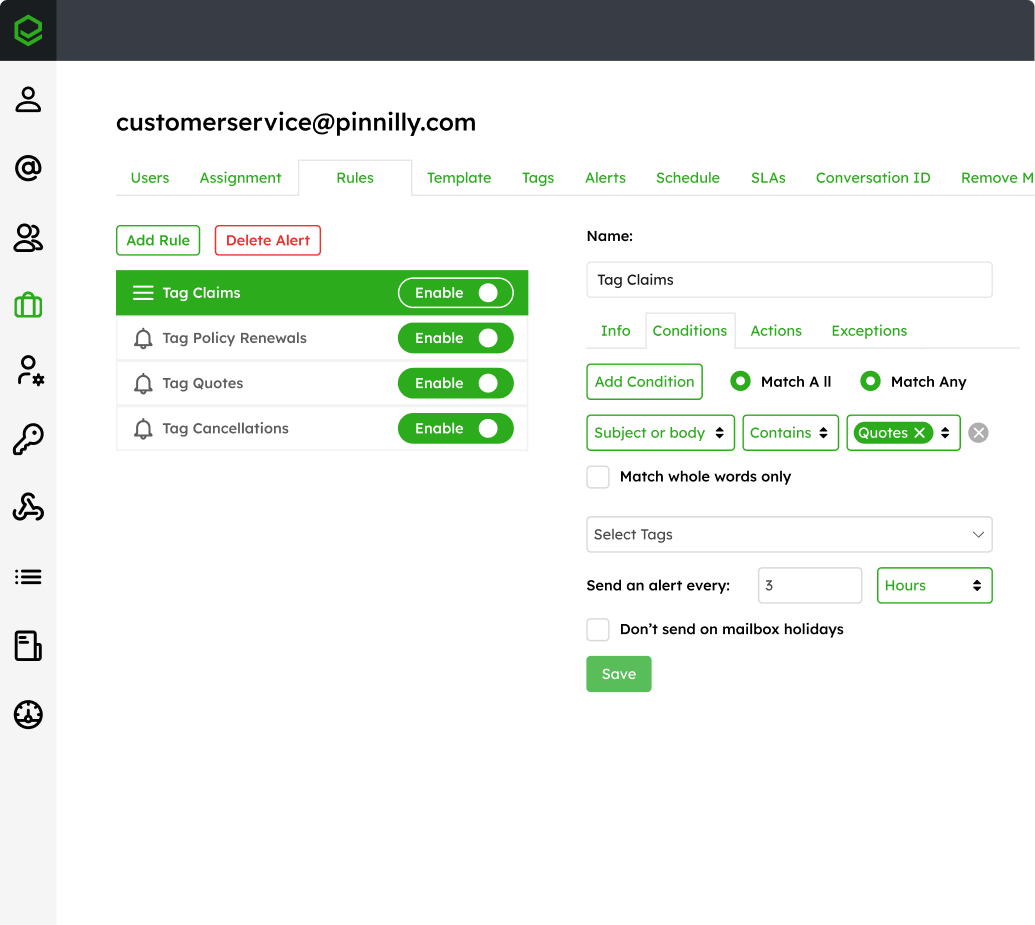
Ensure consistency with rule-based workflows
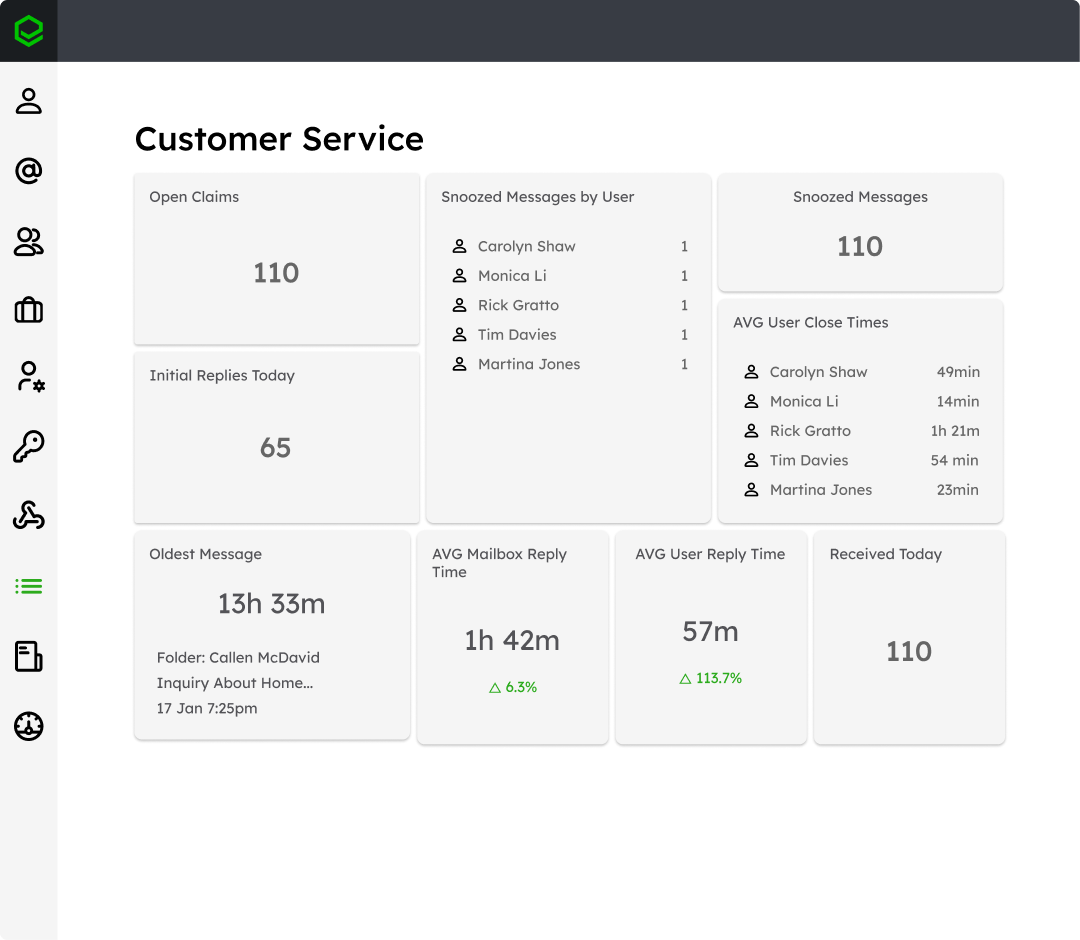
Reply faster by prioritizing the right emails
Automatically route emails to the right person
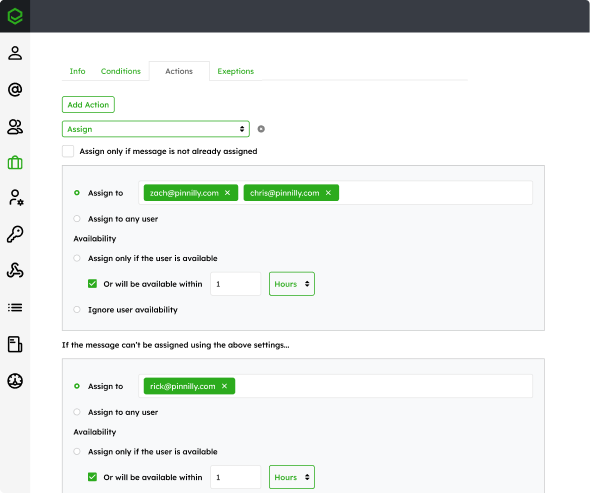
Manually reviewing and assigning emails slows teams down and introduces inconsistency. Emailgistics uses rules based on sender, content, keywords, or conditions to route emails to the right user or team as soon as they arrive.
Create repeatable workflows with flexible rules
Every shared mailbox has patterns, but manual processes make them hard to enforce. Emailgistics allows teams to define rules that assign, tag, and organize emails automatically, creating predictable workflows that scale as volume increases.
Prioritize what matters most
Not all emails should be handled the same way. Priority-based routing ensures urgent or high-value messages are surfaced and handled first, helping teams reduce delays and respond more effectively.
“I like the auto routing because it takes away that decision fatigue of, should I do this one, should I do that one? It just puts it in your mailbox.”

JTF Gov automated triage for 1,600+ weekly emails across a six-person team with Emailgistics
 Rated 4.7/5 on G2
Workflow automation features built for shared mailboxes
Emailgistics provides configurable workflow logic that controls how emails are routed, assigned, and managed across shared mailboxes.

Rules and conditional logic
Set up rules based on sender, subject keywords, or custom conditions to govern email handling. Matching messages can be assigned to agents, tagged for categorization, or routed through a workflow automatically.

Assignment and distribution
Route email using round-robin, workload-balancing by open count, or assigning to the agent who last handled that contact. Rules match messages to specialists, keeping workloads balanced and continuity intact.

Workflow timing and organization
Snooze emails until a set time so follow-ups appear when actionable. Tags let teams sort messages by topic, priority, or stage, giving everyone a shared structure to track work and keep workflows organized.

AI-enhanced workflow automation
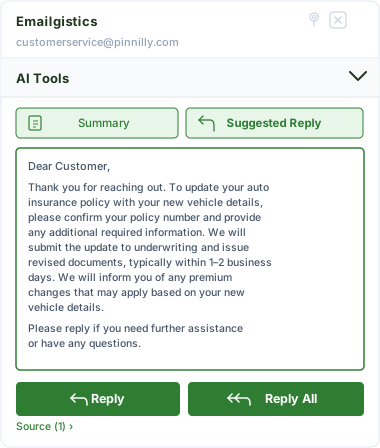
Emailgistics AI strengthens automation by suggesting replies based on approved knowledge sources and summarizing email threads. This allows teams to move from automated routing to faster, more consistent responses without sacrificing accuracy or control.
Automate how your team manages shared mailboxes
See how rule-based automation creates consistent, scalable workflows for shared mailboxes inside Outlook.
Seamless and Secure
Emailgistics is SOC 2-compliant and built for Microsoft 365, allowing teams to automate workflows directly within Outlook while minimizing IT overhead and complexity.



Workflow automation uses rules and conditions to automatically route, assign, and organize emails in a shared mailbox, reducing manual triage and improving consistency.
Emailgistics allows teams to create rules based on sender, keywords, and conditions to assign emails, apply tags, and control how messages are handled.
Priority rules can be configured to identify urgent or high-value emails and ensure they are assigned and handled before other messages.
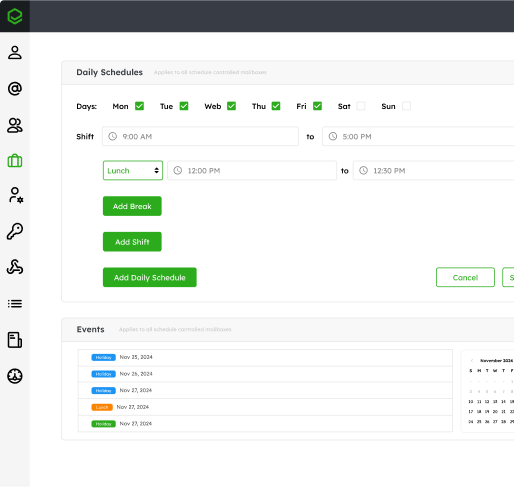
Yes. Emailgistics considers user availability, schedules, and workload limits when assigning emails, ensuring workflows remain balanced and accurate.
Outlook rules can automate basic actions such as moving emails or forwarding messages, but they are limited in flexibility and visibility. Emailgistics provides advanced workflow automation with conditional logic, dynamic assignment, and priority-based routing. This allows teams to automate complex workflows while maintaining control and transparency.
In most cases, yes. Emailgistics automates routing and assignment based on predefined rules, reducing or eliminating the need for manual triage. Teams can still make adjustments when needed, but most emails are handled automatically and consistently.

Replace manual triage with automated team workflows
Book your demo, then try Emailgistics free for 14 days to see how automation improves speed, consistency, and performance. No credit card required.