


Emailgistics for Travel & Hospitality
Deliver 5-star customer experiences
Manage guest bookings and inquiries with Emailgistics inside Microsoft 365, collaborating to deliver swift responses and personalized service.
Get a Demo
Elevate guest experience with efficient email management
Emailgistics helps travel and hospitality teams manage guest inquiries and booking requests with automatic assignment, workload balancing, and real-time performance monitoring inside Microsoft 365. Teams respond faster, reduce workflow inefficiencies, and deliver the consistent service experience guests expect.

Reduce resolution time

Streamline team collaboration

Make data-driven decisions
Streamline communication for great guest experiences
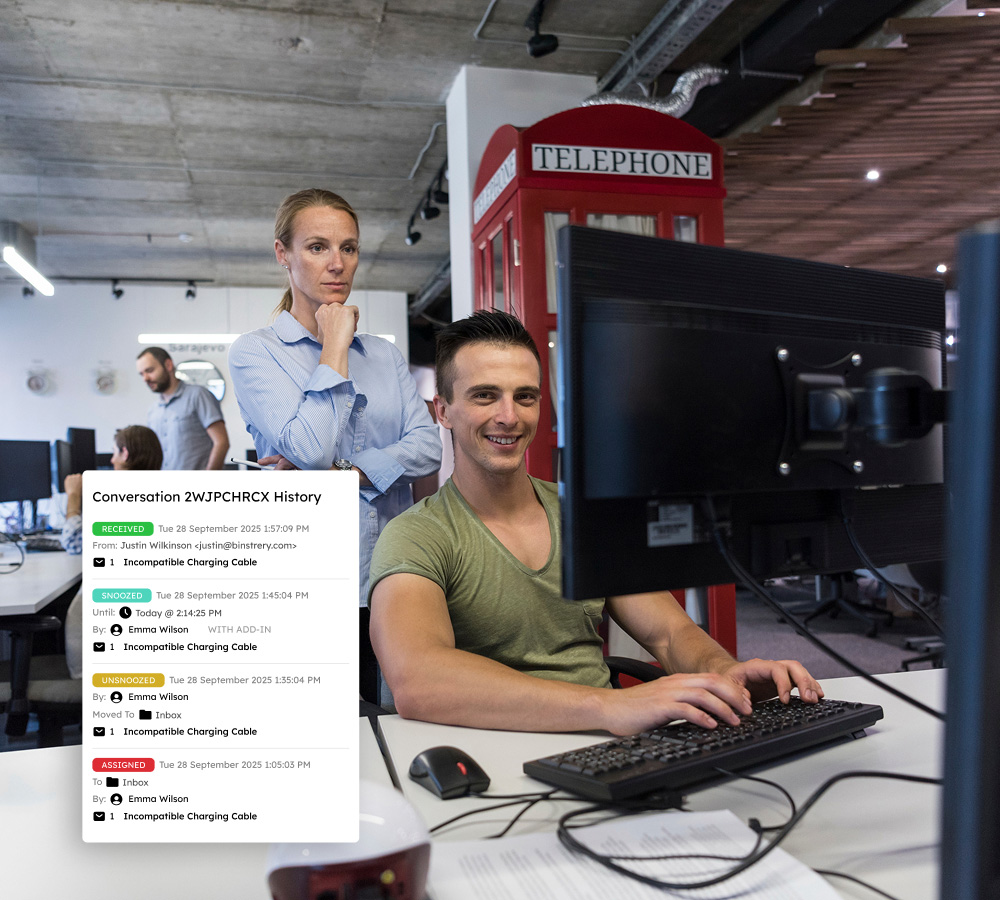
Conversation history and internal notes provide context without CC chains, reducing clutter and enhancing collaboration among agents and hotel staff. Team-wide templates speed up responses, freeing agents to focus on creating personalized travel experiences.
Delight travelers with fast, personalized service
Emailgistics auto-assignment and customizable rules intelligently distribute guest inquiries and booking requests among agents, eliminating manual triage and ensuring each thread has a single point of contact for consistent, personalized service.
Transform data into strategic insights and positive reviews
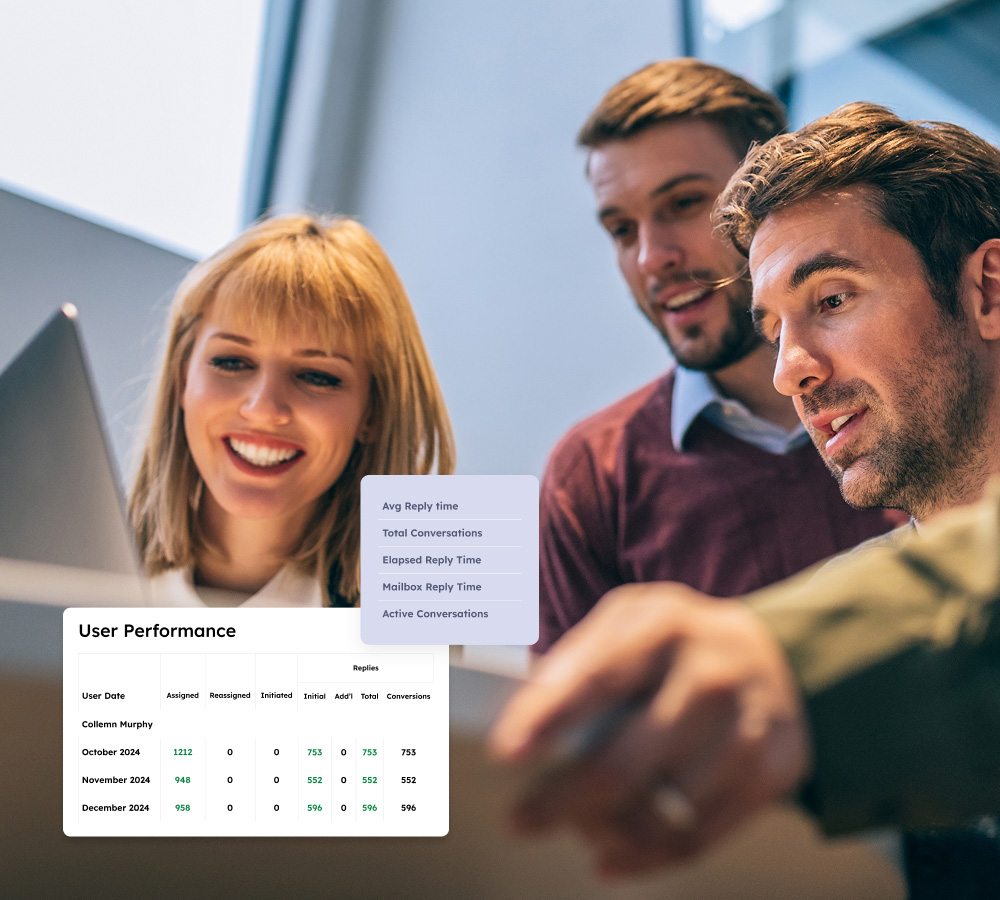
Customizable dashboards and detailed reports on email volume and resolution times give travel and hospitality teams the insights they need. Real-time KPIs allow management to identify trends and bottlenecks, informing staffing decisions and improving service delivery.
Deliver exceptional service with instant SLA monitoring
Monitor response and resolution times against established SLAs, with custom alerts notifying agents of approaching deadlines and real-time dashboards pinpointing backlogs so teams can preserve high service standards and strengthen client loyalty.
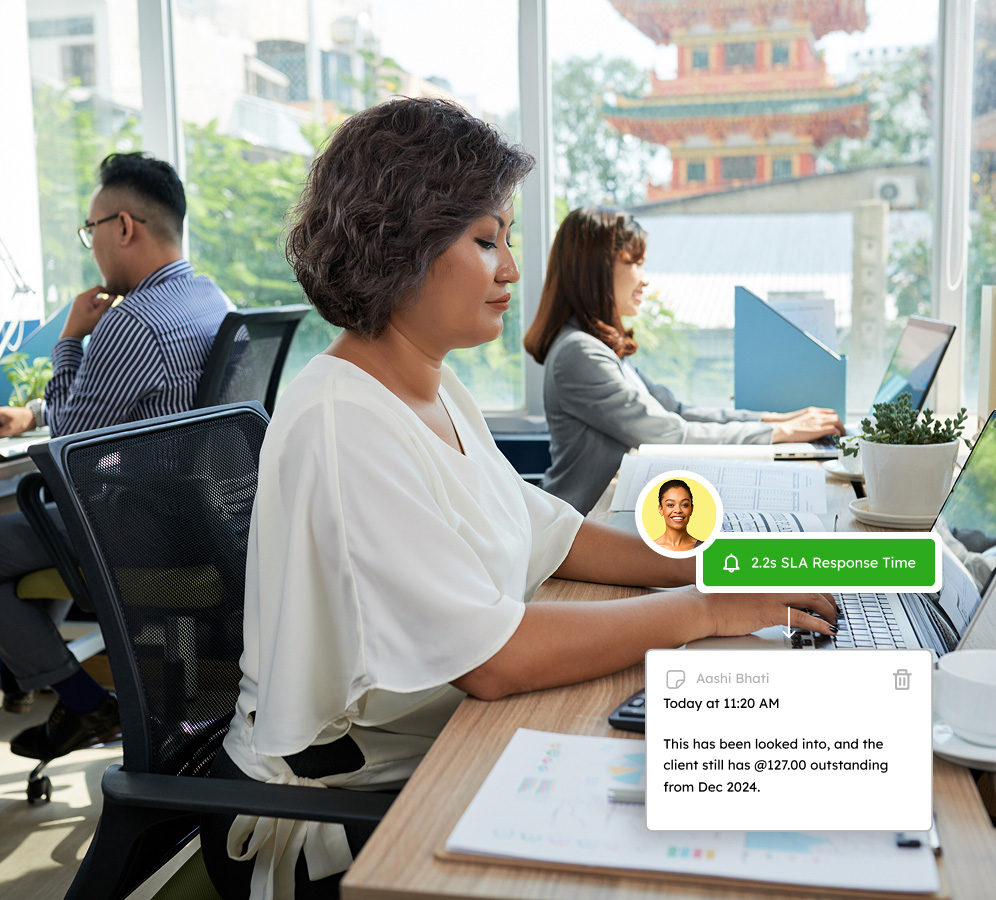
Be the company known in travel and hospitality for quick and reliable customer service
Book a demo customized to your industry needs and try Emailgistics free for 14 days.
Get a Demo
Powerful features for teams on the move to stay coordinated and efficient
Emailgistics enhances shared inboxes with automation, collaborative capabilities, and insightful analytics to support SLA management.

Auto-Assignment
Emails are distributed via round-robin or load-balanced assignment, accounting for each agent's availability and message limit. No single agent gets overwhelmed during peak periods.

Priority Assignment
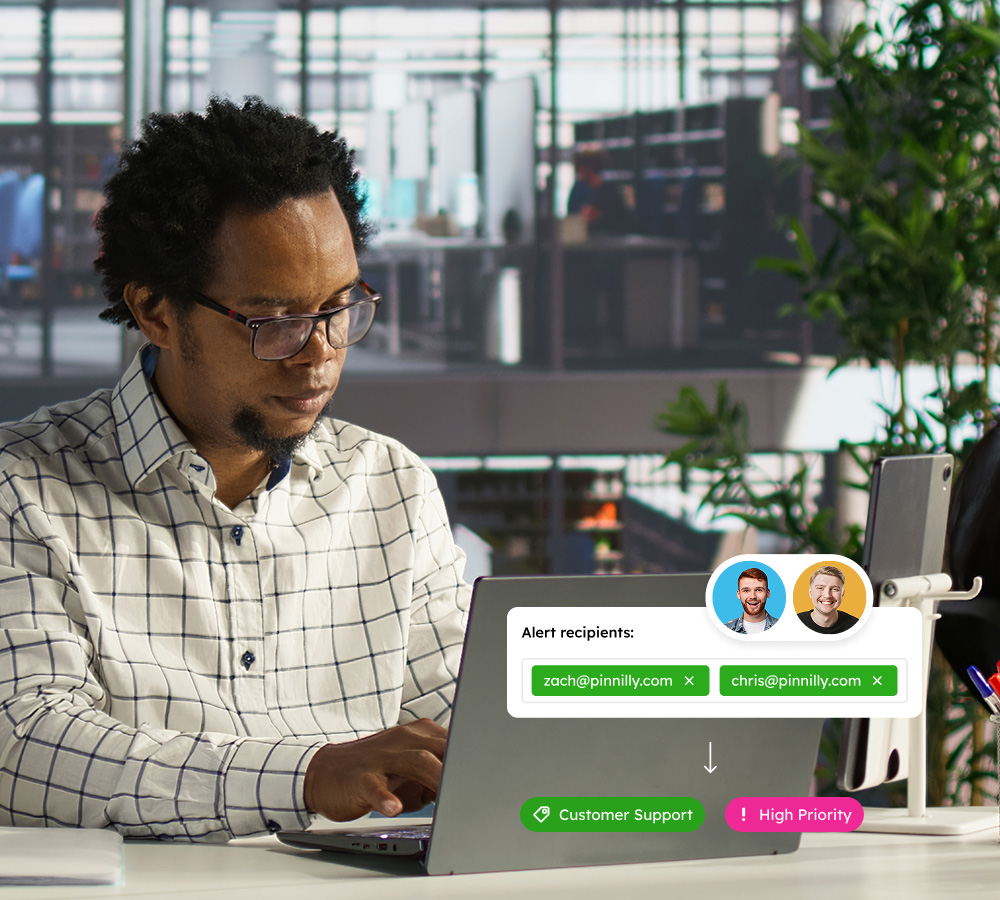
Handle urgent requests first with custom rules that auto-assign emails by keyword, sender, or subject. High-priority inquiries reach the right agent immediately, so last-minute requests never go unattended.

Conversation History
Every assignment, reply, and status change is logged in a single thread visible to the whole team. Agents picking up a conversation see what happened before, reducing errors and ensuring consistent guest service.

Rules
Build rules triggered by content, sender, or subject to automatically assign, tag, or reply to emails. Rules fire when a message arrives, so your team spends less time sorting and more time responding to guests.

Templates
Pre-written responses let agents answer common booking and policy questions in seconds. Templates are managed centrally so every agent uses the approved version, keeping messaging consistent.

Alerts
Get notified when messages go unanswered or backlogs begin forming. Thresholds respect business hours and agent availability, keeping alerts actionable so teams can address delays before they affect guests.

Dashboards
Live dashboards surface real-time metrics on response times, assignment rates, and open volumes, giving managers an instant view of performance. Panels are customizable so managers see the KPIs that matter most.

Analytics
Real-time analytics reveal bottlenecks, workload imbalances, and response time trends. Managers drill into KPIs like first-reply speed and resolution rates to optimize team capacity and improve guest communication.

Reports
Scheduled and on-demand reports cover email volume, response times, User Closed Counts, and Initial Reply Counts. SLA compliance reports show managers where service targets are met or missed.

AI-assisted email handling
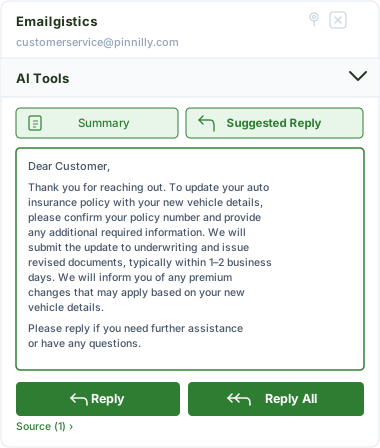
Emailgistics AI helps teams respond faster and more consistently by suggesting replies based on approved knowledge sources and summarizing conversation threads. This reduces response time, improves accuracy, and supports smoother handoffs between team members.
Your resource for unmatched customer experiences
Transform your customer interactions with Emailgistics—making your team faster, more organized, and service-oriented.

“You can see exactly where an email went, who did what with it, and use those insights to train somebody.”
Check out our 5-star reviews on G2
Emailgistics automatically assigns guest inquiries and booking requests to the right team member, tracks all conversations, and supports internal notes, ensuring personalized and timely responses at scale.
Yes. Automatic assignment routes incoming booking requests and guest emails to available agents on arrival, and workload-balancing rules prevent any one agent from being overwhelmed during peak periods.
Each shared mailbox in Emailgistics can have its own assignment rules, SLA targets, and reporting. Teams managing multiple properties or travel brands can configure each inbox independently within Microsoft 365.
SLA monitoring in Emailgistics tracks response times against defined targets and alerts agents and managers when deadlines are approaching, helping teams deliver consistently fast service.
Yes. Workload-balancing assignment distributes emails based on agent availability and message limits, maintaining consistent response times during peak seasons without manual oversight.
Yes. Emailgistics is built for Microsoft 365 and operates directly inside Outlook, allowing travel and hospitality teams to manage guest communications without switching to a separate platform.

Streamline your correspondence, boost team collaboration, and win over clientele
Book your personalized demo of Emailgistics and get a 14-day free trial–no credit card required.