


Emailgistics for Human Resources Teams
Every employee question owned
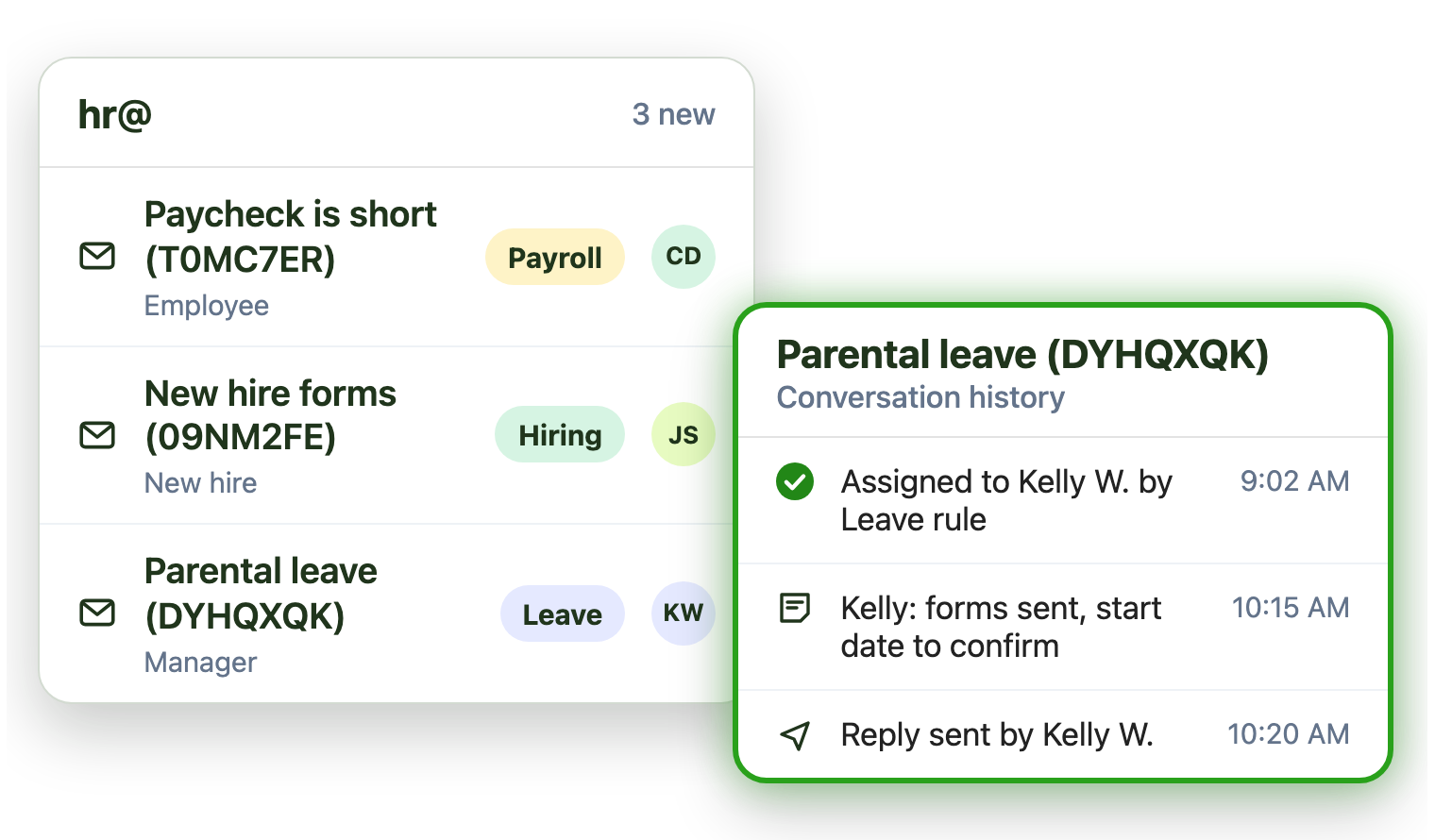
Payroll, benefits and leave questions all land in hr@. Emailgistics assigns each one to the right person automatically, answers policy questions consistently and keeps cases private, inside Outlook.
-
10,000+
people use Emailgistics
-
400+
organizations rely on it
-
4.7/5
rating on G2
-
< 1 hour
to go live, no migration
How do HR teams manage the hr@ shared mailbox?
Payroll, benefits and leave questions share one inbox, sensitive cases need the right specialist, and answers have to match policy. Emailgistics assigns each question automatically, alerts the team when payroll issues wait and reports on reply times. AI drafts replies from your own policies, and employee email stays in Microsoft 365.
-
Cases
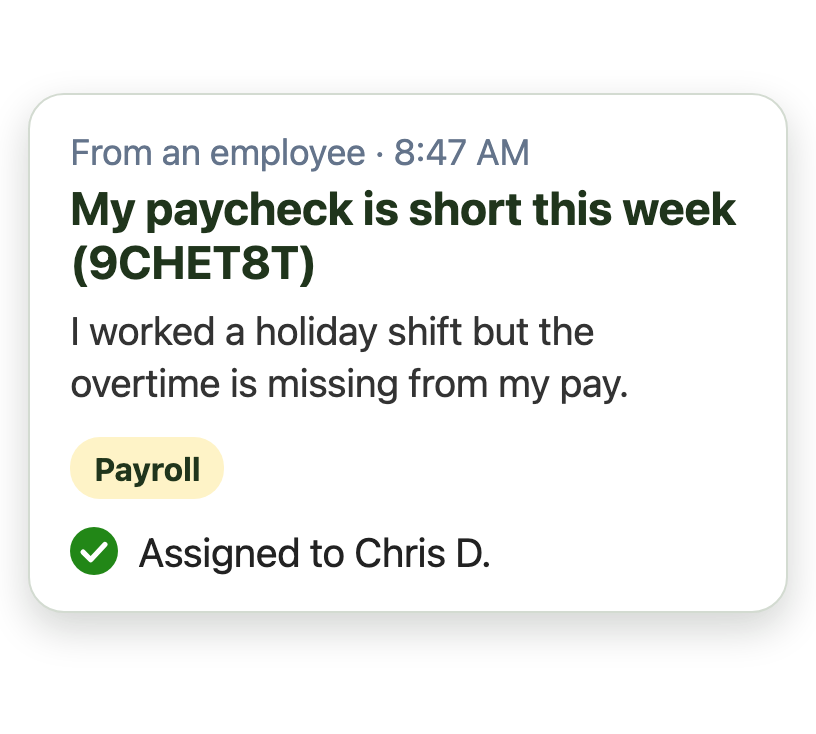
Every employee question gets one owner
-
Replies
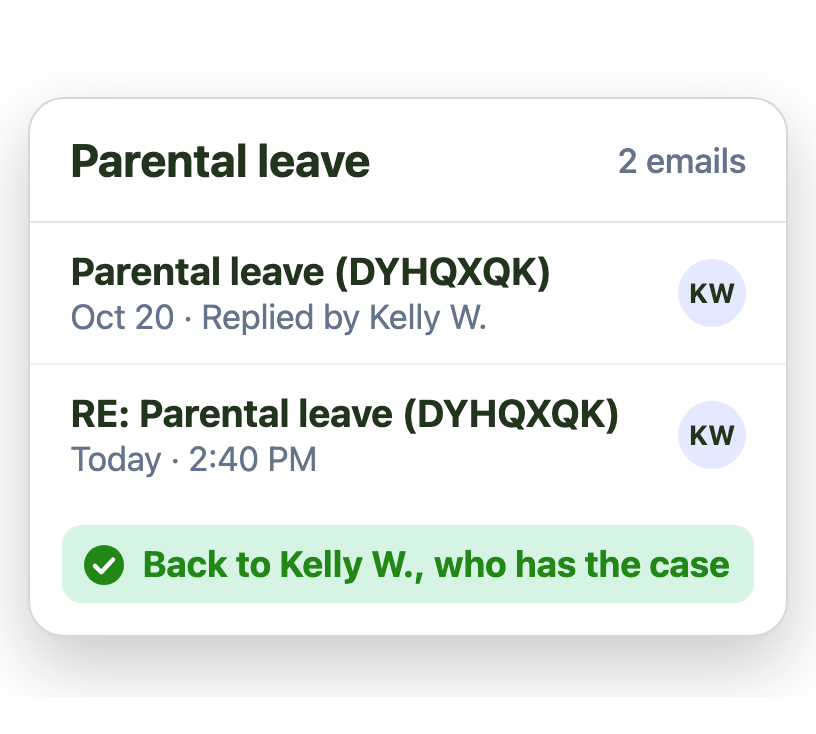
Replies go back to the specialist on the case
-
Priorities
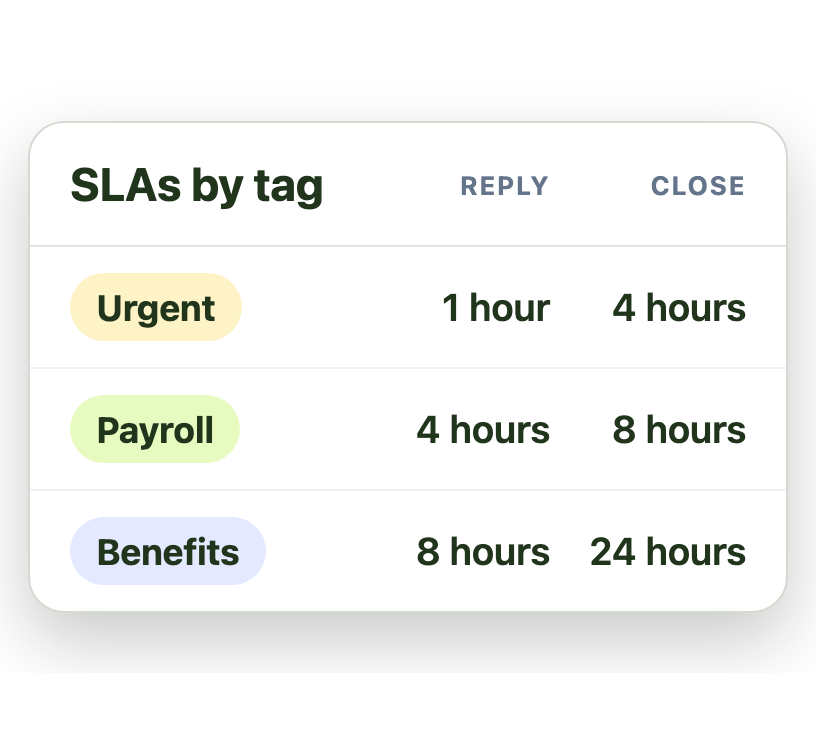
Urgent issues get a tighter SLA than routine ones
Get each case to the right specialist automatically
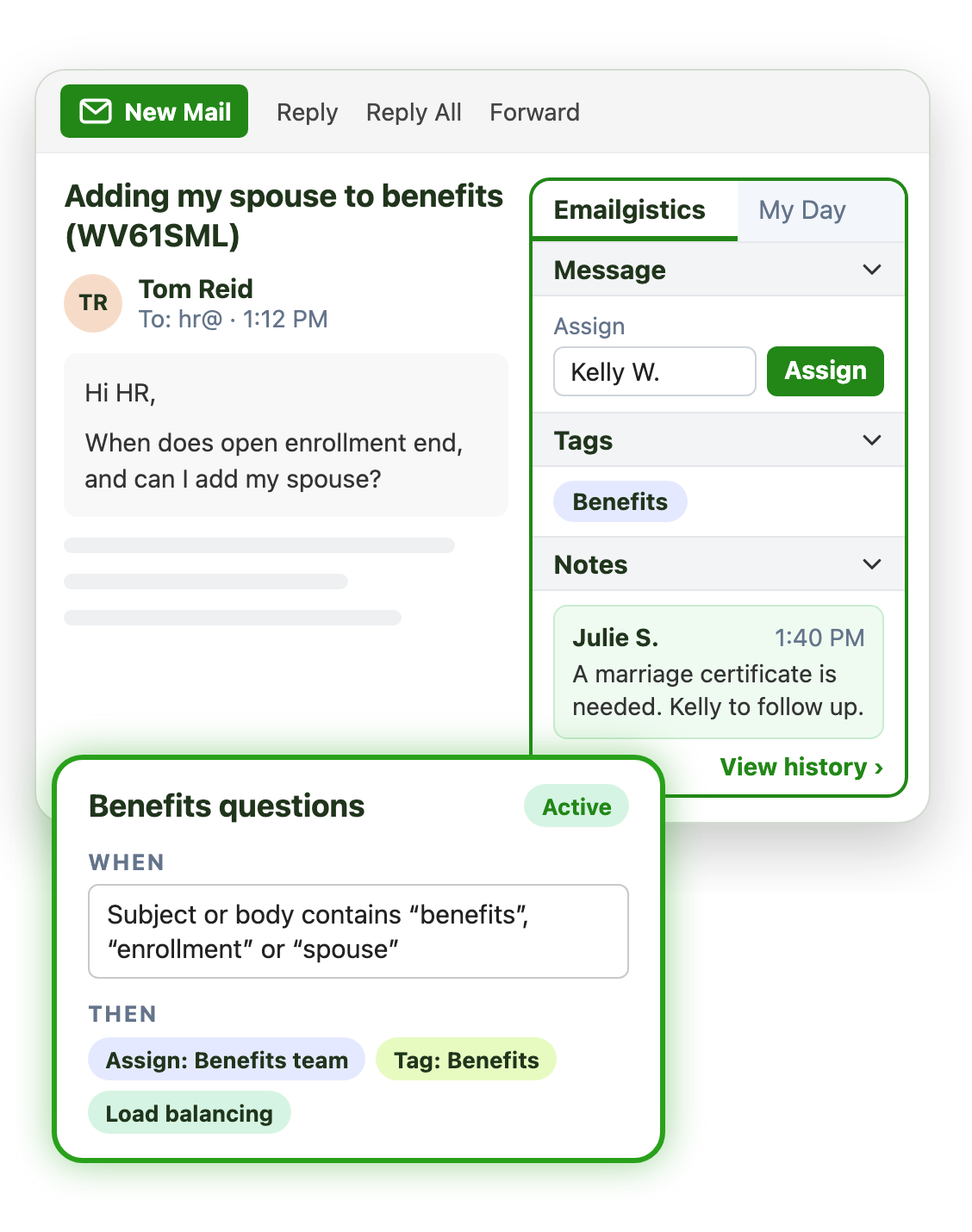
Payroll, benefits, leave and onboarding all share hr@. Emailgistics assigns each question to the person who handles it, automatically:
- Match payroll, benefits and leave questions by keyword
- Spread cases evenly within each team
- Tag every case by topic for reporting
Answer policy questions once, consistently
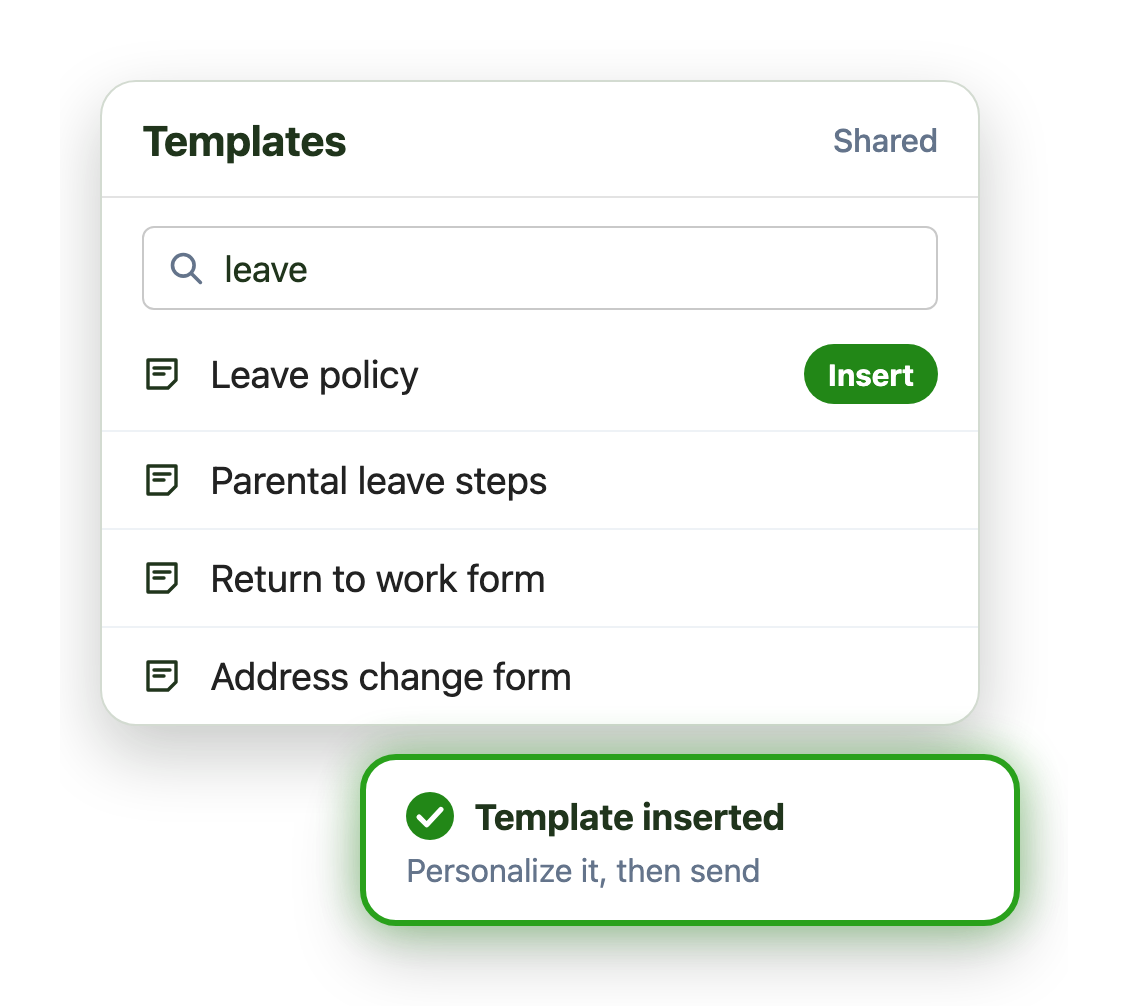
Leave, benefits and address changes come up every week. Shared templates keep every answer accurate:
- Find and insert an approved policy answer
- AI drafts replies from your own policies in seconds
- Update a policy answer once for every advisor
Keep employee cases inside Microsoft 365
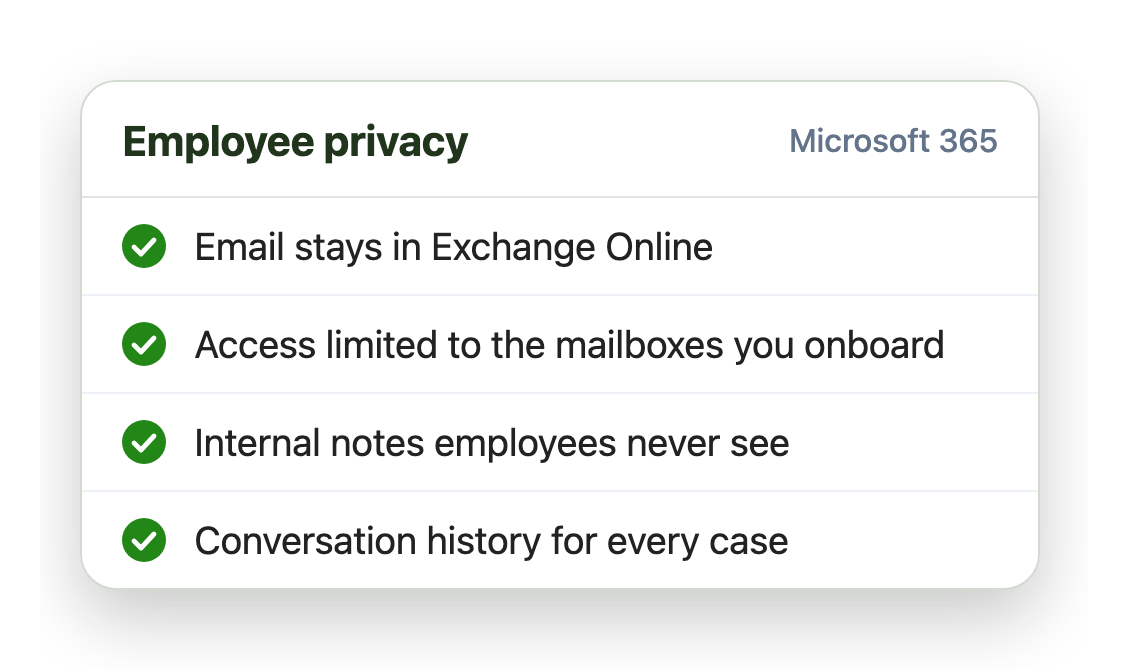
HR email is sensitive. Emailgistics works on your existing shared mailboxes, so nothing moves to a new system:
- Employee email stays in Exchange Online
- Access only to the HR mailboxes you choose
- Internal notes employees never see
Live in under an hour, with no migration
- 1 Connect your mailboxes
- 2 IT grants consent
- 3 Deploy the Outlook add-in
Plans from $11 per user per month, billed annually. Try it free for 14 days, no credit card.
Teams that run on Emailgistics
Real results from Emailgistics customers, in their own words.
-

99%
of dealer emails answered within SLA, averaging about 3 hours
Read the case study“Our response time floats around the 3-hour mark, which is amazing and well-exceeds our 48-hour turnaround goals.”
-
64%
faster first replies in 13 weeks, from 13 hours to under 5
Read the case study“I like the auto routing because it takes away that decision fatigue … It just puts it in your mailbox.”
-

95%
faster responses, from over 48 hours to 2, on 700 emails a day
Read the case study“You can see exactly where an email went, who did what with it, and use those insights to train somebody.”
 Rated 4.7/5 on G2
Emailgistics vs. a shared mailbox alone or an HR case tool
A shared mailbox alone leaves cases unowned. An HR case tool adds a portal and a project. Emailgistics adds ownership to hr@ inside Outlook.
| Feature |  Inside Outlook | Outlook on its own | HR case tool |
|---|---|---|---|
| Email stays in Microsoft 365 | Separate system | ||
| One owner per case | Anyone can reply | ||
| Shared policy templates | Personal only | ||
| Employees keep using email | Portal often needed | ||
| Live in under an hour | Implementation project |
Features HR teams use most
Everything your team needs to answer employees quickly and privately.

Automatic assignment
Assign payroll, benefits and leave questions to the right person.

Shared templates
Approved policy replies, updated once for everyone.

SLAs by tag
Tighter targets and alerts for payroll problems and urgent cases.

Private notes and history
Discuss a case with colleagues and see every action taken on it.

Backups for advisors
Cases are covered by a named backup when an advisor is away or out sick.

AI summaries and replies
Draft answers from your handbook in your AI knowledge base.
Most HR and people teams answer employees from an hr@ or people@ shared mailbox. Emailgistics routes each question to one owner, shares approved policy replies and keeps notes private, without leaving Outlook.
Yes. Rules match email by keyword, sender or subject and assign it to the right team or advisor, with a tag for reporting.
No. Internal notes stay with the email inside Emailgistics, for your team only. Conversation history shows every assignment, note and reply on a case.
No. Emailgistics is SOC 2 Type II certified and HIPAA and GDPR compliant. Emailgistics works on the shared mailboxes in your tenant, and email stays in Exchange Online. Access is limited to the mailboxes you onboard.
Yes. Tag alerts give payroll email its own shorter threshold and email an HR lead if it waits too long.
Not for email. A case tool usually means a portal and an implementation project. Emailgistics adds ownership, templates and reporting to hr@ inside Outlook.
Most teams are live in under an hour, with no migration. Book a demo, then try Emailgistics free for 14 days on your own shared mailboxes. No credit card required.
Last updated