Last updated October 21, 2026
Emailgistics vs Shared Mailbox Alone
Shared inbox structure without changing how teams work.
Get a Demo

Trusted by global teams across banking, healthcare, logistics, and beyond

















Shared mailboxes provide access. Emailgistics provides accountability.
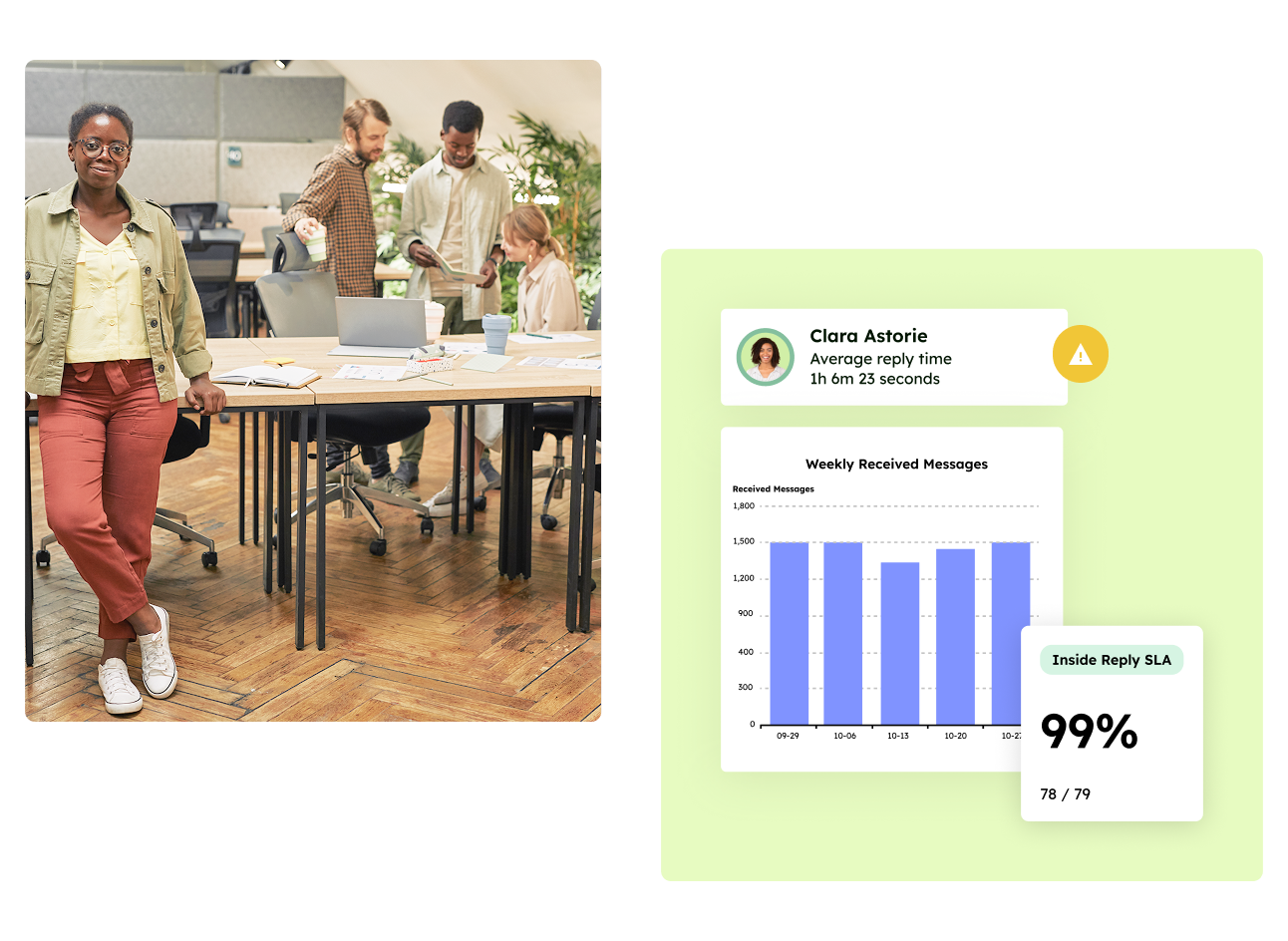
A shared mailbox allows multiple people to access the same inbox, but provides no ownership or performance tracking. Emailgistics adds automated assignment, SLAs, analytics, reporting, and AI-enhanced replies to Outlook shared mailboxes, turning them into managed workflows.
Work in Outlook with structure
Basic inbox access vs managed email workflows
| Feature |  | Shared Mailbox Alone |
|---|---|---|
| Core purpose | Managed shared mailbox workflows | Shared email access only |
| Where work happens | Inside Outlook | Inside Outlook |
| Automated assignment | Built-in | Not available |
| SLA tracking | Included | Not available |
| AI-assisted replies | Included | Not available |
| Analytics | Mailbox- and user-level | Not available |
| Reporting | Inbox reporting | Not available |
| Ownership visibility | Clear and enforced | Manual guesswork |
| Duplicate-reply prevention | Collision-free: one owner per email | None: anyone can reply |
Where a shared mailbox alone falls short
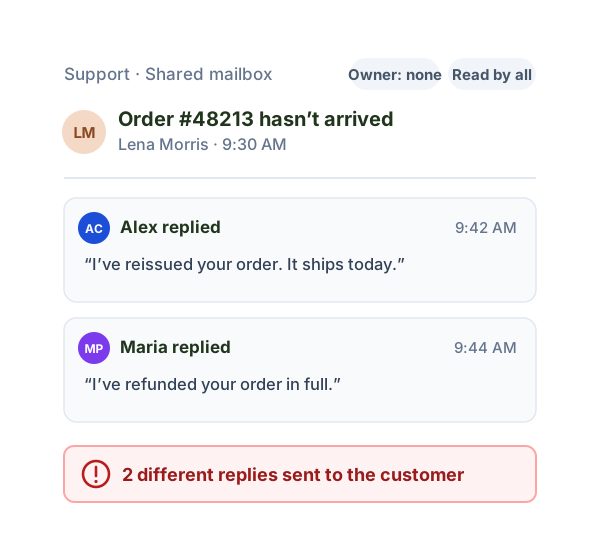
A Microsoft 365 shared mailbox gives a team shared access, but no way to assign emails, track response times or report on performance. Two people can open and answer the same email, and read status is shared, so one person opening a message marks it read for everyone.
We cover all eight gaps, and how teams fix each one without leaving Outlook, in Outlook shared mailbox limitations (and how to fix them).
Why teams choose Emailgistics over a shared mailbox alone
- Clear ownership instead of “who’s handling this”
- SLAs and accountability built into email
- AI-enhanced replies improve response quality and speed
- Visibility into workload and response performance
- Seamless integration with Outlook means fast and easy adoption
- Reports on who replied, how fast, and what is still open
A shared mailbox provides access but no structure, which makes ownership and accountability unclear as volume grows. Emailgistics adds assignment, SLAs, and reporting so teams know who is responsible and how well the inbox is performing. This makes Emailgistics a better fit once email becomes a shared responsibility.
Emailgistics integrates directly with Outlook as a lightweight, intuitive add-in. Teams continue to read and reply to emails in Outlook, and have access to features such as internal notes and AI-suggested replies. Unlike a shared mailbox alone, Emailgistics ensures structure and accountability.
A shared mailbox provides no built-in reporting on response times or workload. Emailgistics reports on ownership, SLAs, and performance, giving managers insight into how shared inboxes are managed.
Teams managing high-volume or time-sensitive inboxes often benefit most. This includes operations, internal service teams, finance, HR, and any group that needs accountability without adopting a ticketing system.
No. Emailgistics connects to the shared mailboxes you already have, so there is nothing to move. Email stays in Exchange Online, your team keeps working in Outlook, and setup is a short checklist and one guided onboarding session with your Microsoft 365 admin.
Compare Emailgistics vs
Turn shared inboxes into managed workflows
Add ownership, visibility, and accountability while keeping everyone in Outlook.