There's no universal winner for team email management software in 2026, only a right fit per situation. This guide is for managers and IT admins choosing a tool for a shared inbox: it explains what Outlook can and can't do on its own, then compares the main tools by category, so you can rule out whole categories before comparing features.
Introduction
"Best email management software" turns out to mean different things depending on who's asking. An IT admin evaluating tools cares about tenant security and rollout time. A support manager cares about SLA breaches and CSAT. A sales ops lead cares about how fast a routed lead actually gets a reply. All of them are shopping in the same category, but they're not comparing the same features.
What they share is a coordination problem. When teams search for "email collaboration tools," they are rarely looking for better email delivery. They are looking for better coordination around shared email. Messages are missed or handled twice. Responsibility is unclear. Managers struggle to understand workload or performance trends. At that point, access is no longer the issue. Structure is.
This guide compares the tools that come up most often in 2026, across the categories they actually belong to: Outlook-native shared inbox platforms, full help desks and ticketing systems, CRM-embedded service tools, workflow automation platforms, and Gmail-only alternatives. The goal isn't to declare one winner. It's to make the category differences clear enough that you can tell which one fits your team before you evaluate individual features.
Why Outlook alone isn't a collaboration system
Email collaboration appears simple in Outlook. Multiple people can access a shared mailbox, read the same messages, and reply from a common address. For small teams or low volumes, that arrangement may be sufficient.
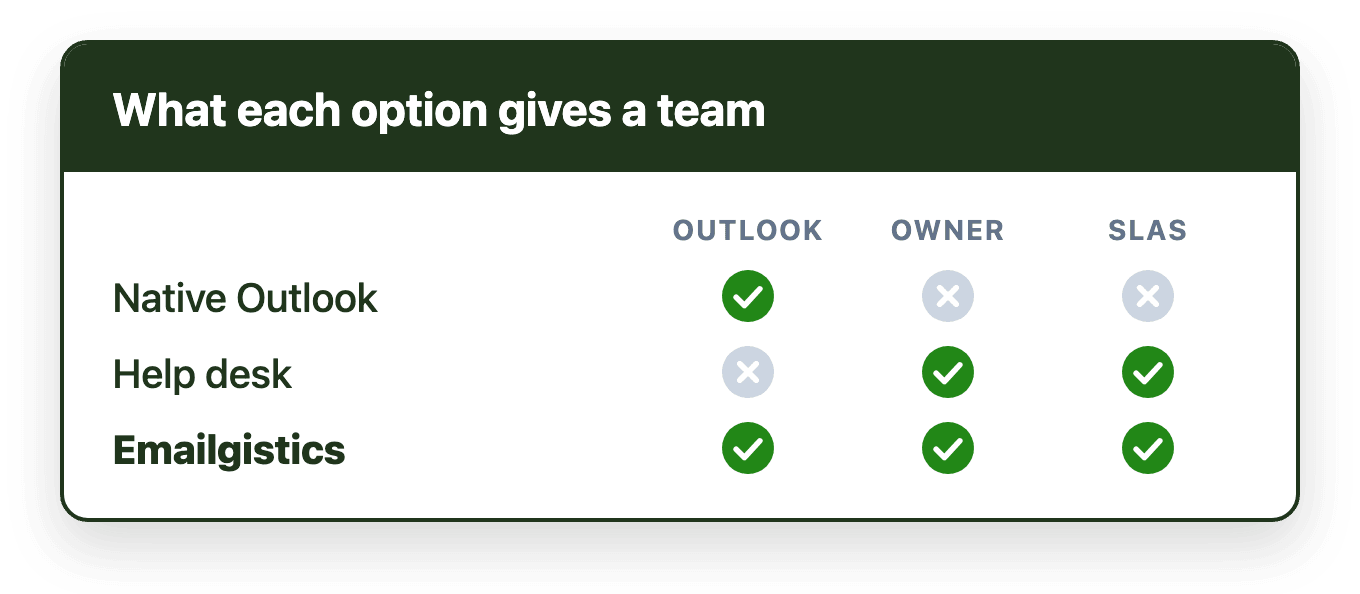
But Outlook is an email client, not a workflow platform. While it supports shared mailboxes and delegated access, it does not provide built-in mechanisms for managing shared responsibility. There is no native ownership model for messages. Visibility into who is handling what is limited. Backlog and aging are not presented in a shared operational view. Teams often rely on personal habits, memory, or informal signals to coordinate work, and as collaboration scales, these gaps become more visible and more costly.
Native Outlook features
Many Outlook users first attempt to solve collaboration challenges using built-in features. Shared mailboxes allow multiple users to access and send from a common address, forming the foundation of team email. Categories, flags, and folders are often used to signal urgency or status.
These features can help organize messages, but they are not designed for shared accountability. Categories are interpreted differently by each user. Flags are personal by default. Folders may hide unresolved messages from the main view. Native features provide structure for storage, not coordination at scale.
Outlook add-ins and extensions
Outlook add-ins extend the interface with additional capabilities. Some allow internal notes or comments. Others surface contextual data from external systems or trigger lightweight workflow actions.
Add-ins can improve productivity and enhance visibility, particularly for individuals. However, many do not introduce a full shared ownership model or queue-based views of coordination. They often support collaboration indirectly rather than redefining how shared mailbox work is managed. The tools below go further.
At a glance
| Tool | Category | Works in Outlook | Best for |
|---|---|---|---|
| Emailgistics | Shared inbox (M365-native) | Yes, natively | Outlook teams that want SLA tracking and reporting without a platform switch |
| Zendesk | Help desk / ticketing | No | Large support orgs needing multi-channel ticketing |
| Front | Shared inbox (standalone) | No | Teams consolidating email and internal chat into one platform |
| Help Scout | Help desk (lightweight) | No | Small to mid-sized support teams that want simpler ticketing |
| Freshdesk | Help desk / ticketing | No | Budget-conscious teams that still want help desk automation |
| Zoho Desk | Help desk / ticketing | Integration only | Teams already invested in the Zoho ecosystem |
| HubSpot | CRM-embedded service hub | Integration only | Teams that already run their business on HubSpot CRM |
| Hiver | Shared inbox (Gmail-first) | Via separate Hiver Omni app | Gmail and Google Workspace teams |
| Gmelius | Shared inbox (Gmail add-on) | No | Gmail teams wanting Kanban-style collaboration |
Category 1: Outlook-native shared inbox tools
Shared inbox platforms are built specifically to coordinate work inside shared mailboxes. These tools typically introduce explicit ownership, queue-based views of unresolved work, response-time tracking, and workload balancing. For Outlook users, the most effective versions integrate directly with Microsoft 365 rather than replacing email with a separate workspace: when they operate inside Outlook, adoption tends to be smoother because daily habits remain intact. SLA tracking and performance analytics round them out for teams with service expectations.
Emailgistics
Best for: Microsoft 365 teams that want SLA tracking, automated assignment, and reporting without leaving Outlook.
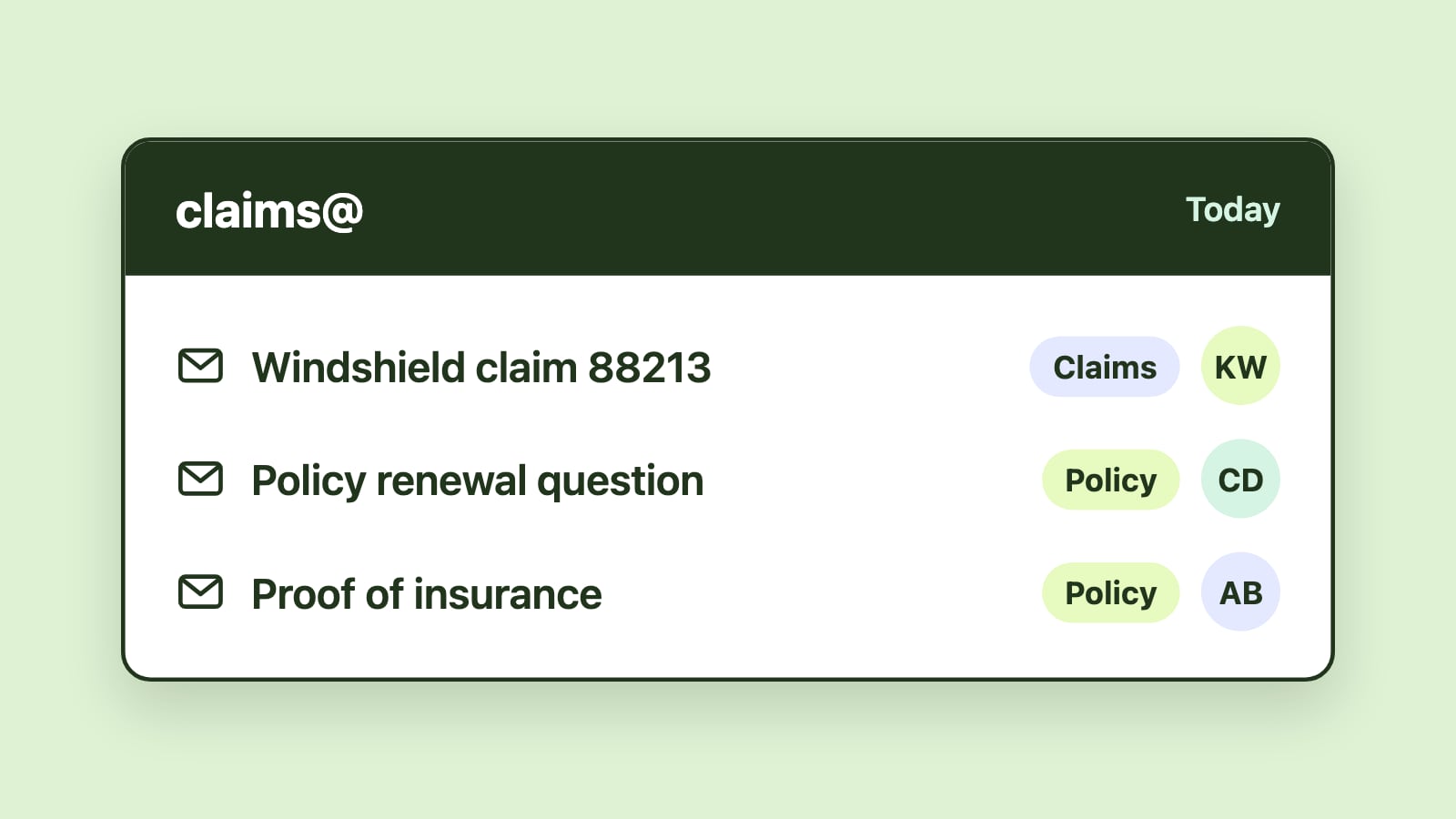
How it works: Emailgistics adds assignment, SLA tracking, automated routing, and analytics directly inside Outlook shared mailboxes. There's no separate interface; the structure runs behind the scenes while agents keep working from the inbox they already use.
Strengths: Native to Microsoft 365, live in under an hour, SLA and analytics tied directly to shared mailbox email rather than a ticket record, and data stays inside your existing M365 tenant.
Limitations: Built specifically for Outlook, so it isn't an option for Gmail-based teams, and it's focused on email rather than chat or voice channels.
See a full breakdown of Emailgistics's features if you want more detail before comparing it to the options below.
Category 2: Help desks and ticketing systems
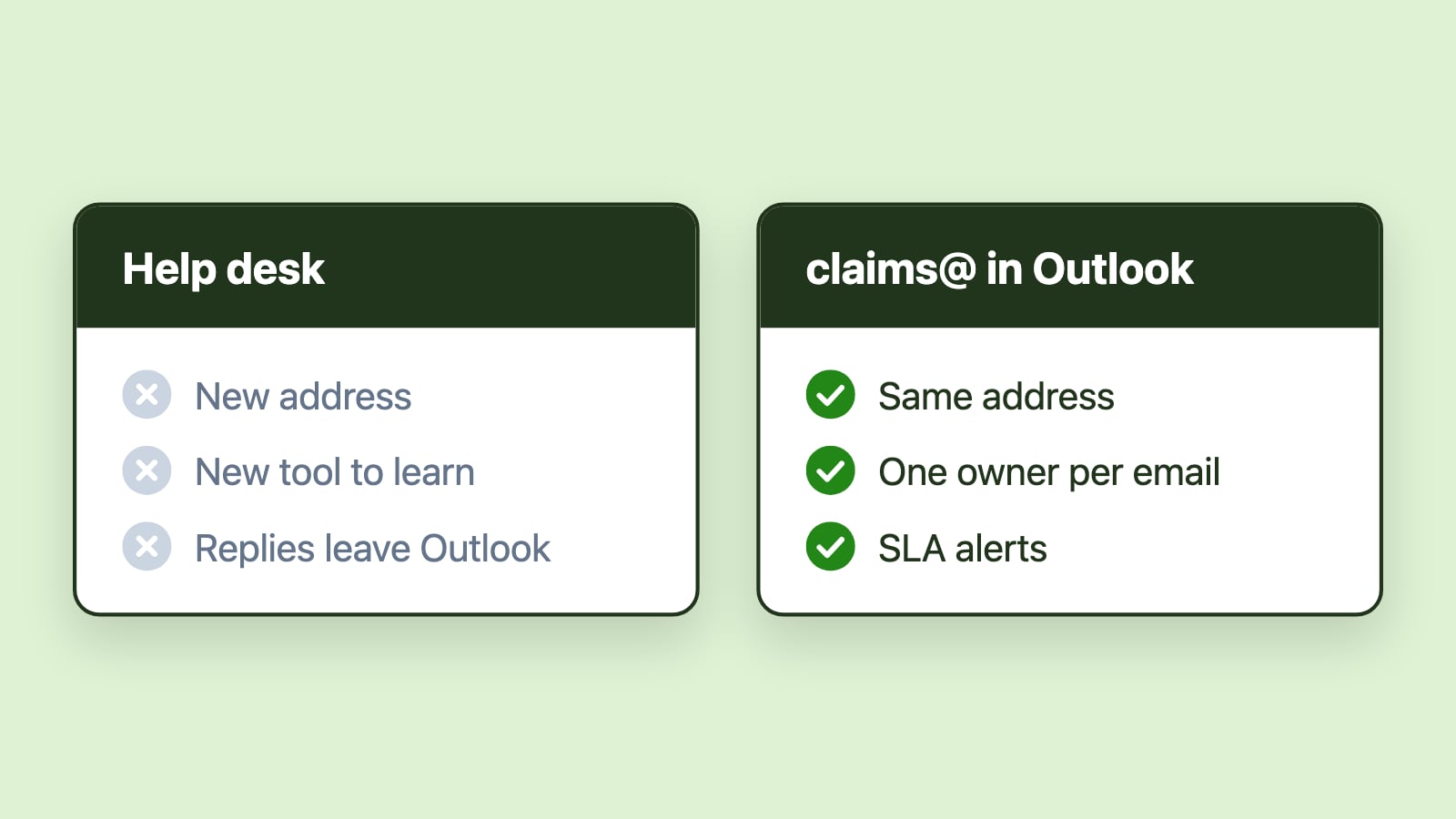
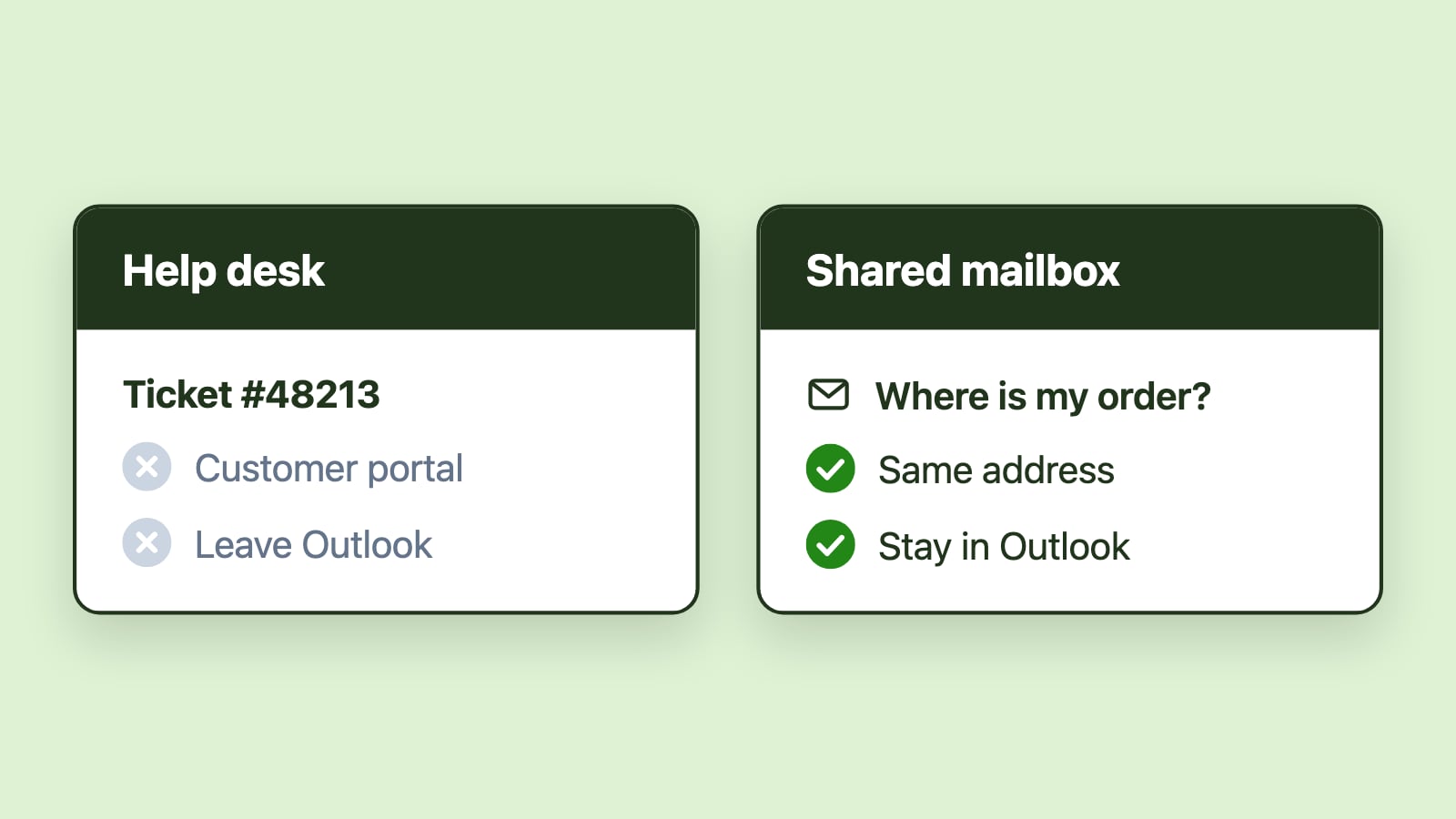
Help desk and ticketing systems are frequently evaluated when shared mailbox coordination becomes unreliable. They provide structured ticket lifecycles, explicit ownership, escalation paths, and reporting tied to service-level agreements. For teams running formal support operations, they can be appropriate. For many Outlook users, however, converting every message into a ticket introduces additional layers of process and training. Email becomes intake rather than workspace, and context may be split across systems.
Zendesk
Best for: Large support organizations that need enterprise-grade ticketing across multiple channels.
How it works: Zendesk converts every incoming email into a ticket inside its own platform, with SLA policies, escalation paths, and reporting built around the ticket lifecycle.
Strengths: Enterprise-ready automation, strong multi-channel support (email, chat, voice, web), and detailed reporting through Zendesk Explore.
Limitations: Requires agents to leave Outlook entirely, comes with a real training and change-management cost, and typically runs at a meaningfully higher price point than shared inbox tools.
Compare Emailgistics and Zendesk in detail.
Freshdesk
Best for: Teams that want help desk automation without Zendesk-level pricing.
How it works: Freshdesk converts email into tickets and applies SLA policies, automation rules, and CSAT surveys inside its own portal.
Strengths: SLA and automation features comparable to larger help desks, built-in CSAT tooling, and a knowledge base to deflect repetitive requests.
Limitations: Still a full platform switch away from Outlook, and reporting is ticket-centric rather than tied to Microsoft 365 identity or data.
Compare Emailgistics and Freshdesk in detail.
Help Scout
Best for: Small to mid-sized support teams that want lighter-weight ticketing.
How it works: Help Scout replaces email workflows with a simplified support interface, tracking SLAs and reporting on response and resolution time.
Strengths: Easier learning curve than enterprise help desks, and a cleaner interface for teams that don't need Zendesk-level complexity.
Limitations: Requires the same platform switch as any help desk, and its reporting isn't tied to Microsoft 365.
Compare Emailgistics and Help Scout in detail.
Zoho Desk
Best for: Teams already using other Zoho products who want a discounted, integrated stack.
How it works: Zoho Desk converts email into tickets and offers assignment, SLAs, and automation, with plug-ins that sync to Outlook and Microsoft 365 accounts without making Outlook the primary workspace.
Strengths: Affordable relative to other help desks, and deep integration with the rest of the Zoho suite.
Limitations: Agents work inside Zoho Desk, not Outlook, and the value drops sharply if you aren't already using other Zoho apps.
Compare Emailgistics and Zoho Desk in detail.
Category 3: CRM-embedded service tools
HubSpot
Best for: Teams that already run sales and marketing through HubSpot and want service email in the same system.
How it works: HubSpot's Service Hub embeds email workflows inside its broader CRM, tying tickets to contacts and deals rather than treating email as a standalone workspace.
Strengths: Strong if your team already lives in HubSpot for CRM and marketing, since service email inherits that context automatically.
Limitations: A significant amount of overhead to adopt just for email management, and reporting is CRM-centric rather than inbox-centric.
Compare Emailgistics and HubSpot in detail.
Category 4: Workflow automation platforms
Workflow automation platforms approach collaboration as a process design problem rather than an inbox feature gap. They focus on orchestrating responsibility, enforcing defined states, and measuring performance across work items.
In Outlook-centric environments, their success depends heavily on integration. If automation operates outside the email environment, adoption friction increases. If it complements existing habits, it can strengthen coordination without replacing the inbox.
Category 5: Gmail-native alternatives
Hiver
Best for: Support and operations teams running on Gmail and Google Workspace.
How it works: Hiver adds shared inbox features, including assignment, SLA tracking, and analytics, directly on top of Gmail. For Microsoft 365, it connects shared mailboxes to Hiver Omni, its own app.
Strengths: The closest Gmail equivalent to what Emailgistics does for Outlook: native assignment and SLA tracking without a ticket-based interface.
Limitations: Outlook support runs through Hiver Omni, a separate interface, rather than inside Outlook, and each shared mailbox syncs through one team member's Microsoft account. As of October 2026, Hiver starts at $25 per user per month billed annually, versus $11 for Emailgistics.
Compare Emailgistics and Hiver in detail.
Gmelius
Best for: Gmail teams that want Kanban-style collaboration on top of email.
How it works: Gmelius extends Gmail through add-ons and browser extensions, adding shared labels, automation, and a board view for tracking email as tasks.
Strengths: Lightweight way to add structure to Gmail without a separate app.
Limitations: Gmail only, and its automation and reporting are generally lighter than dedicated shared inbox platforms.
Compare Emailgistics and Gmelius in detail.
How to choose
Two questions do most of the work in narrowing this list down:
Is your team on Microsoft 365 or Google Workspace? This alone splits the list roughly in half. Gmelius isn't an option for Outlook teams, Hiver supports Outlook only through its separate Hiver Omni app, and Emailgistics isn't an option for Gmail teams. Start here before comparing anything else.
Does the work stay in email, or does it need to become a ticket, a CRM record, or a multi-channel conversation? If the team's work is fundamentally email, a shared inbox tool adds structure with the least disruption. If the team needs a customer portal, multi-channel routing, or CRM-tied service records, that points toward a help desk or CRM-embedded tool, and the platform switch is worth the cost that comes with it.
Questions Outlook teams ask when evaluating tools
Outlook users tend to evaluate tools through the lens of operational fit rather than feature breadth:
- Can the team remain in Outlook?
- Is ownership visible without extra steps?
- Is unresolved work easy to identify, including which emails have been waiting longest?
- Can events be reconstructed later, when multiple people share responsibility?
Tools that clearly answer these coordination questions are more likely to be adopted consistently. Faster response times are often the most visible outcome of tools that get this right.
For many Microsoft 365 teams, remaining Outlook-native is not optional. Security models, compliance policies, and user habits are deeply embedded in the Outlook environment, and introducing a separate workspace can fragment attention and reduce consistency. Outlook-native tools operate within existing permissions and daily routines, lowering adoption friction and preserving context.
Coordination, not communication
A common misunderstanding is equating communication with collaboration. Email delivers messages. Collaboration requires coordination around those messages.
Effective team email tools clarify responsibility, surface shared state, reduce manual triage, and create predictable outcomes. When coordination improves, communication quality follows naturally. Faster replies, fewer duplicate responses, and clearer handoffs are symptoms of improved structure rather than improved messaging alone.
That is also why "best" rarely means the most features. It means the tool that aligns with how the team already works. For teams managing shared mailboxes at scale, the strongest solutions preserve email as the communication layer, add structure around shared responsibility, improve visibility without micromanagement, and support growth without forcing wholesale process change.
Conclusion
There's no universal "best" team email management software in 2026, because the category itself contains genuinely different products solving genuinely different problems. Native Outlook features enable shared access, but not shared accountability. Outlook-native shared inbox tools like Emailgistics add that structure without asking a team to change how it works. Help desks like Zendesk, Freshdesk, and Help Scout trade that continuity for multi-channel breadth. CRM-embedded tools like HubSpot make sense only if the CRM is already the center of the business. And Gmail-based teams have their own dedicated options in Hiver and Gmelius. Once you know which of those categories your team actually belongs to, choosing between the specific products in it gets much easier.