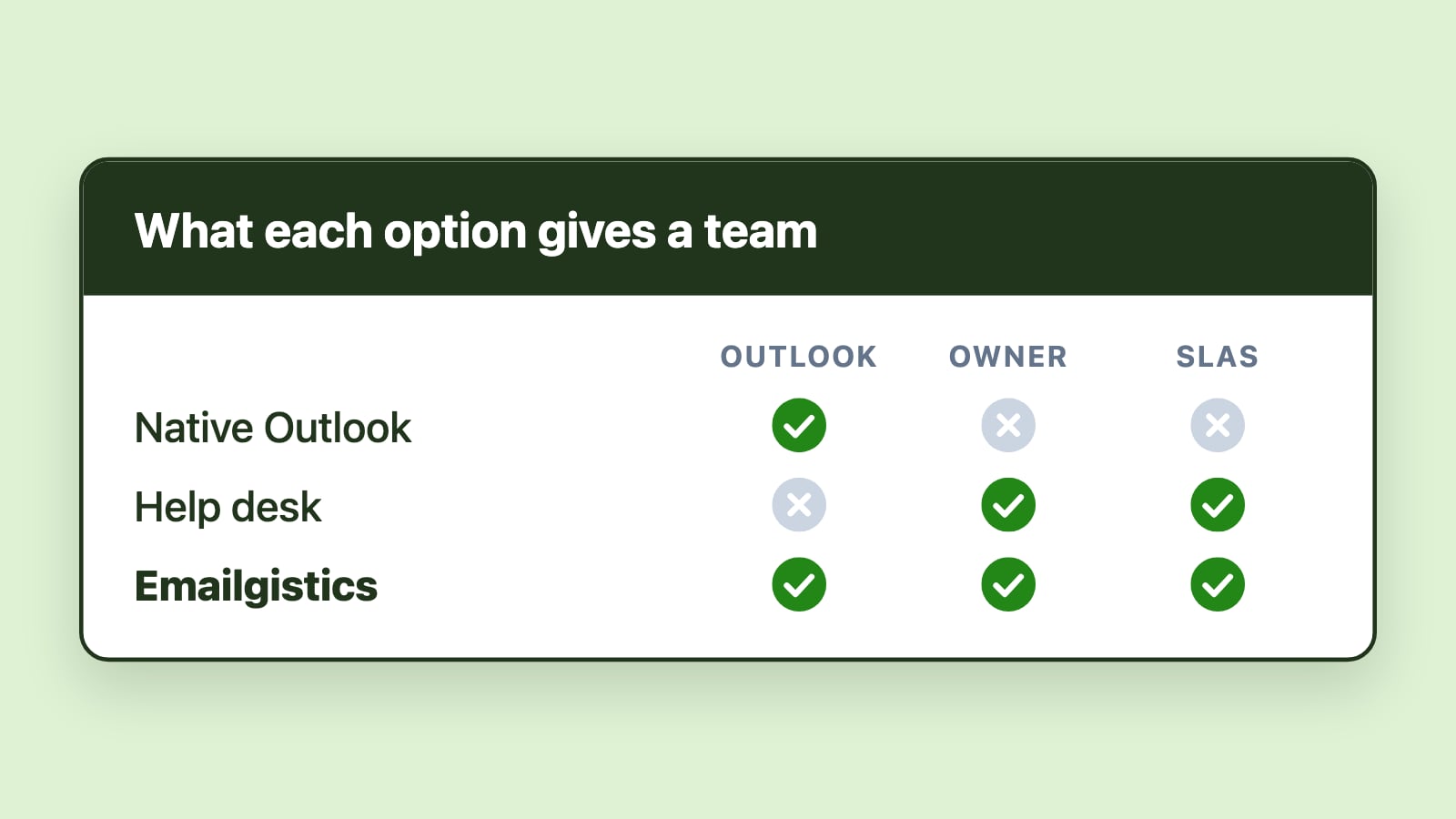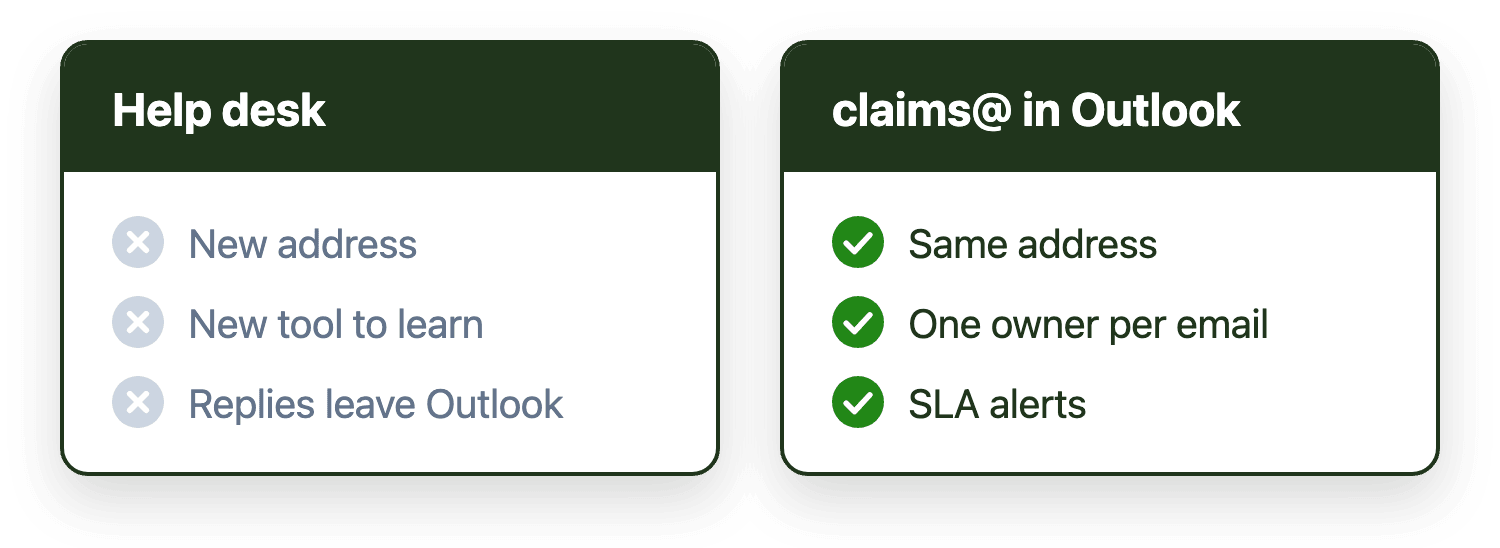
Usually not. Claims and fulfillment inboxes don't need a ticketing system, they need ownership, routing, and deadline visibility applied to the mailbox you already have. A help desk only earns its keep when you've got real multi-channel intake, a self-service status portal, or volume too big for structured manual assignment. Short of that, you're buying a new interface for the same old gap.
Introduction
Claims and fulfillment inboxes get pitched help desk software constantly, usually from the same playbook used to sell it to customer support teams. The pitch makes sense on the surface: high volume, external requests, a need for consistency. But processing a claim or fulfilling an order isn't the same kind of work as answering a support question, and the fix that works for one doesn't automatically work for the other.
Before evaluating a full help desk for a claims@ or fulfillment@ inbox, it's worth being precise about what kind of problem is actually being solved.
Why claims and fulfillment get mistaken for support
Support work is fundamentally about answering questions: a customer asks something, someone replies, the interaction resolves. Claims and fulfillment work is about processing a transaction that moves through stages, often involving people outside the immediate team. A claim moves through intake, review, and approval, frequently touching an adjuster or a regulated process. An order moves through confirmation, allocation, and shipping, frequently touching a warehouse or a carrier.
The email volume in both cases can look identical from the outside. The actual work underneath it isn't, and that's exactly why solutions built for support don't map cleanly onto operations.
What a help desk actually solves
Help desks earn their complexity in specific situations: genuine multi-channel intake across phone, chat, and web in addition to email, a customer-facing portal where people can check status themselves, or ticket volume large enough that even well-structured manual assignment stops being realistic.
None of that is really about claims or fulfillment specifically. It's about channel breadth and self-service, which some operations teams need and many don't.
What a help desk doesn't solve on its own
Converting a claim or an order into a ticket doesn't answer the question that's actually causing delays: who owns this claim right now, which of the five people on the team is handling backorders this week, or which orders have been waiting longest against a shipping commitment. A ticket queue with unclear ownership has the exact same problem as an email inbox with unclear ownership. The interface changed; the structural gap didn't.
This is the same distinction covered in shared mailbox tools versus help desks generally, and it applies just as directly to operations inboxes as it does to support ones.
What "better structure" actually means here
For claims and fulfillment inboxes specifically, the fixes that address the real bottleneck are the same ones that apply to any high-volume operational inbox:
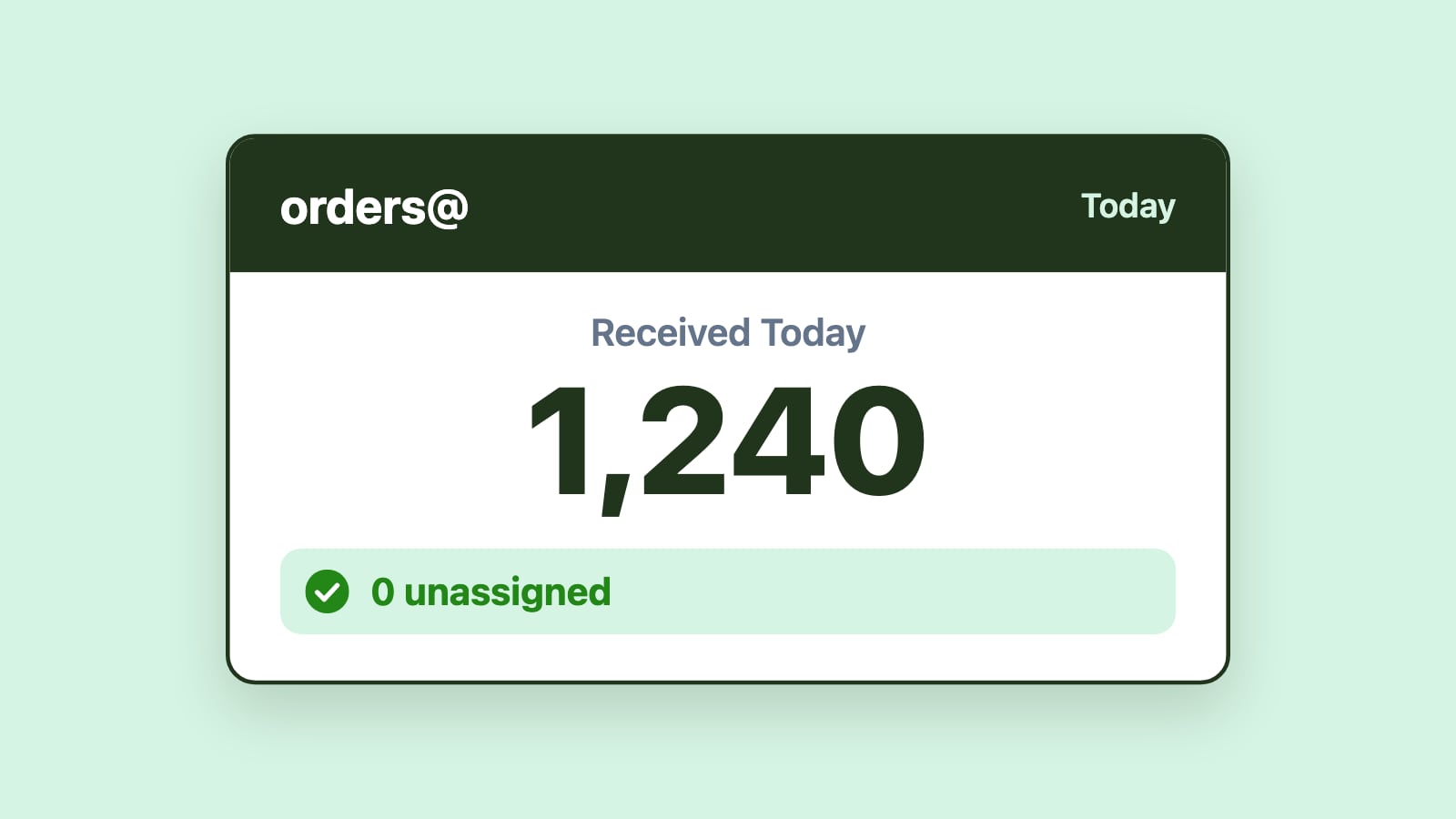
- Explicit ownership. Every claim or order needs one accountable owner from the moment it arrives, not an assumption that someone will pick it up.
- Routing by type. Claims can route by claim type or region; fulfillment can route by product line or warehouse, so the right specialist sees it first.
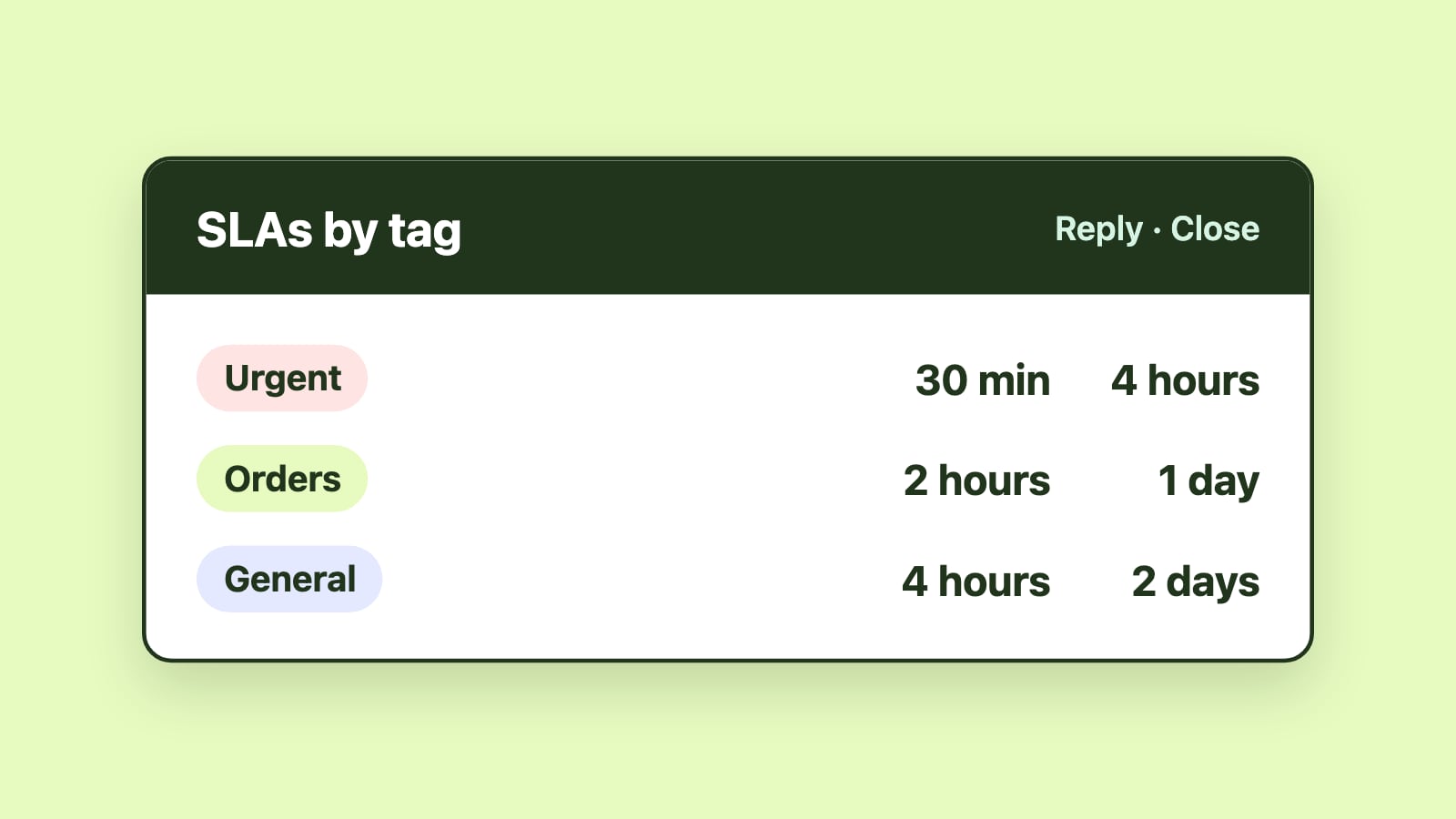
- Deadline-aware visibility. Claims often carry regulatory response windows; fulfillment carries shipping commitments. Either way, the team needs to see which claims and orders have been waiting longest, so the oldest work gets handled first instead of being discovered after a deadline passes.
- An audit trail. For claims specifically, being able to show who handled a case and when isn't optional in most regulated environments; it's what a dispute or an audit actually asks for.
Helwig Carbon automated exactly this for their Customer Orders team, applying routing and rush-order prioritization directly to their existing inbox rather than adopting a ticketing system. McNaughton-McKay did the same for a wholesale distributor's operational inbox, fixing missed messages through automated routing instead of a platform switch.
A simple way to decide
If the work genuinely needs to reach the team through multiple channels, or customers need to check status themselves without emailing in, that points toward a help desk. If the work is fundamentally email-based and the real problem is that ownership, routing, or deadline visibility is unclear, that points toward adding structure to the inbox you already have.
Most claims and fulfillment teams land in the second category more often than the software pitches suggest. Once you've made that call, the 2026 comparison of team email management software covers the specific products worth evaluating either way.
Conclusion
A claims or fulfillment inbox rarely fails because it's missing a ticketing interface. It fails because ownership, routing, and deadline visibility were never built into it in the first place. Solve those directly, and most of what a help desk would have fixed gets fixed without asking the team to change how they work.