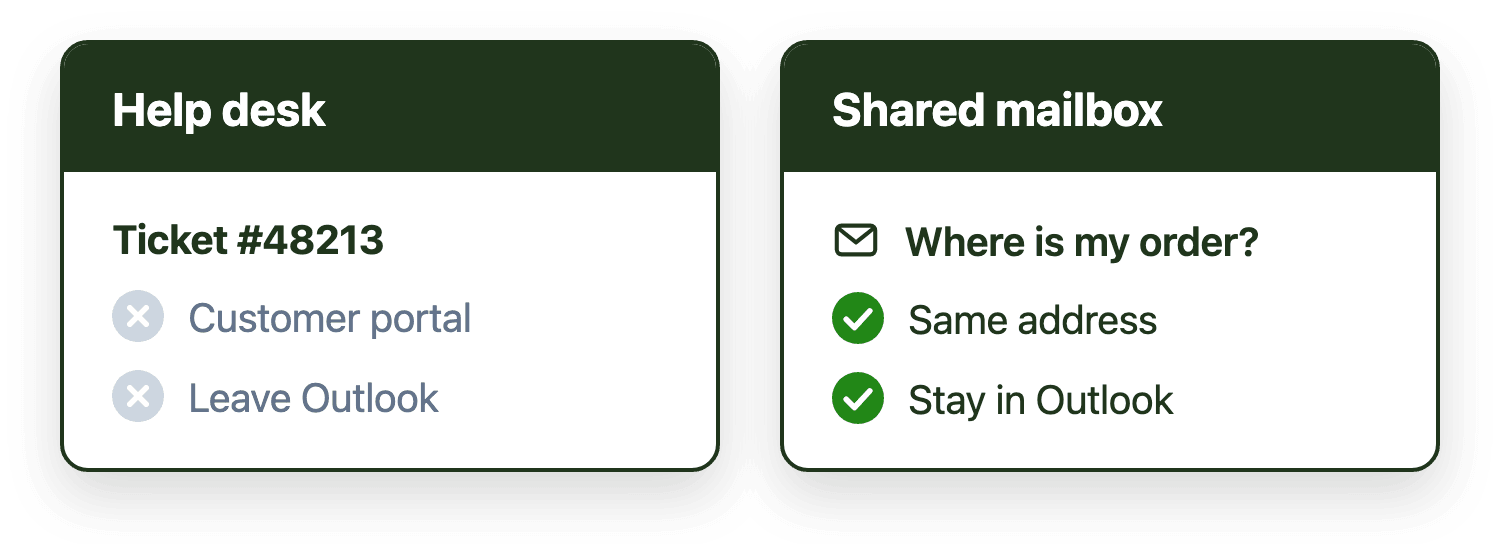
Help desk tools and shared mailbox management both organize team email, but on different units of work. Help desk tools convert messages into tickets that move through structured lifecycle stages, best suited to teams needing multi-channel intake or rigid process. Shared mailbox management keeps messages inside Outlook, adding ownership, routing and response time visibility, and fits teams that want to stay in email rather than adopt a separate ticketing workspace.
Introduction
When teams struggle with a shared mailbox, help desk software is often suggested as the solution. Help desks provide ownership, tracking, escalation and reporting that native shared inboxes do not, and they can be effective where work is best represented as tickets that move through a standardized lifecycle. For organizations with formal, ticket-based support models, that advice is often correct.
Many Microsoft 365 teams, however, work primarily in Outlook. For them, a help desk can introduce new friction without fully resolving the underlying coordination problem: email remains the main communication channel, but work becomes split across tools. Many of these teams prefer alternative platforms that keep email as email.
This article defines both models in practical terms, explains how their workflow assumptions differ, why help desks often struggle with Outlook-native teams, which alternatives exist, and when each approach is typically the better fit.
Definition: Shared mailbox management
Shared mailbox management is the practice of organizing, assigning, tracking and measuring team-based email workflows inside a Microsoft 365 shared mailbox.
It focuses on operational questions such as who owns each message, how work is distributed, how long messages wait before response, and how the team maintains visibility into backlog and performance.
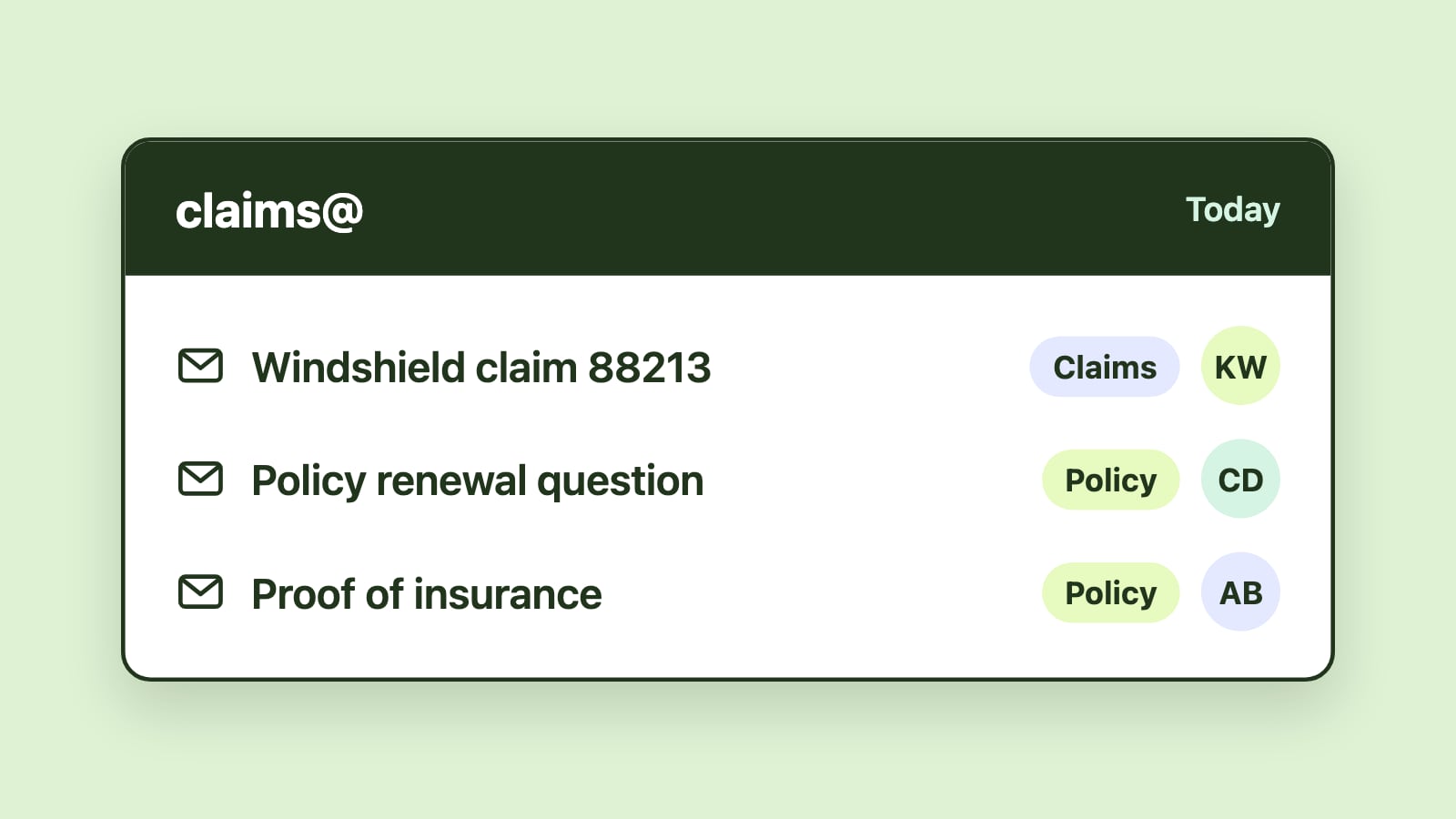
This model is commonly used for addresses such as support@, info@, sales@, billing@ or operations@, particularly when multiple people share responsibility and response time matters.
Definition: Help desk tools
Help desk tools are platforms designed to manage requests as tickets. In this model, incoming emails (along with web forms, chat or other channels) are converted into tickets that move through defined workflow states.
Help desk systems typically center around ticket statuses, structured queues, internal notes and lifecycle reporting. Email becomes one intake channel among several, rather than the primary working environment.
In many organizations, help desk tools are part of a broader customer support or service management system.
The core difference: the unit of work
The most important distinction between these models is the unit of work.
In help desk tools, the ticket is the primary object. Assignment, collaboration, prioritization and reporting all revolve around the ticket lifecycle. Email becomes intake, tickets become work, and replies are outputs of the ticket system rather than direct responses within Outlook.
In shared mailbox management, the unit of work is the email message or thread inside Outlook. The message remains in the mailbox, and workflow structure is layered on top of it.
Underneath this is a difference in formalization. Help desks formalize every interaction as a ticket with defined states. Shared mailbox approaches prioritize coordination inside the email environment itself. For teams handling a mix of operational, administrative and customer-facing email, coordination is often the more immediate need.
This difference influences how teams collaborate, how work is visualized and how performance is measured.
Workflow differences that affect daily operations
Where work happens
Help desk tools require agents to work in a dedicated interface. The help desk becomes the operational workspace.
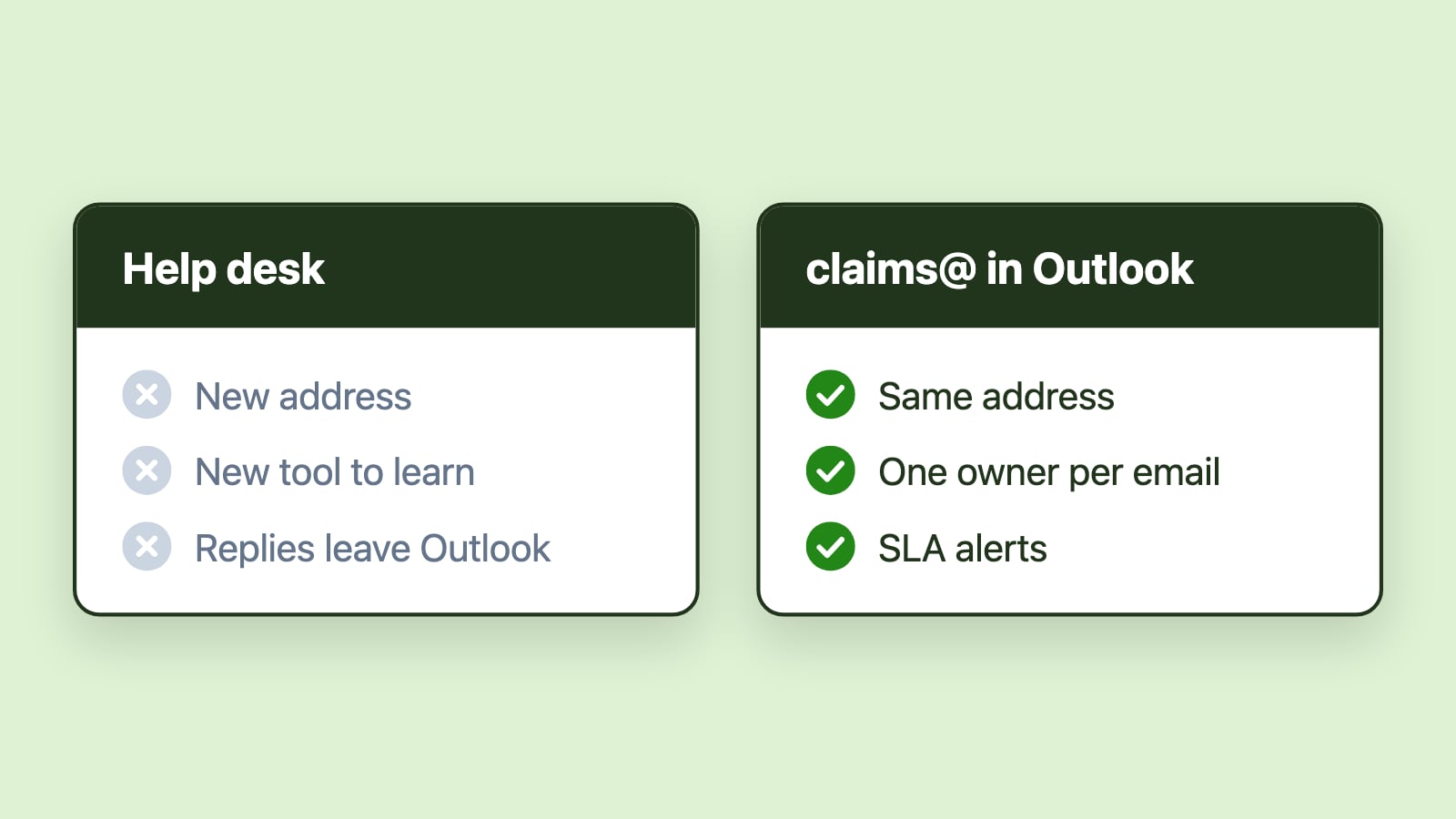
Shared mailbox management platforms are designed for teams that work inside Outlook. The shared mailbox remains the workspace, with assignment and visibility built into the email environment.
For Outlook-native teams, this distinction often determines adoption success.
How ownership is established
Help desk tools create explicit ownership at the ticket level. Each ticket is assigned to an agent or queue and tracked through status changes.
Shared mailboxes do not natively track ownership. Shared mailbox management introduces ownership by assigning messages to specific users and making that assignment visible across the team.
In both cases, ownership matters. The difference lies in whether ownership is applied to tickets in a separate system or to messages inside Outlook.
How prioritization works
Help desk systems typically prioritize through ticket priority fields, workflow states or queue logic tied to the ticket lifecycle.
Shared mailbox management often prioritizes based on response time, aging and operational urgency within the mailbox. The emphasis is frequently on first response, backlog visibility and preventing missed messages rather than enforcing multi-stage ticket transitions.
How collaboration is structured
In help desk tools, collaboration happens through internal notes, ticket reassignment and structured handoffs within the ticket object.
In shared mailbox environments, collaboration is driven by shared visibility and coordinated ownership of messages. Queue-based approaches reduce duplicate replies and clarify what is waiting, what is assigned and what is overdue.
The collaboration model follows the unit of work.
Measurement and reporting differences
Reporting also reflects the underlying model.
Help desk reporting is ticket-centric. Common metrics include time to first response, time to resolution, ticket backlog by status, and agent throughput based on completed tickets.
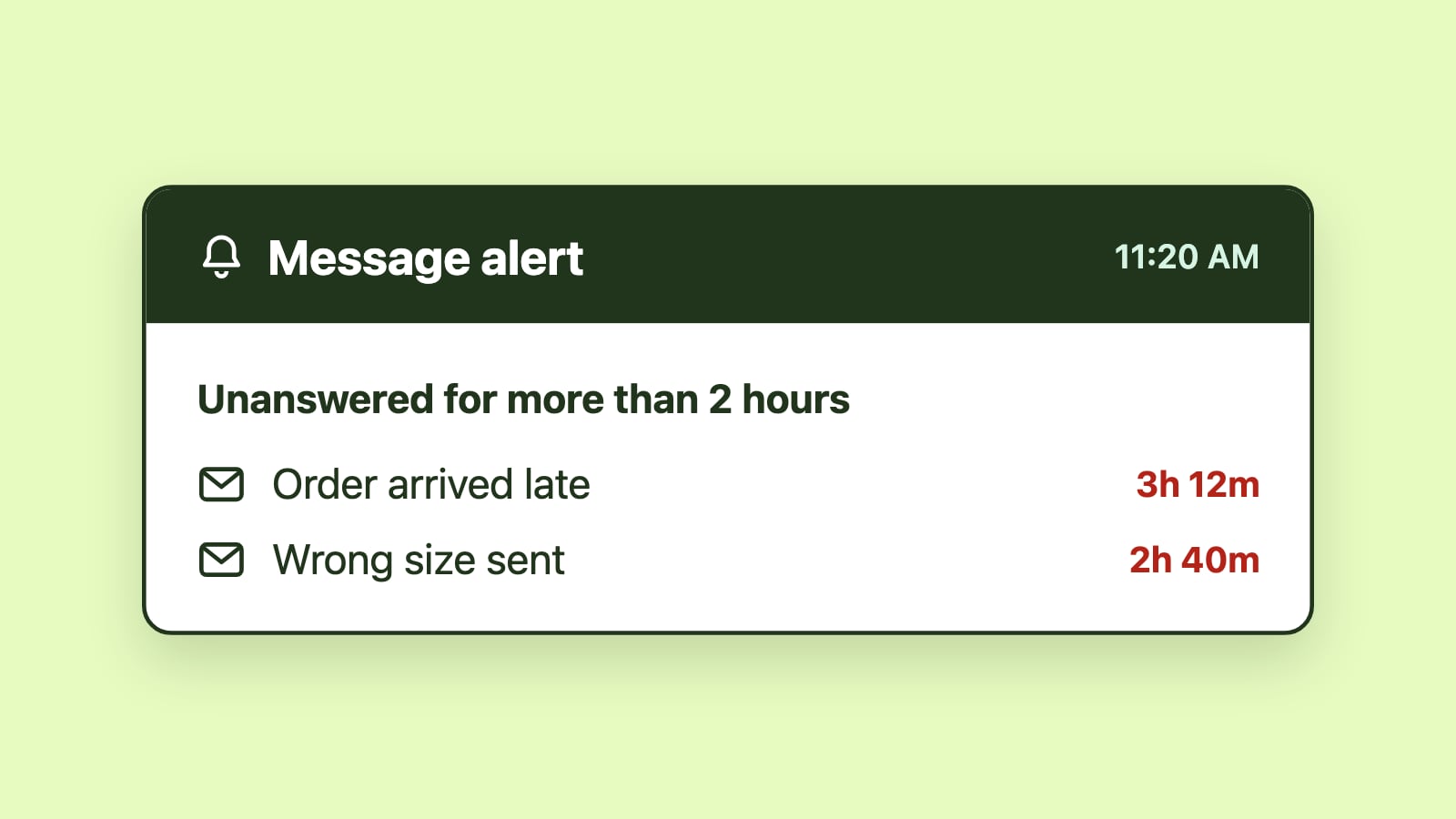
Shared mailbox management reporting is mailbox-centric. Performance metrics typically include message volume, backlog aging, response time distribution, workload balance and SLA compliance within the shared mailbox.
Both models support accountability, but they answer different management questions. Ticket reporting is ideal when the ticket lifecycle defines operations. Mailbox reporting is more aligned when email itself is the operational system.
Why help desks often struggle with Outlook-native teams
Many Outlook-native teams struggle after adopting a help desk. Adoption slows, workflows fragment, and teams quietly return to managing email directly in Outlook while the help desk becomes a secondary reporting layer. The issue is rarely discipline or training. It is structural misalignment between how help desks are designed and how these teams actually operate.
What makes a team Outlook-native
Outlook-native teams conduct the majority of their operational communication directly in Microsoft Outlook. Email is not merely an intake channel; it is the workspace where context is built, decisions are made and outcomes are delivered.
These teams typically collaborate through shared mailboxes, rely on email threads for context, respond to senders who expect traditional email communication, and manage a mix of internal and external requests within the same inbox. For them, email is the workflow, not just the trigger for another system.
Context gets lost between email and tickets
Email threads often contain nuanced context, including prior discussions, attachments, tone and historical references. When email is converted into tickets, that context must be synchronized between systems.
In practice, this frequently leads to fragmented visibility. Replies may be drafted inside the help desk but viewed later in Outlook. Attachments may be duplicated or inconsistently stored. Conversation history may span both platforms. Over time, teams revert to Outlook to reconstruct context, weakening reliance on the ticket system.
Tool switching raises cognitive load
Help desks require teams to monitor multiple systems. Outlook remains active for communication, while the help desk must be checked for assignments, ticket states and metrics.
This dual monitoring divides attention between tools. Notifications compete for visibility, and the mental model of "where work lives" becomes less clear. For teams accustomed to a single workspace, this added friction compounds quickly.
Mixed inboxes get over-formalized
Many Outlook-native teams manage inboxes that are not purely support queues. Addresses such as info@, operations@ or internal request mailboxes receive a mix of simple inquiries, operational tasks and occasional complex issues.
Help desks are optimized for case-based workflows. When every interaction becomes a ticket, simple requests may feel over-formalized. Senders may receive automated responses, ticket numbers or portal links that do not match the tone of the communication. Teams often begin bypassing the help desk for straightforward emails, creating parallel processes that reduce consistency.
Formal processes need ongoing administration
Help desks assume that workflows can be defined, stabilized and enforced. They require configuration, process discipline and ongoing administration, which for non-technical teams can become an additional responsibility rather than a simplification.
Many Outlook-native teams operate with flexible, judgment-based processes that adapt to varied message types and shifting priorities. Formalizing every interaction can slow simple cases, reduce autonomy and add overhead. When rigid ticket lifecycles clash with real-world variability, teams naturally look for shortcuts.
Adoption drifts over time
Initial help desk adoption is often strong. Structure feels helpful and reporting appears clearer. Over time, workflow drift emerges.
Tickets may be created but not consistently updated. Replies may be sent from Outlook rather than the help desk interface. Backlog may grow without accurate status transitions. Reporting becomes less reliable because behavior no longer matches the intended process. These symptoms reflect misalignment, not resistance.
Help desk alternatives for Outlook and Microsoft 365 teams
Help desk alternatives are tools or workflow models that provide coordination, accountability and visibility for shared email without converting every message into a formal ticket. Help desks impose structure externally by transforming messages into tickets. Alternatives add coordination internally, layering ownership, visibility and timing signals onto the mailbox itself, where threads evolve, participants change and context accumulates naturally inside the conversation.
Enhanced shared mailbox workflows
The first alternative is enhancing shared mailbox workflows directly inside Outlook. Email stays the primary workspace while structure is added: ownership becomes explicit, unresolved work remains visible, response timing and backlog aging are tracked, and workload can be balanced across team members.
The goal is not to formalize every interaction, but to prevent missed messages and unclear responsibility. For teams whose main challenge is coordination rather than case management, this model can be sufficient.
Outlook-native shared inbox platforms
Outlook-native shared inbox platforms are designed specifically for Microsoft 365 environments. They typically introduce queue-based views of shared mailboxes, visible ownership assignment, SLA tracking and performance analytics. Because they operate inside Outlook, they reduce context switching and preserve existing email habits.
For teams that want help desk-level visibility without leaving Microsoft 365, these platforms offer a middle path: structured coordination without a separate ticket workspace.
Lightweight workflow automation
Some organizations adopt lightweight automation rather than a full help desk. These tools focus on routing messages based on defined patterns, triggering assignments automatically and surfacing time-based alerts. While they may not provide full lifecycle management, they address common coordination gaps with less configuration overhead.
This approach works best when the primary need is faster triage and clearer ownership rather than multi-stage case tracking.
Hybrid approaches
Many organizations ultimately adopt hybrid models. A company may use a help desk for formal customer support while managing operational or internal inboxes through shared mailbox workflows. Complex or high-risk cases may be escalated into tickets, while routine email remains in Outlook.
Hybrid models apply structure where it is required without forcing all communication into a single framework. The decision becomes situational rather than absolute.
When help desk tools are usually the right fit
Help desk tools tend to be appropriate when customer support is the primary workflow and requests should move through consistent lifecycle stages.
They are often well-suited for environments where multiple intake channels must be unified and where teams are prepared to adopt a dedicated ticketing workspace with structured processes. They also remain the right choice when interactions must be tracked as formal cases, when regulatory requirements demand ticket records, when customers expect portals and case numbers, or when email is secondary to a broader service management system.
In these scenarios, the discipline of ticket lifecycle management outweighs the friction of working outside Outlook, and ticket-based workflows can reduce ambiguity and standardize execution across teams.
When shared mailbox management is usually the right fit
Shared mailbox management is often the better fit when teams live in Outlook and want to remain there.
It aligns well when email is the primary operational channel rather than just an intake source, and when work includes operational, administrative or internal requests that do not map cleanly to a rigid ticket lifecycle.
In these environments, the main challenge is typically clear ownership, faster responses and shared visibility inside the mailbox.
Emailgistics is a Microsoft 365-native shared mailbox management platform that automates email assignment, workflow routing, SLA tracking and analytics directly inside Outlook, for teams that need structure without abandoning email.
A practical way to decide
If your team is ready to adopt a separate ticketing workspace and your work benefits from structured lifecycle stages, a help desk model may be appropriate.
If your team works primarily in Outlook and your main challenge is coordinating responsibility and response time inside shared mailboxes, shared mailbox management may be a more natural fit.
When comparing options, Outlook teams tend to focus on operational fit rather than feature breadth. Useful questions include:
- Can the team remain primarily in Outlook?
- Is ownership visible without additional steps?
- Is it easy to see the backlog and which messages have waited longest?
- Does the option add friction for senders or administrators?
Help desk failures in Outlook-native environments rarely stem from missing features; they arise from misalignment between the tool's assumptions and the team's operating model. The most effective solution is the one that aligns with how your team already operates, rather than the one that appears more complex or feature-rich.
Conclusion
Shared mailbox management and help desk tools both aim to improve coordination and accountability in email-driven workflows. The difference lies in their foundational assumptions.
Help desk tools organize work as tickets in a dedicated interface. For Outlook-native teams, that reframing often brings context fragmentation, tool switching and process rigidity that gradually undermine adoption. Shared mailbox management and other help desk alternatives organize work as messages inside Outlook, adding ownership, structure and performance visibility without replacing the email environment.
By understanding the unit of work, workflow model and reporting structure, teams can choose the approach that improves responsiveness and accountability while minimizing unnecessary friction.