The best shared inbox software for Outlook depends on one decision: whether your team keeps working in Outlook or moves into a new app. If it stays in Outlook, you need an Outlook-native tool like Emailgistics. If it's willing to move, standalone apps like Front and Missive, or a help desk like Zendesk, become options. This guide compares the tools Microsoft 365 teams shortlist most often in 2026, by how they work with Outlook, what they're best for and what they cost.
Why Outlook teams need a shared inbox tool
A Microsoft 365 shared mailbox gives a team one address, like support@ or orders@, that everyone can open in Outlook. What it doesn't give them is coordination. Outlook can't assign an email to one person, can't show who is working on what, and can't tell a manager how long customers are waiting. Teams fill the gap with categories, folders and "I've got this one" messages, and it holds until volume grows or someone is out.
A shared inbox tool adds the missing layer: one owner for every email, automatic routing, response-time targets, alerts and reporting. The tools differ mainly in where that layer lives.
The three kinds of shared inbox tools for Microsoft 365
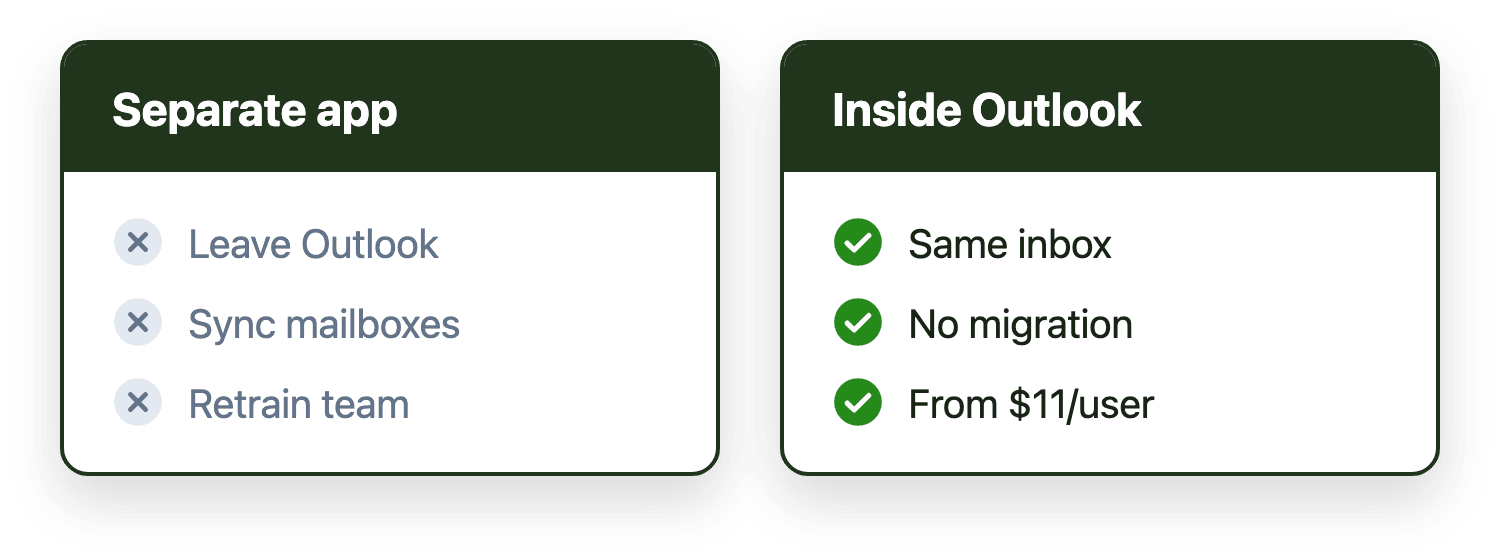
Outlook-native add-ins work inside Outlook on your existing shared mailboxes. Nothing moves, and the team's daily routine stays the same.
Standalone shared inbox apps connect your Microsoft 365 mailboxes and sync the email into their own app. The team reads, assigns and replies there instead of in Outlook.
Help desks turn each email into a ticket inside a separate platform. They add customer portals and multi-channel support, at the cost of a bigger change for the team.
At a glance
| Tool | Type | Where the team works | From (billed annually, Nov 2026) |
|---|---|---|---|
| Emailgistics | Outlook-native add-in | Inside Outlook | $11 per user per month |
| Front | Standalone app | Front's app | $25 per seat (up to 10 seats), then $65 |
| Missive | Standalone app | Missive's app | $14 per user (up to 5 users), then $24 |
| Hiver | Standalone app for Microsoft 365 | Hiver Omni | $25 per user |
| Help Scout | Help desk (lightweight) | Help Scout | $25 per user (listed price) |
| Zendesk | Help desk | Zendesk | $19 per agent (email only), $55 for the Suite |
Prices are from each vendor's pricing page in November 2026 and change often, so check before you buy.
Emailgistics
Best for: Microsoft 365 teams that want structure in their shared mailboxes without leaving Outlook.
Emailgistics runs as an add-in inside Outlook on the shared mailboxes you already have. New email is assigned automatically by rules, round robin or load balancing, so every message has exactly one owner and two people can't reply to the same email. Managers set reply and close targets by mailbox or tag, get alerts when a target is missed, and see a real-time dashboard plus reports by mailbox and by user. Message bodies and attachments stay in Exchange Online.
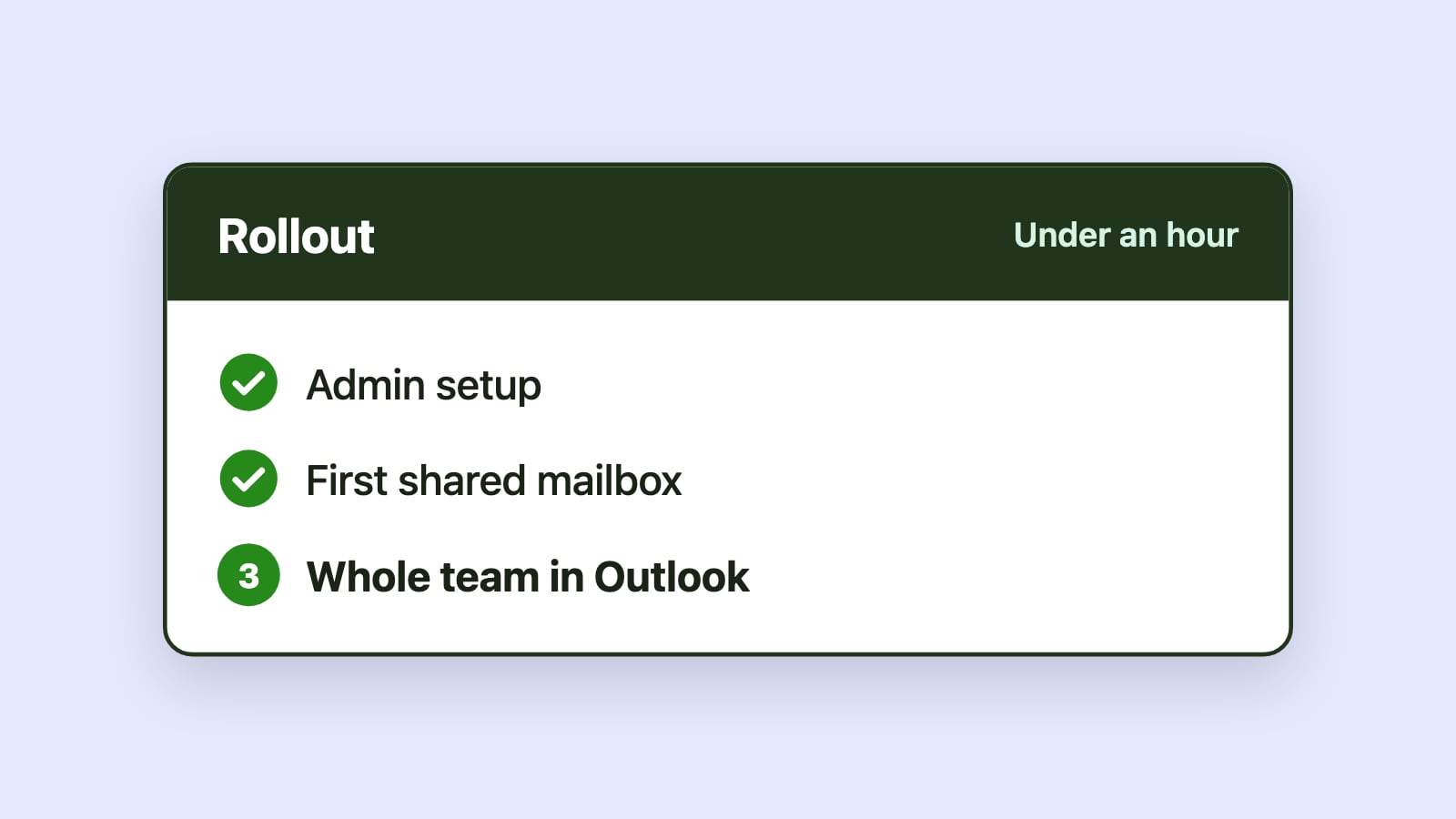
Strengths: No migration and no new app to learn; most teams are live in under an hour. SOC 2 Type II certified, HIPAA and GDPR compliant. Priced per user, with unlimited shared mailboxes.
Limitations: Built for Microsoft 365 only, and focused on email rather than chat, SMS or voice.
Price: $11, $26 or $46 per user per month billed annually. See pricing.
Front
Best for: Teams that want email, SMS, chat and social messages in one customer operations platform.
Front connects your Microsoft 365 mailboxes and syncs them into its own app, where the team assigns, comments and replies. It has strong rules, round-robin routing, collision detection and analytics, which is why it shows up in most "best shared inbox" lists.
Limitations for Outlook teams: Everyone moves out of Outlook into Front, and email is synced into Front's platform. Front's $25 Starter plan is capped at 10 seats, so a larger team starts at $65 per seat, and its AI Copilot is a $20 per seat add-on below Enterprise. Compare Emailgistics and Front.
Missive
Best for: Small teams that want shared email and team chat in one app.
Missive is its own email client. You connect your Office 365 account and shared mailboxes, Outlook folders become Missive labels, and every conversation has a chat thread next to it.
Limitations for Outlook teams: It replaces Outlook rather than working inside it, and its assignment, SLA and reporting features are lighter than dedicated shared mailbox tools. The $14 Starter plan stops at 5 users. Compare Emailgistics and Missive.
Hiver
Best for: Gmail and Google Workspace teams, where Hiver works inside the inbox.
Hiver started as a Gmail add-on. For Microsoft 365, it connects shared mailboxes to Hiver Omni, its separate app, so Outlook teams work in Hiver's interface rather than in Outlook. Compare Emailgistics and Hiver.
Help desks: Zendesk and Help Scout
Help desks make sense when the work is more than email: customer portals, live chat, phone and formal ticket records. Zendesk and Help Scout both connect to Microsoft 365, but every email becomes a ticket in their platform and agents work there. For teams whose work stays in email, that's usually more change than the problem needs. Read how shared mailboxes and help desks differ.
What about Microsoft's own tools?
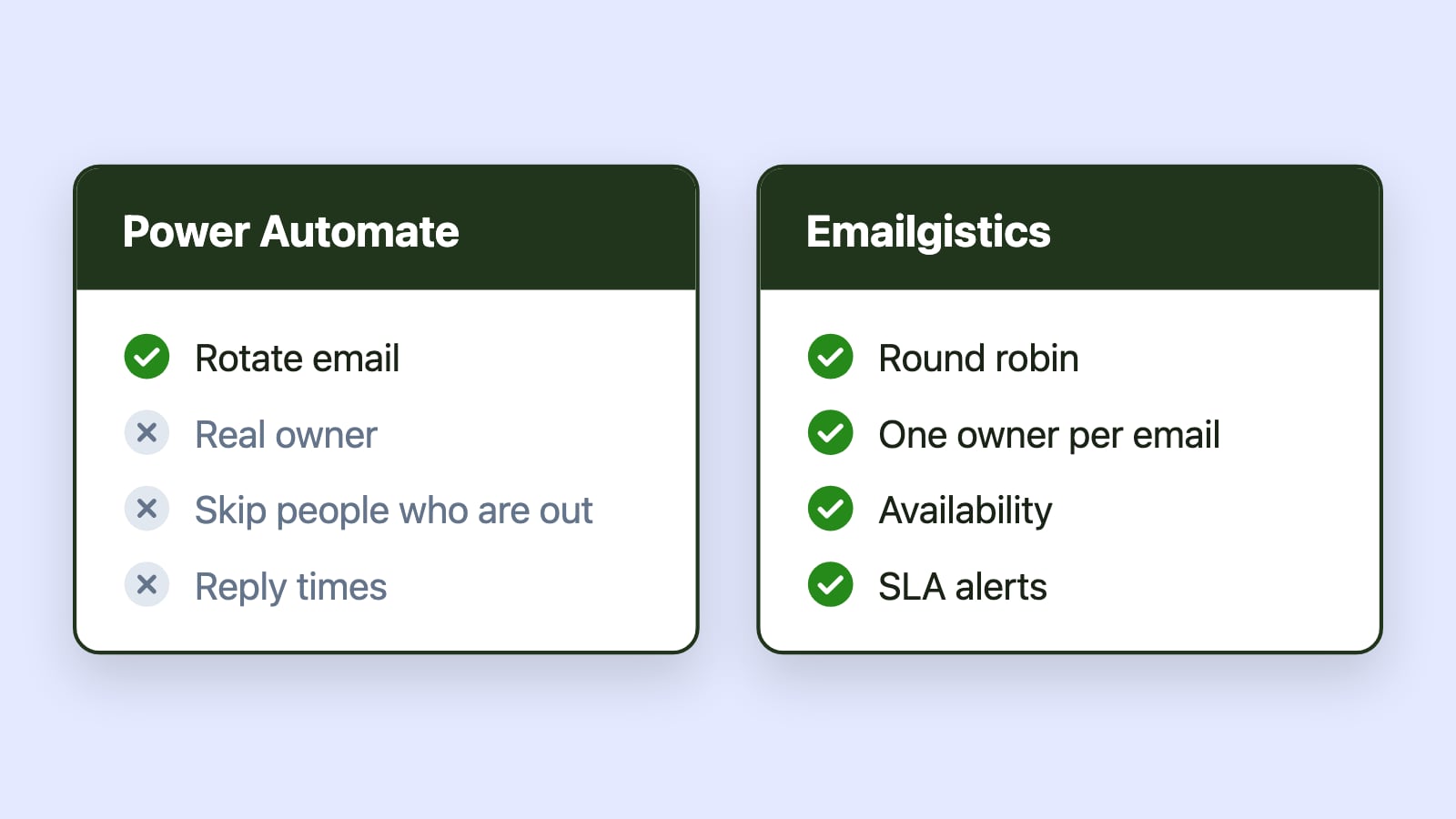
Outlook rules, Power Automate and Dynamics 365 Customer Service each cover part of the job. Rules and flows can move or forward email, but they don't create ownership, SLA tracking or team reporting, and flows need someone to maintain them. Dynamics 365 Customer Service is a full case management system priced from $50 per user per month. See whether Power Automate can assign shared mailbox email round robin and Emailgistics vs Power Automate.
How to choose
Ask three questions, in this order:
- Should the team stay in Outlook? If yes, choose an Outlook-native tool. If you're open to a new app, add the standalone apps to your list.
- Is the work only email? If you need chat, phone or a customer portal, look at a help desk.
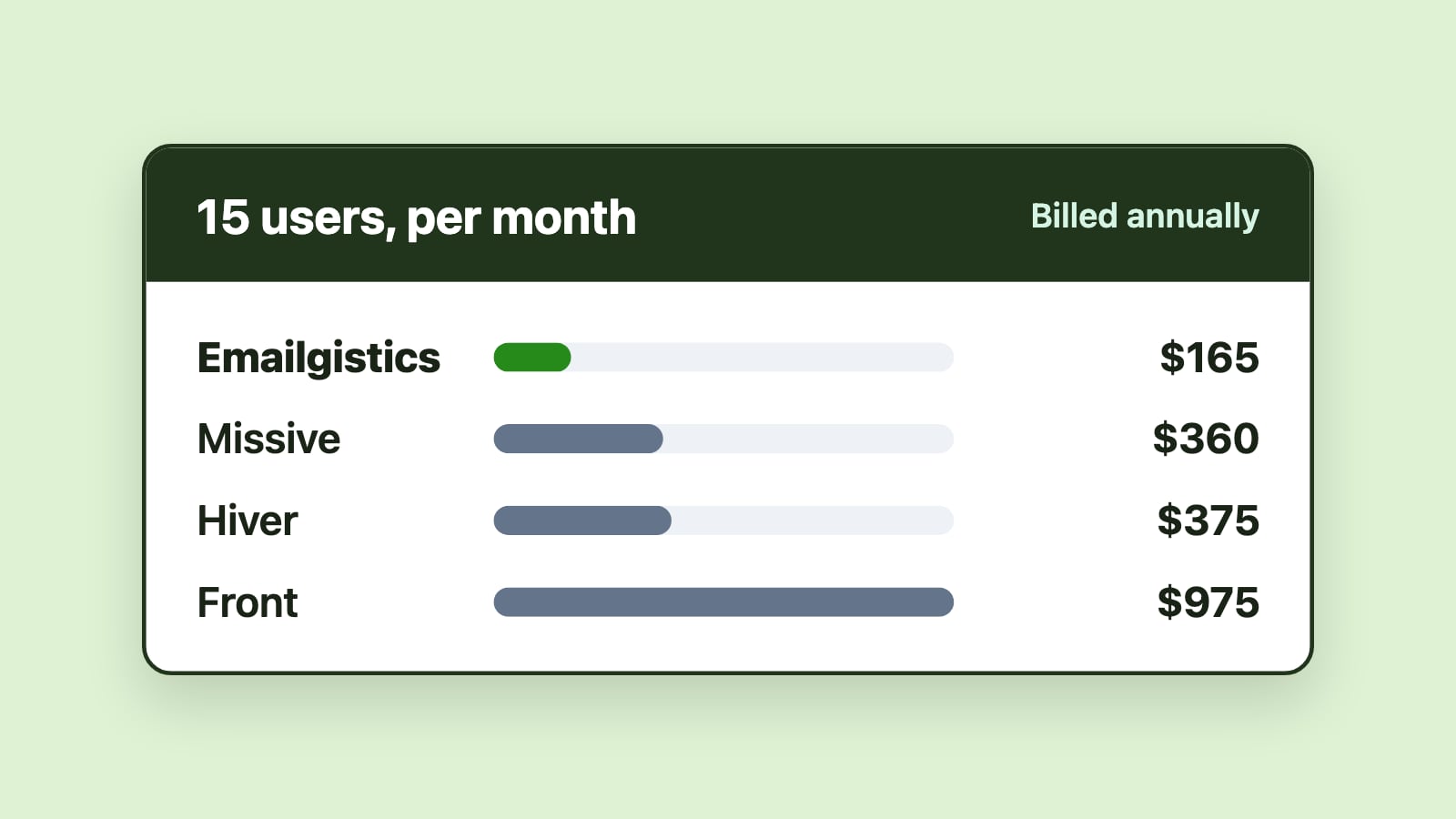
- What does it cost for your whole team? Check seat caps on entry plans and whether AI and SLA features cost extra. Our shared inbox pricing comparison works through the numbers for a 15-person team.
For most Microsoft 365 teams running support@, info@ or orders@ in Outlook, the deciding factor is change: how much the team has to change to get ownership and visibility. An Outlook-native tool keeps that change close to zero.