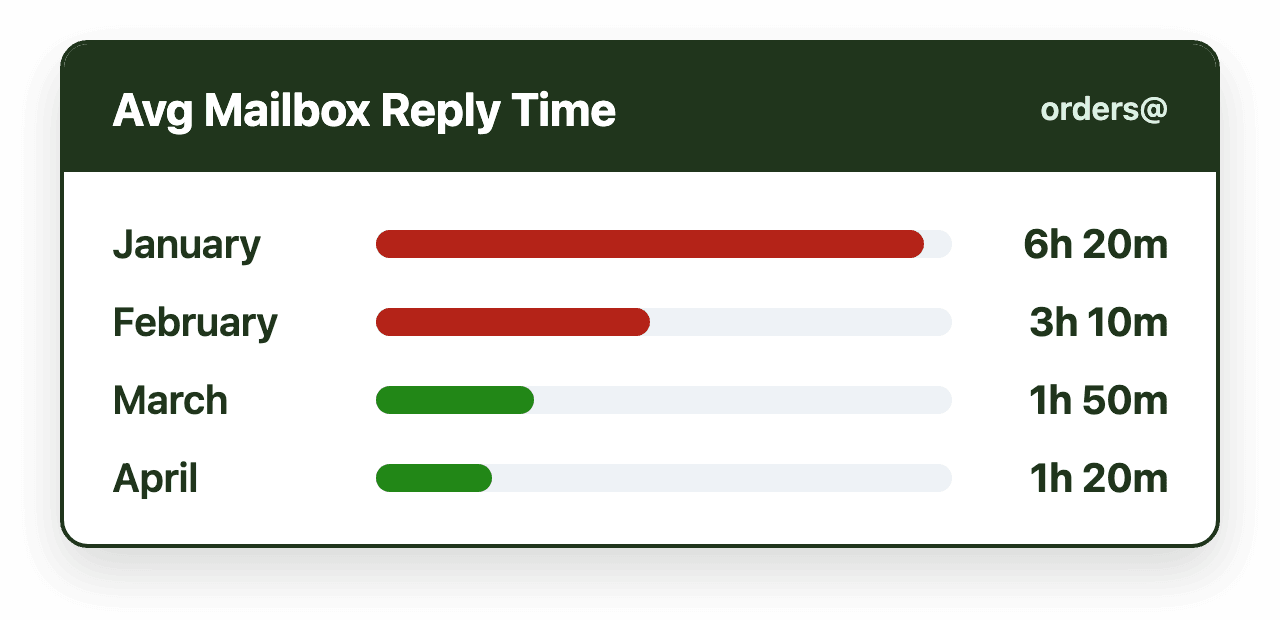
Response times in Microsoft 365 shared mailboxes improve when teams address the structural causes of delay rather than asking people to work faster. That means assigning clear ownership to every message as it arrives, reducing manual triage through routing and automation, balancing workload across the team, making waiting time visible, and using SLAs as guardrails, ideally without leaving Outlook.
Introduction
Response time is one of the most visible indicators of shared mailbox performance. When responses are slow, customers perceive poor service, internal stakeholders escalate issues, and teams feel constant pressure to "check the inbox more often." In Microsoft 365 environments, these problems frequently appear even when teams are attentive and motivated.
Slow response times are rarely caused by lack of effort. Instead, they emerge from structural friction inside shared mailboxes. When multiple people share responsibility for the same inbox, coordination becomes the limiting factor. Messages wait to be noticed, ownership is unclear, and prioritization varies from person to person.
Improving response times requires changing how shared mailbox work is organized, not simply asking people to work faster. This article defines response time in a shared mailbox context and explains the operational changes that consistently improve it for Outlook-based teams.
Definition: Response time in a shared mailbox
Response time in a shared mailbox is the elapsed time between when a message is received and when a meaningful reply is sent from the shared address.
In Microsoft 365 shared mailboxes, response time depends on more than message volume. It is shaped by how quickly a message is noticed, how ownership is established, how work is prioritized, and how delays are surfaced to the team. Because responsibility is shared, coordination overhead plays a significant role.
Most teams focus on first-response time, which reflects how quickly a sender receives acknowledgment. In many customer-facing workflows, this metric has the greatest impact on perceived responsiveness and service quality.
Why response times degrade in shared mailboxes
As shared mailbox usage scales, response delays become more likely as workflows break down. The causes are predictable and structural.
Unclear ownership is one of the largest contributors. When no one is explicitly responsible for a message, it waits. Team members may assume someone else will respond, particularly during busy periods or shift changes. The time between receipt and ownership assignment often exceeds the time required to write the response itself.
Manual triage also slows response. Messages must be read, interpreted, and routed before work begins. This introduces delay and inconsistency, especially when inbox checks are interrupted by meetings or competing priorities.
Uneven workload distribution creates bottlenecks. Some team members accumulate more work than others, and without visibility into capacity, delays compound.
Finally, lack of time awareness allows older messages to blend in with newer ones. When teams cannot see how long messages have been waiting, prioritization becomes subjective rather than objective.
Establish clear ownership immediately
The most effective way to improve response times is to ensure that every message has a clear owner as soon as it arrives.
Ownership transforms a message from "someone should handle this" into "this is being handled." When ownership is visible to the entire team and easy to reassign when necessary, idle waiting time decreases dramatically.
Explicit ownership reduces duplication, simplifies handoffs between shifts, and creates accountability that accelerates action rather than diffusing it.
Reduce manual triage through routing and automation
Manual triage delays action by inserting a decision step before work begins. Automating assignment shortens the time between receipt and ownership by removing unnecessary coordination.
Routing logic can use predictable signals such as sender type, topic indicators, historical context, or workload availability. When assignment happens automatically, human attention shifts from deciding who should respond to crafting the response itself.
Reducing triage does not eliminate judgment. It simply moves judgment later in the workflow, where it adds value rather than delay.
Balance workload to prevent bottlenecks
Response time is directly affected by how evenly work is distributed. When a small number of people handle most messages, delays increase as their capacity is exceeded.
Load balancing ensures that incoming messages are distributed sustainably across the team. By preventing overload and smoothing spikes in volume, balanced systems maintain steady throughput even during high-demand periods.
Improving response times requires not just faster action, but more predictable capacity.
Make time visible inside the workflow
Teams respond faster when time is visible. Aging indicators and response thresholds show how long each message has been waiting and which have passed their target. Instead of scanning the inbox and guessing, teams can prioritize messages that have waited the longest.
Time awareness replaces intuition with objective prioritization. This consistency improves reliability across shifts and team members.
Use SLAs as operational guardrails
Service-level agreements define acceptable response windows and provide shared expectations. In shared mailboxes, SLAs function best as guardrails rather than enforcement mechanisms.
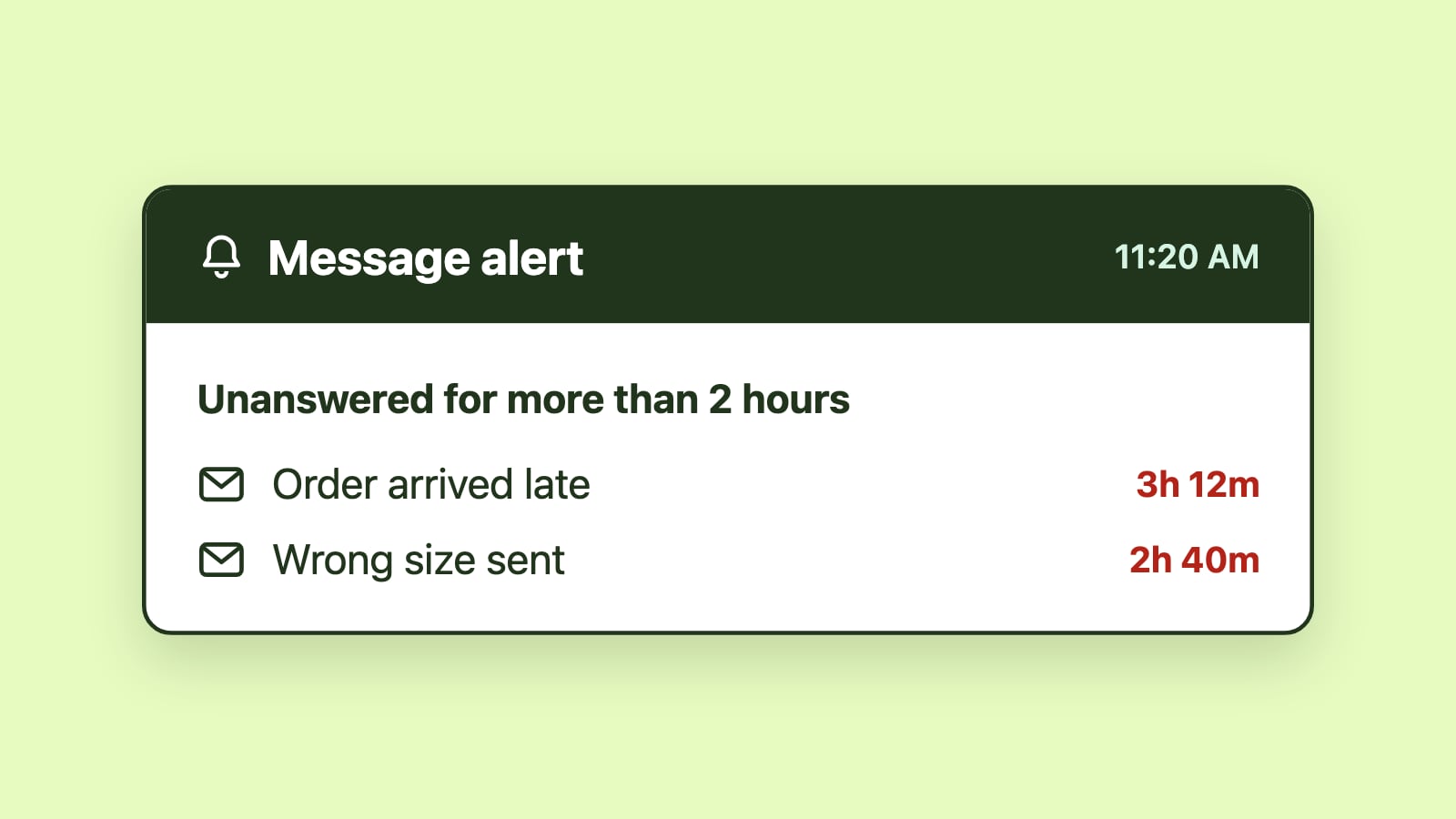
Realistic thresholds, visible indicators, and alerts when a message has waited longer than its target help teams act on delays quickly. When combined with ownership and workload visibility, SLAs reinforce faster response without creating unnecessary pressure.
Keep response workflows inside Outlook
Response times improve when teams do not need to switch tools. For Outlook-based teams, adding workflow structure inside Microsoft 365 reduces friction and increases adoption.
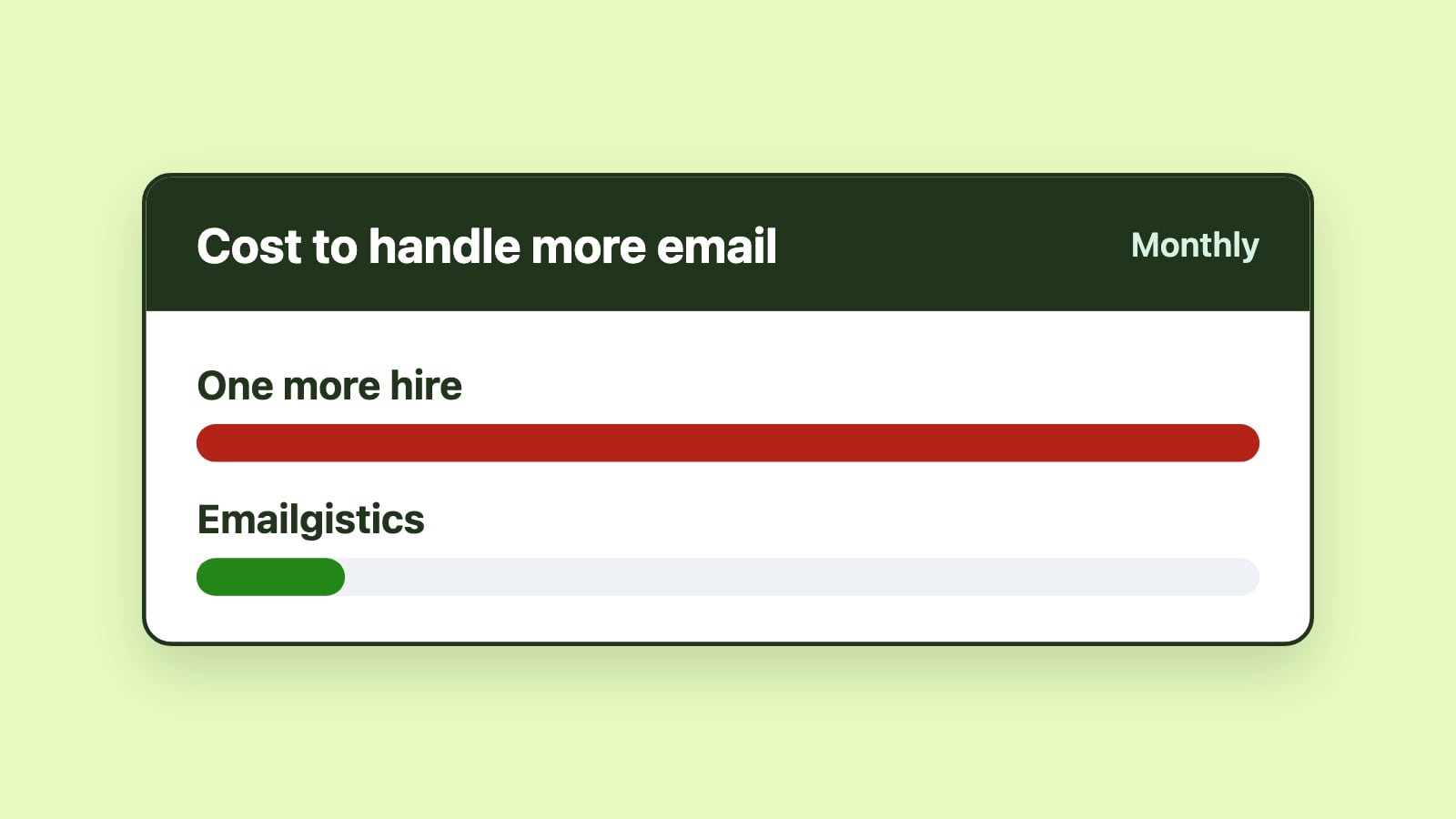
Microsoft 365-native shared mailbox management platforms, such as Emailgistics, automate email assignment, workflow routing, SLA tracking, and analytics directly within Outlook.
Conclusion
Improving response times in Microsoft 365 shared mailboxes is a structural challenge rather than a motivational one. Clear ownership, reduced manual triage, balanced workload, visible time signals, and well-designed SLAs work together to remove delay from shared inbox workflows. When these elements are in place, teams respond faster and more consistently while remaining fully embedded in Outlook.