Duplicate replies get fixed by making ownership visible, not by lecturing the team to pay closer attention. Claim a message before you reply, and make that claim visible to everyone else checking the inbox. That single habit stops most of it. Past a certain team size, automated assignment does the same job without anyone needing to remember.
Introduction
The first sign of a shared inbox problem usually isn't a missed message. It's a customer replying to say they got two different answers, or a colleague mentioning they already handled something that's about to get answered again. By the time a team lead hears about it, the damage is done, and it looks like a training issue. It isn't. It's a structural one, and it's one that a team lead can start fixing directly, without waiting for IT or a new tool.
Why duplicate replies happen in the first place
In a plain shared inbox, a message doesn't belong to anyone until someone decides to act on it. Two people can open the same email, both intend to help, and neither has any way of knowing the other is already drafting a reply. This isn't carelessness. It's the predictable result of an inbox with no ownership signal built in.
The same root cause shows up as wasted effort even when a duplicate reply never actually goes out: two people research the same issue, or two people draft a response and only one sends it, quietly burning time that didn't need to be spent twice.
The cost is bigger than the awkward moment
A duplicate or conflicting reply is the visible symptom, but the underlying cost runs deeper. Customers notice when a team doesn't seem to talk to itself. Team members either over-check the inbox out of anxiety that something's been missed, or under-check it assuming someone else has it, and both reactions make the coordination problem worse, not better.
What a team lead can fix this week
Agree on an explicit ownership rule. The simplest fix costs nothing: claim a message before replying, and make that claim visible to the rest of the team, whether that's a quick note in a team channel or a shared convention everyone actually follows. This alone stops most duplicate replies, because the second person checking the inbox now has a way to know someone's already on it.
Stop relying on folders to signal status. Moving a message into a "working on it" folder feels like progress, but it doesn't communicate anything to a teammate scanning the inbox from a different view. Folders organize storage, not ownership, and treating them as the same thing is one of the more common reasons this problem persists even after a team tries to fix it informally.
Make ownership visible at the moment a message arrives, not after someone gets around to claiming it. A quick daily habit of confirming who owns what in flight, even a two-minute standup check, closes most of the gap that leads to duplicate work.
Where automation removes the guesswork
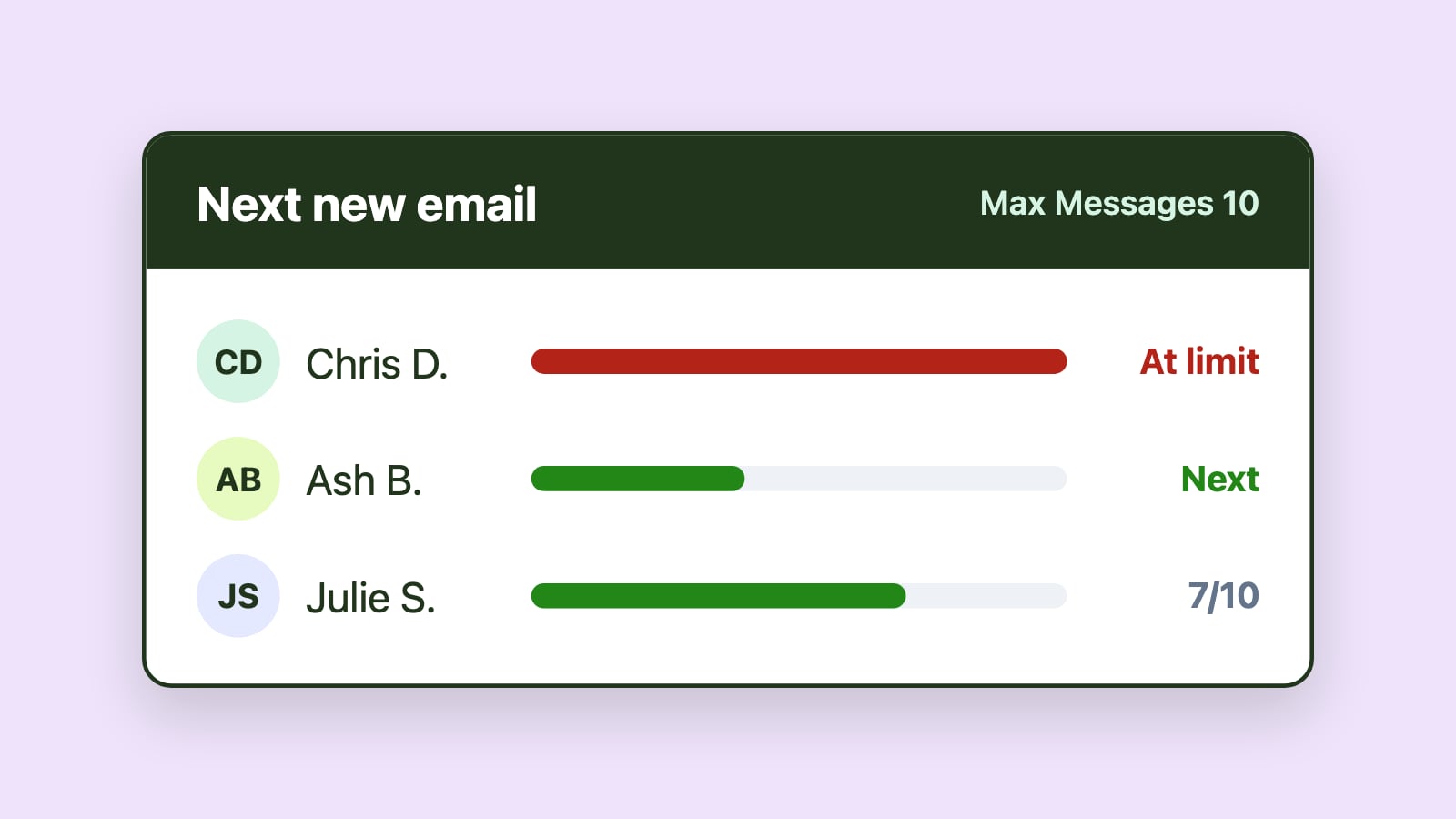
Team norms fix this up to a point. Past a certain volume or team size, relying on people to remember to claim messages and communicate that clearly stops holding up, especially across shifts or when someone's out. That's where automated assignment helps directly: a message gets an owner the moment it arrives, with no dependency on someone noticing or announcing it. Better visibility into who's working on what closes the rest of the gap, so a team lead can see ownership at a glance instead of asking around.
When this is bigger than a team-lead-level fix
If duplicate replies and unclear ownership keep recurring even after the team has agreed on norms, that's usually a sign the inbox has outgrown what manual coordination can support. At that point, it's worth raising with IT or leadership as a structural conversation rather than continuing to solve it person by person. Before that conversation, the 8-question SMAF assessment is a fast way to pinpoint exactly which maturity level the team is stuck at and what's missing to move past it. The same lack of structure often shows up as wasted time on manual triage elsewhere in the inbox, and the 2026 comparison of team email management software is a reasonable next stop once the team is ready to evaluate a tool.
Conclusion
Duplicate replies and unclear ownership aren't a sign the team isn't paying attention. They're a sign the inbox never had a way to show who's responsible for what. A team lead can start closing that gap today with clear norms and a shared understanding of ownership, and know exactly when the team has outgrown what norms alone can fix.