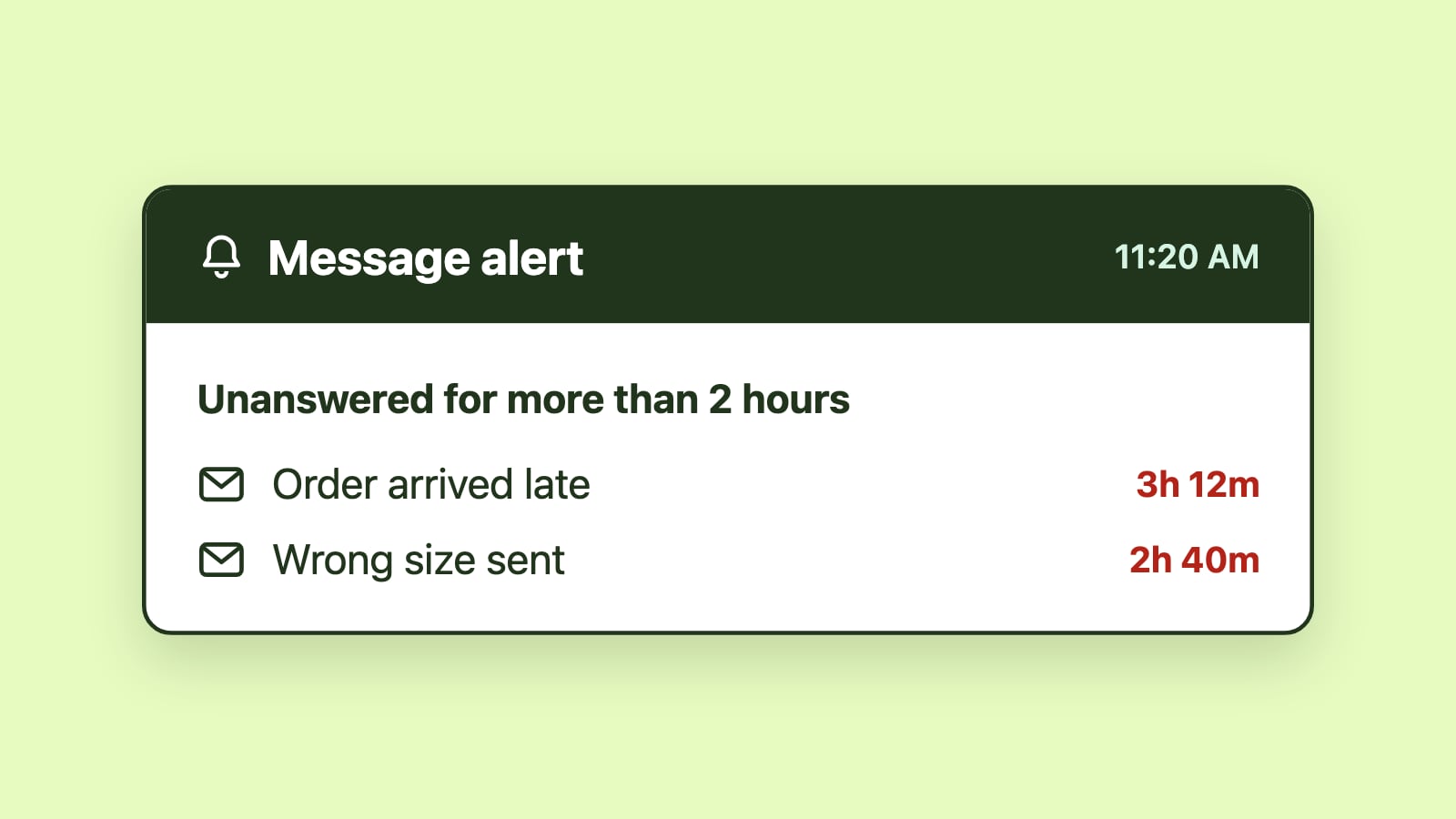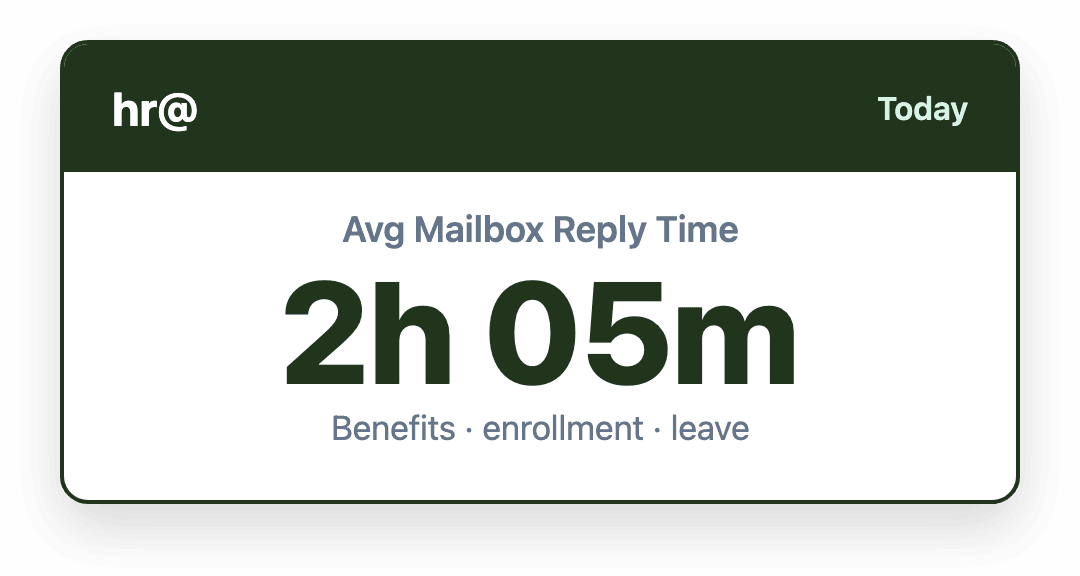
HR questions carry real deadlines that don't look urgent from the outside. An enrollment window closes on a fixed date, and it won't send a warning before it does, so missing it can lock someone out until the next cycle. Response-time tracking flags that kind of message once it has waited longer than the team's target, while there is still time to answer before the deadline, catching what a shared inbox alone would let slip by unnoticed.
Introduction
HR doesn't usually think of itself as needing "SLA tracking." That's language built for support teams, tickets, and customer-facing response-time promises. But an employee waiting on a question about their benefits enrollment, or a decision on a leave request, is experiencing exactly the same kind of wait a support ticket represents, often with a harder deadline attached than most support inquiries ever carry.
HR inboxes have real deadlines, even when they don't feel like it
A benefits enrollment question isn't just a request for information. Enrollment windows close on a fixed date, and an employee who doesn't get an answer in time can be locked out of a plan change until the next open enrollment period, sometimes months away. That's not a slower version of good service. It's a different outcome entirely, and it's one that can't be undone after the fact.
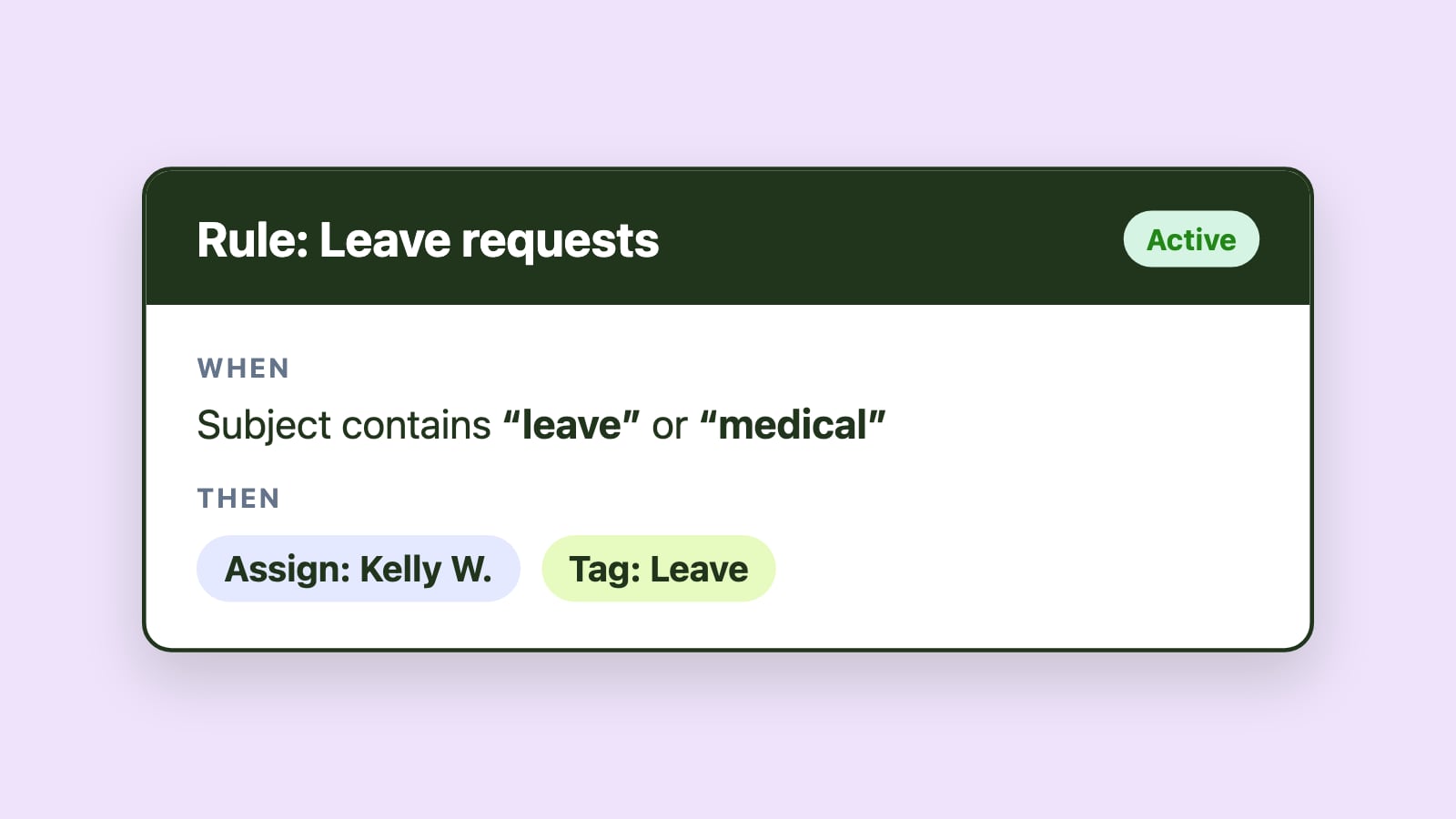
Leave requests and accommodation questions carry their own timelines, tied to internal processes and often to legal requirements that vary by situation. And even routine policy questions, while not urgent in the same way, have a slower-moving cost: an employee who doesn't hear back learns not to ask next time, which is exactly the outcome HR doesn't want when something actually matters.
Why response time usually isn't tracked at all
Part of the reason is framing. HR doesn't see itself as a support function, so the instinct to measure response time the way a support or sales team would never really takes hold.
Part of it is structural. A plain shared hr@ inbox has no way to show which messages have been waiting too long. A manager can see how many messages are in the inbox, but not which specific one is three days from an enrollment window closing. By the time a missed deadline becomes visible, it's already too late to fix.
What tracking response time actually buys HR
The value isn't turning HR into a support desk. It's catching a message before its deadline passes instead of after, which is a meaningfully different outcome for the employee involved. It also means HR can show, if a decision is ever questioned, that a request was handled within a consistent and reasonable timeframe rather than relying on memory of what happened.
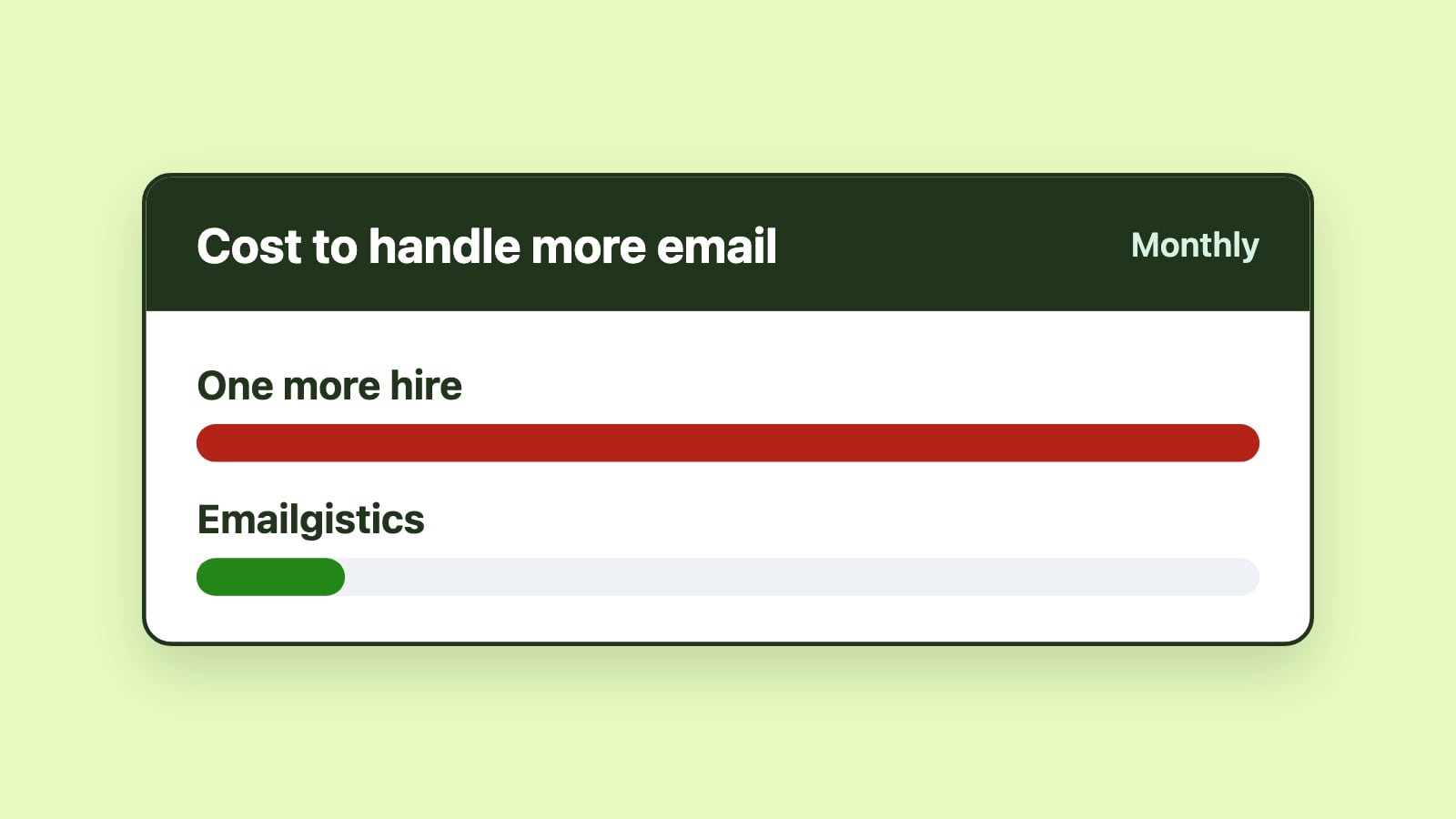
During predictable volume spikes, open enrollment being the clearest example, response-time visibility also shows when incoming volume is outpacing what the team can realistically handle, early enough to redistribute work or bring in temporary help before backlog becomes the story.
This doesn't mean treating employees like tickets
It's worth being direct about the difference between this and a customer support framing. Employees aren't customers moving through a queue, and importing that tone into HR communication would cost more trust than it builds. Response-time tracking here is meant to run behind the scenes: it tells HR staff and managers what's aging and how long it has waited, without changing how the interaction feels on the employee's end. The goal is making sure nothing gets forgotten, not processing people faster.
This pairs directly with keeping sensitive HR communication properly routed: visibility into timing and visibility into who should see what are solving two different problems in the same inbox, and most HR teams need both.
Getting started without changing how HR feels to employees
The mechanics are the same ones covered in using SLA tracking in shared mailboxes generally: flagging messages as soon as they wait longer than a set target, rather than only reporting on missed deadlines after the fact. Applied to hr@, with a target set well inside the enrollment window, that means a benefits question gets flagged while there's still time to answer it, not discovered after the enrollment window has already closed.
Once you're ready to look at what adds this kind of visibility, the 2026 comparison of team email management software covers the specific options.
Conclusion
HR inquiries rarely get treated as time-sensitive, but a real share of them are, with consequences that don't get a second chance once a deadline passes. Tracking response time doesn't mean running HR like a help desk. It means knowing which message has waited too long before the employee waiting on it finds out the hard way.