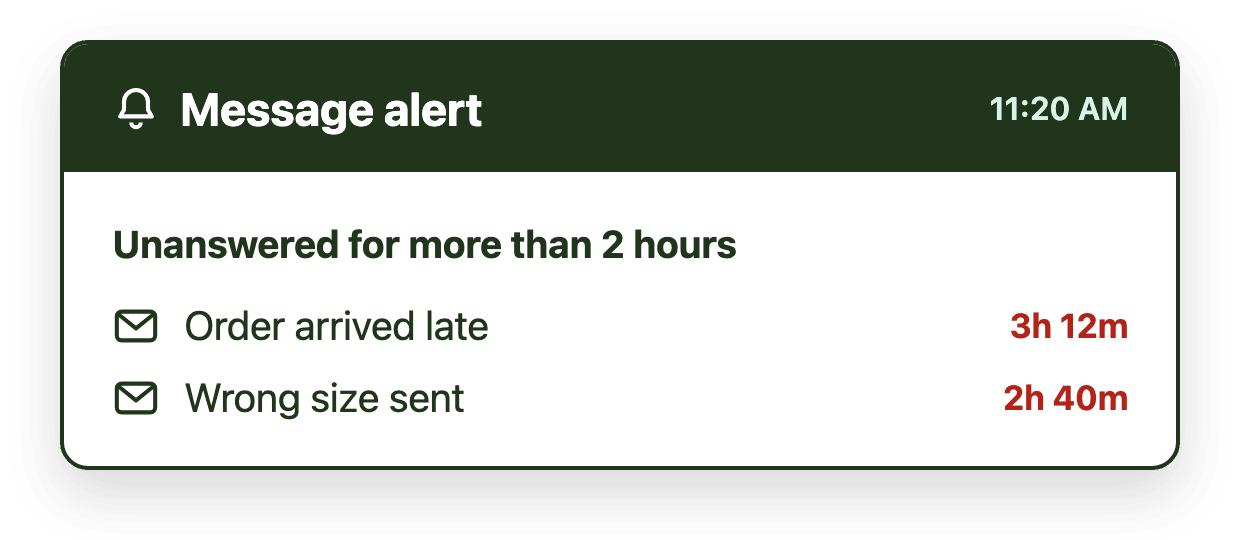
Shared inbox teams miss SLAs for three reasons, not one. No one explicitly owns each message, so it sits unclaimed. No one can see it aging, so a breach only comes to light when a customer complains. And manual triage collapses once volume climbs. The fix isn't asking agents to move faster. It's automatic assignment, real-time visibility into message aging, and routing by rule instead of memory.
Introduction
Support and CX managers rarely find out about an SLA problem from a dashboard. They find out from an escalation, a frustrated customer, or a manager asking why a routine question sat untouched for two days. By the time it becomes visible, the team usually assumes the fix is "respond faster." In a shared inbox, that's almost never the actual problem.
Response speed is a downstream metric. The real causes of missed SLAs happen earlier, before an agent ever opens the message, and they're structural rather than behavioral. This article walks through what those causes actually are and what fixes address them directly, rather than asking an already-busy team to simply try harder.
The real reasons SLAs get missed
No one explicitly owns the message
In a plain shared mailbox, every message is technically everyone's responsibility, which in practice means it's no one's. Agents assume a colleague is handling something, or a message gets opened, read, and left for later without anyone claiming it. Common shared mailbox mistakes like this compound quickly once volume increases past what a small team can track by memory.
Aging isn't visible until it's too late
Most shared inboxes have no way to show how long each message has been waiting. A manager might see total volume, but not which specific emails have waited longest right now. Breaches go unnoticed until a customer follows up or a monthly report shows them.
Manual triage breaks down as volume grows
Sorting incoming email by topic, urgency, or the right person to handle it works fine at low volume and falls apart at scale. When triage depends on someone manually reading and redirecting every message, response times become a function of how busy that person is that day, not how urgent the message actually is.
Managers can't coach what they can't see
Even when a manager wants to improve SLA performance, most email management dashboards built into a plain inbox don't break performance down by agent, tag, or mailbox. Without that visibility, coaching becomes generic advice instead of a targeted fix.
The fixes that actually work
Make ownership explicit and automatic
The most direct fix for the ownership problem is assignment that happens automatically on arrival, not manually after the fact. When every incoming message is assigned the moment it arrives, "I thought someone else had it" stops being possible.
Make message aging visible in real time
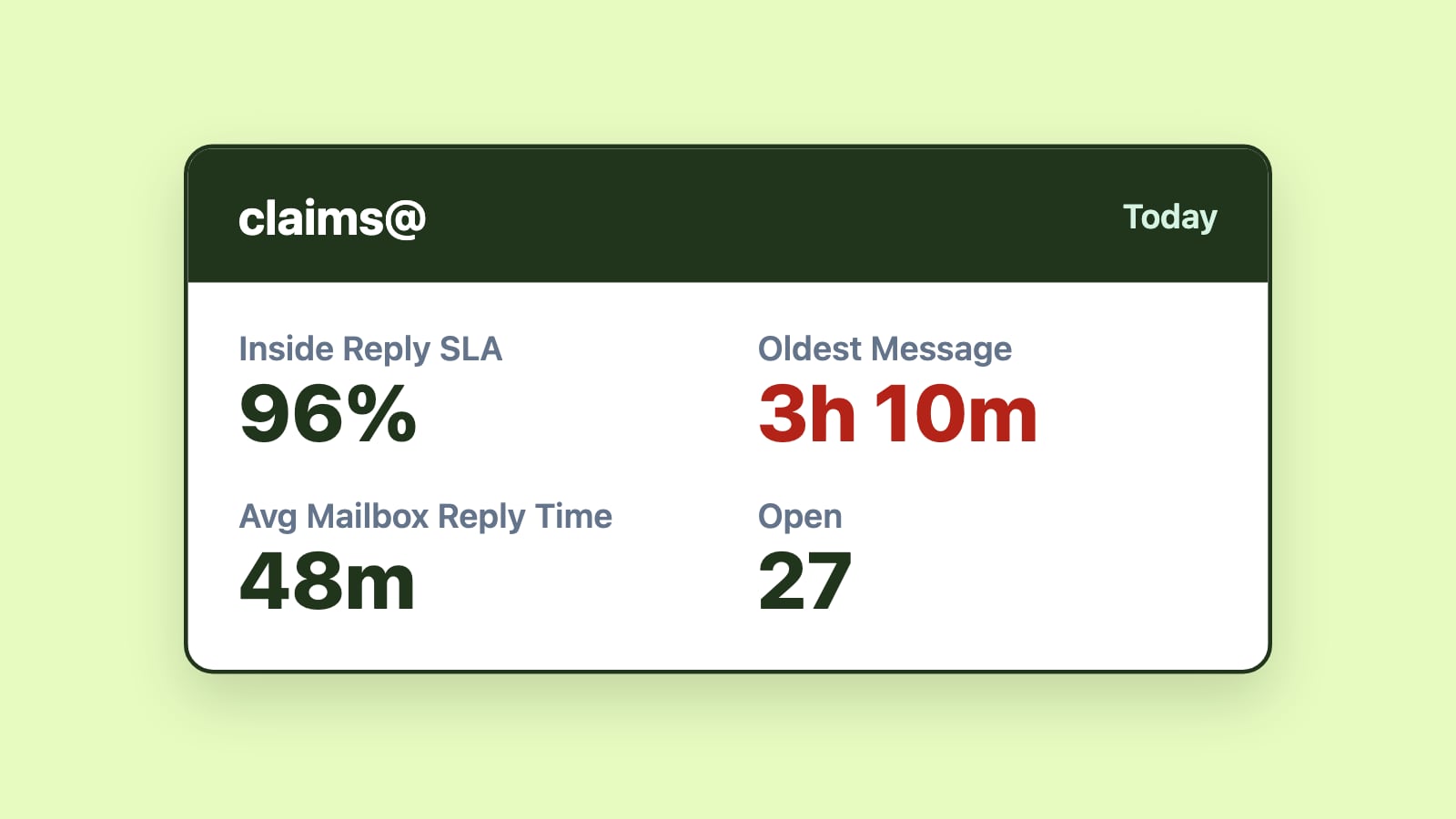
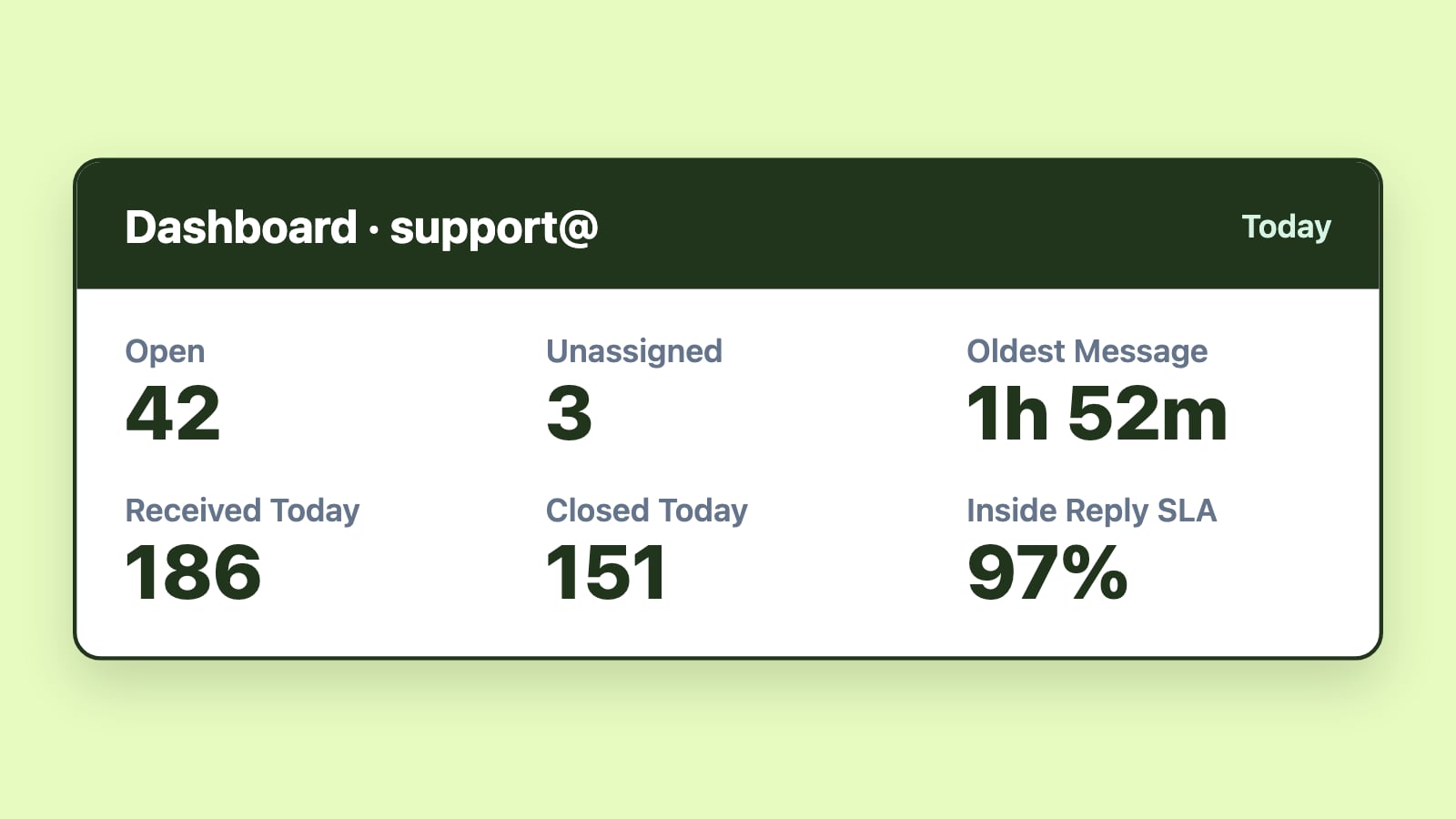
SLA tracking that shows which messages have waited longest and alerts managers as soon as a message passes its response-time target, rather than only reporting on breaches in a monthly review, turns SLA management from a monthly report into a daily practice. Agents and managers can both see what needs attention right now.
Route by rule, not by memory
Automated routing based on sender, keyword, category, or team availability removes triage as a bottleneck. This matters more as support volume grows; the busier the inbox, the more manual triage costs the team in time and consistency.
Give managers a real performance view
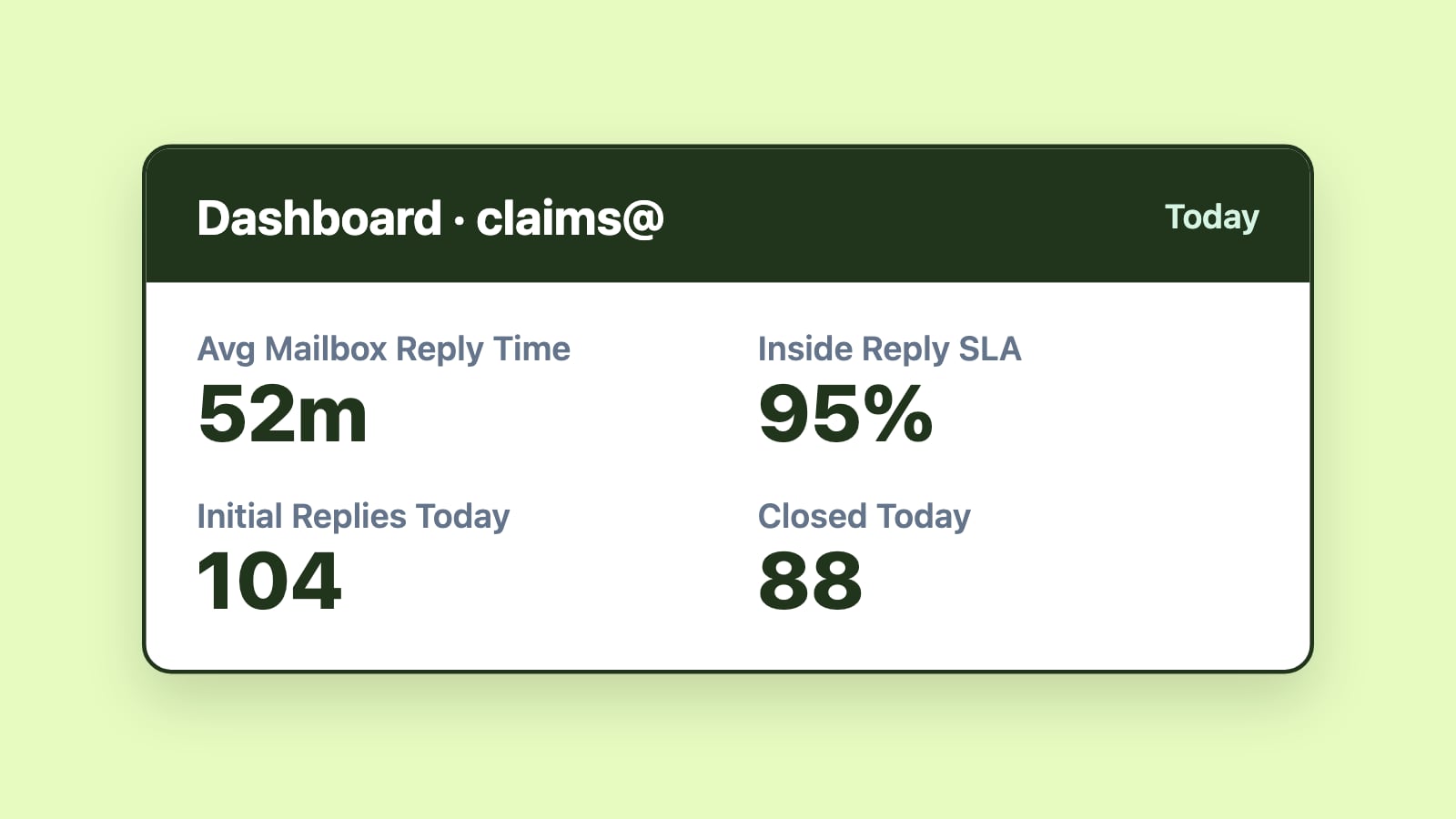
Reporting broken down by agent, mailbox, and tag turns "the team is missing SLAs" into "these three tag types are breaching most often, on these two agents' queues." That specificity is what makes coaching effective instead of generic.
Customer service teams that have implemented this combination, explicit ownership, real-time SLA alerts, automated routing, and manager-level reporting, have measured the results directly. Acquis improved SLA tracking and gained clearer team insights using exactly this approach, and Aviso boosted its SLA success rate across multiple inboxes the same way.
Does this mean switching away from Outlook?
Not necessarily. Shared inbox tools and help desks solve this differently: a full help desk applies these same fixes, ownership, SLA tracking, routing, and reporting, inside its own ticketing interface, which means the team leaves Outlook for a new platform. A shared inbox tool applies the same fixes directly on top of the mailbox the team already uses, so the workflow doesn't change even though the visibility does.
Which approach fits depends mostly on whether support is the only channel the team handles by email, or whether it needs to expand into chat, voice, or a customer portal. If you're weighing the specific products in each category, the full 2026 comparison of team email management software breaks down the leading options side by side.
Conclusion
Missed SLAs in a shared inbox are a symptom of unclear ownership, invisible aging, manual triage, and blind-spot reporting, not a symptom of agents working too slowly. Fix the structural causes and SLA performance, along with the CSAT that follows it, tends to improve on its own. The question worth asking isn't "how do we get the team to respond faster." It's "why doesn't anyone know how long a message has been waiting until it's already too late."